

The good news is that laser printer envelopes are not hard to identify once you know what to look for. This guide covers the four factors that determine laser printer compatibility, which specific formats at Business Envelopes work reliably in office laser printers, and which formats to avoid entirely. For setup instructions, feed direction, and media type settings, see the Complete Guide for Laser, Inkjet, and Bulk Office Printing.
How a Laser Printer Handles an Envelope
Understanding why some envelopes fail in laser printers starts with how the printer works. A laser printer uses a fuser unit to bond toner to paper by applying heat and pressure. Fuser temperatures typically run between 180 and 230 degrees C. Every envelope that passes through a laser printer travels through that fuser.
This heat and pressure is what creates the four failure modes specific to laser printers:
- Adhesive activation: Peel-and-seal adhesive exposed in the paper path activates under fuser heat and seals the envelope shut.
- Window film melting: Standard poly-film window inserts soften or warp under fuser heat, damaging the fuser roller and voiding most printer warranties.
- Stock curling: Envelopes on thin stock (20 lb or lighter) absorb fuser heat unevenly and curl, causing downstream jams.
- Seam ridges: Diagonal seams create raised ridges across the envelope face that catch on the fuser rollers, producing skewed printing or feed failures.
Every laser printer envelope specification exists because of one of these four failure modes. Once you understand the failure mode, the specification makes immediate practical sense.
The Four Factors That Determine Laser Printer Envelope Compatibility
Factor 1: Stock weight (24 lb or 28 lb)
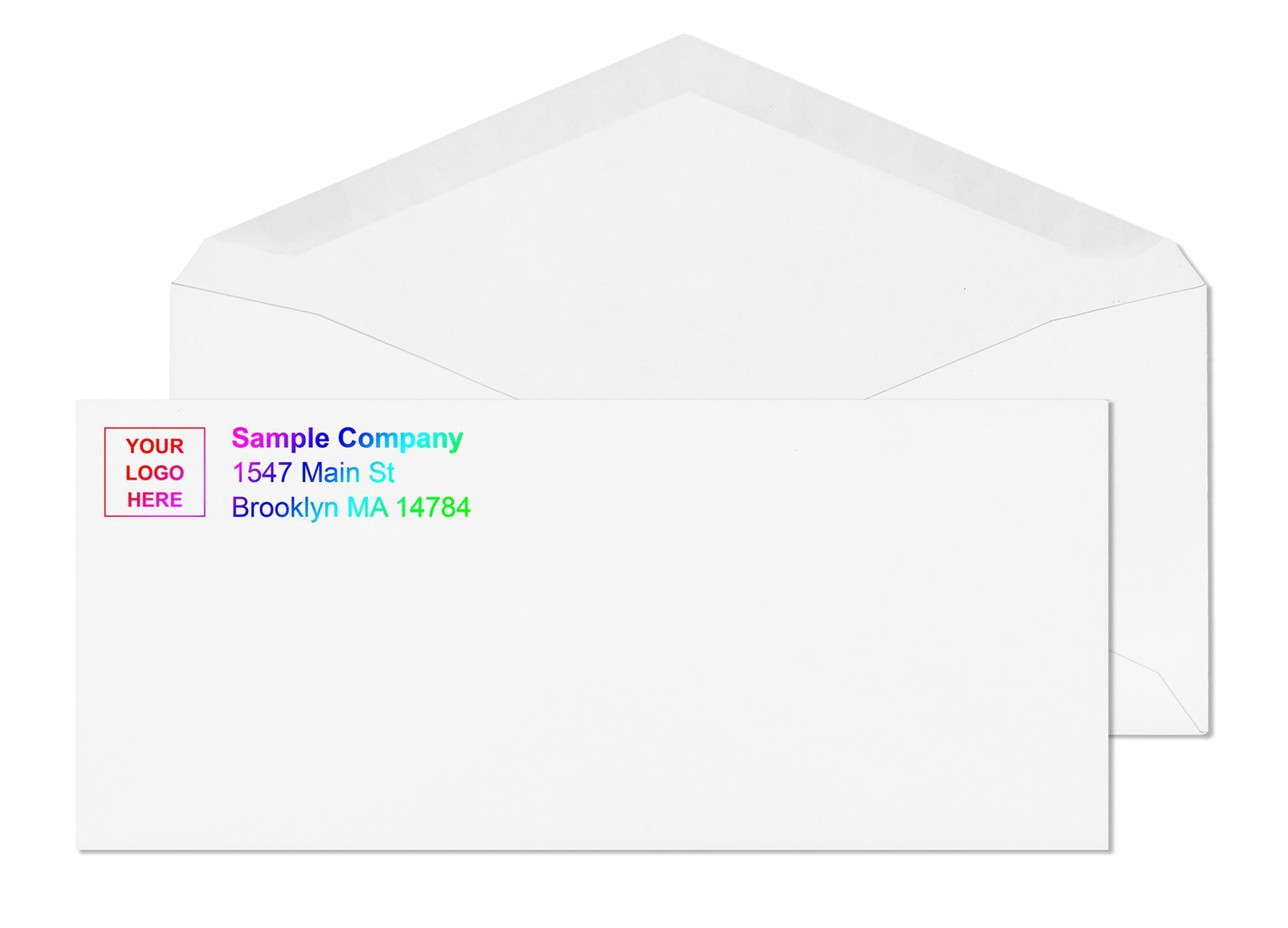
Stock weight is the most important factor for laser printer envelope compatibility. The weight affects how the envelope feeds through the paper path, how it handles fuser heat, and whether it curls after printing.
| Stock Weight | Laser Printer Compatible | Feed Reliability | Best Use |
|---|---|---|---|
| 20 lb | Not recommended | Poor , skews, jams, curls under fuser heat | Low-volume inkjet only |
| 24 lb | Yes , standard laser weight | Consistent in most office laser printers | Standard business laser printing |
| 28 lb | Yes , preferred for volume | Excellent , rigidity reduces jams significantly | High-volume laser runs, straight-through paths |
All white wove envelope stock at regular envelopes and #10 envelopes runs at 24 lb, the standard laser printer weight. The 28 lb brown kraft formats are not typically used for laser printing because kraft stock absorbs toner differently than white wove and the color limits readability of the printed address.
Factor 2: Seam construction (side seam preferred)
Envelope seams are the bonded edges that hold the envelope body together. There are two main types: side seam and diagonal seam.
| Seam Type | Construction | Laser Printer Performance |
|---|---|---|
| Side seam | Seams run along left and right edges of the face | Large flat uninterrupted print surface, consistent fuser contact, preferred for laser |
| Diagonal seam | Seams run from corners toward center | Diagonal ridges across face can cause uneven toner application in some laser printers |
All standard commercial business envelopes at Business Envelopes use side seam construction. The #10, #9, and commercial formats in the catalog are side seam by default. This is one of the reasons commercial business envelopes feed more reliably in laser printers than envelopes purchased from retail stationary stores, which often use diagonal seam construction.
Factor 3: Closure type (gum flap or laser-safe peel-and-seal)
Closure type determines whether adhesive contacts the fuser during printing. This is where most laser printer envelope failures happen in practice.
| Closure Type | Laser Printer Compatible | Risk |
|---|---|---|
| Gum flap (moistenable) | Yes , fully compatible | No adhesive in the paper path during printing |
| Laser-safe peel-and-seal | Yes , with liner in place | Adhesive under liner on flap only; does not contact fuser |
| Standard peel-and-seal (non-laser-rated) | Not recommended | Adhesive may contact fuser path; seals shut prematurely |
| Flip-and-stick / exposed adhesive | Not recommended for laser printing runs | Exposed adhesive activates under fuser heat |
| Metal clasp | No | Metal clasp damages rollers and fuser |
Factor 4: Window film (heat-resistant poly-film only)
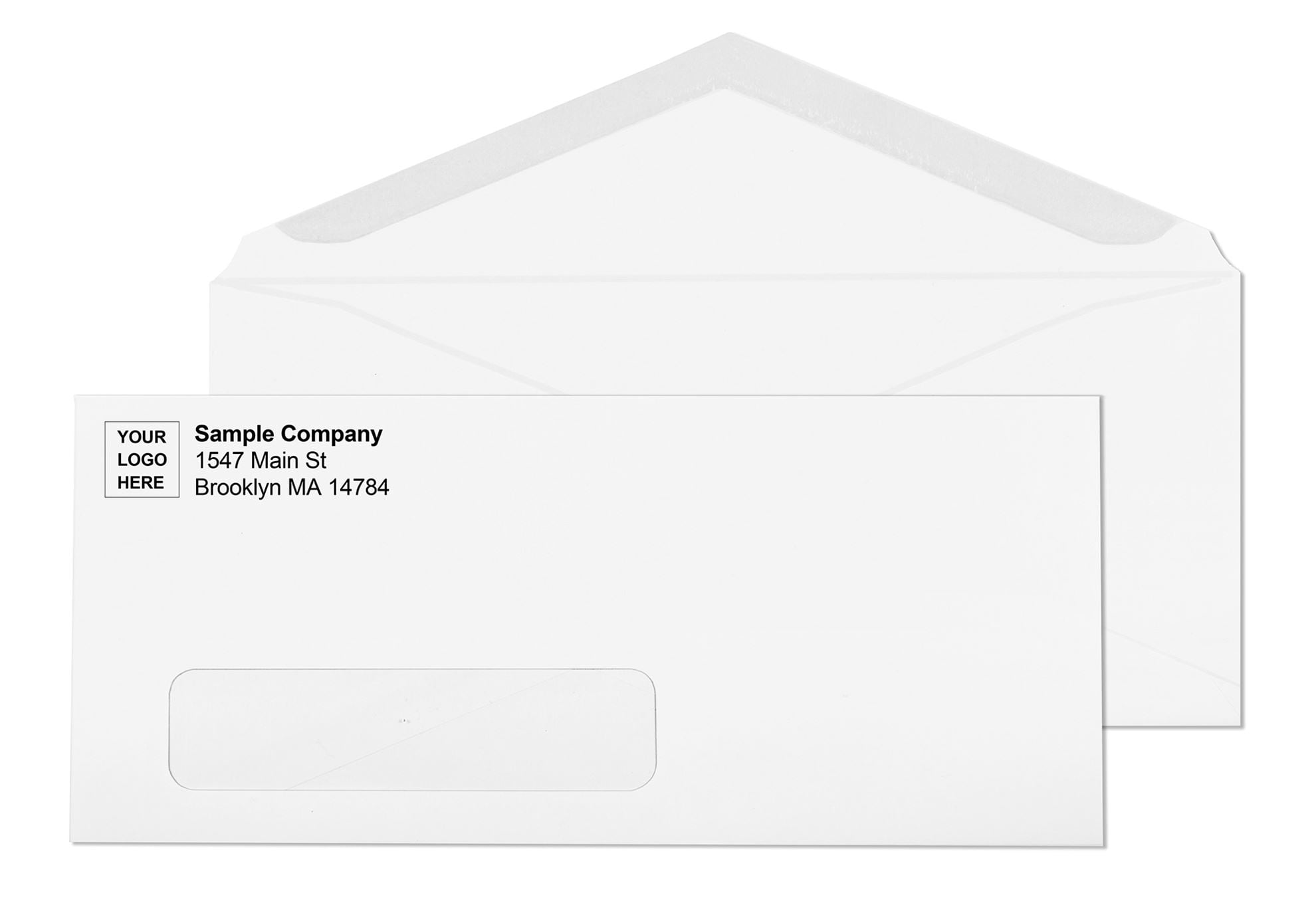
Window envelopes present the highest laser printer risk of any format. Standard window film is not heat-resistant. At fuser temperatures between 180 and 230 degrees C, standard window film softens, warps, and can partially melt onto the fuser roller. A melted window contaminates the fuser unit and voids most printer warranties. The repair cost of a damaged fuser typically runs several times the cost of a case of envelopes.
Laser-safe window envelopes use a heat-resistant poly-film that withstands fuser temperatures without softening or releasing emissions. The window remains clear and flat through the fuser. If you print addresses through the printer onto envelopes that already have windows, always confirm the product is rated laser-safe.
At Business Envelopes, window envelope formats specified for laser printing use heat-resistant poly-film. The window envelopes catalog includes the window specification for each format. For billing and statement programs where the address shows through the window from an enclosed document, the window film rating is less critical. In that workflow, the envelope does not pass through the laser printer at all.
★★★★★
"These envelopes are a great choice, the price and quality and peel-seal make them my favorites to purchase."
Barbra Chin | Verified buyer, #10 Window Business Envelopes Peel and Seal Security Tinted
Source: businessenvelopes.com product reviews
Laser Printer Envelopes: What to Buy at Business Envelopes
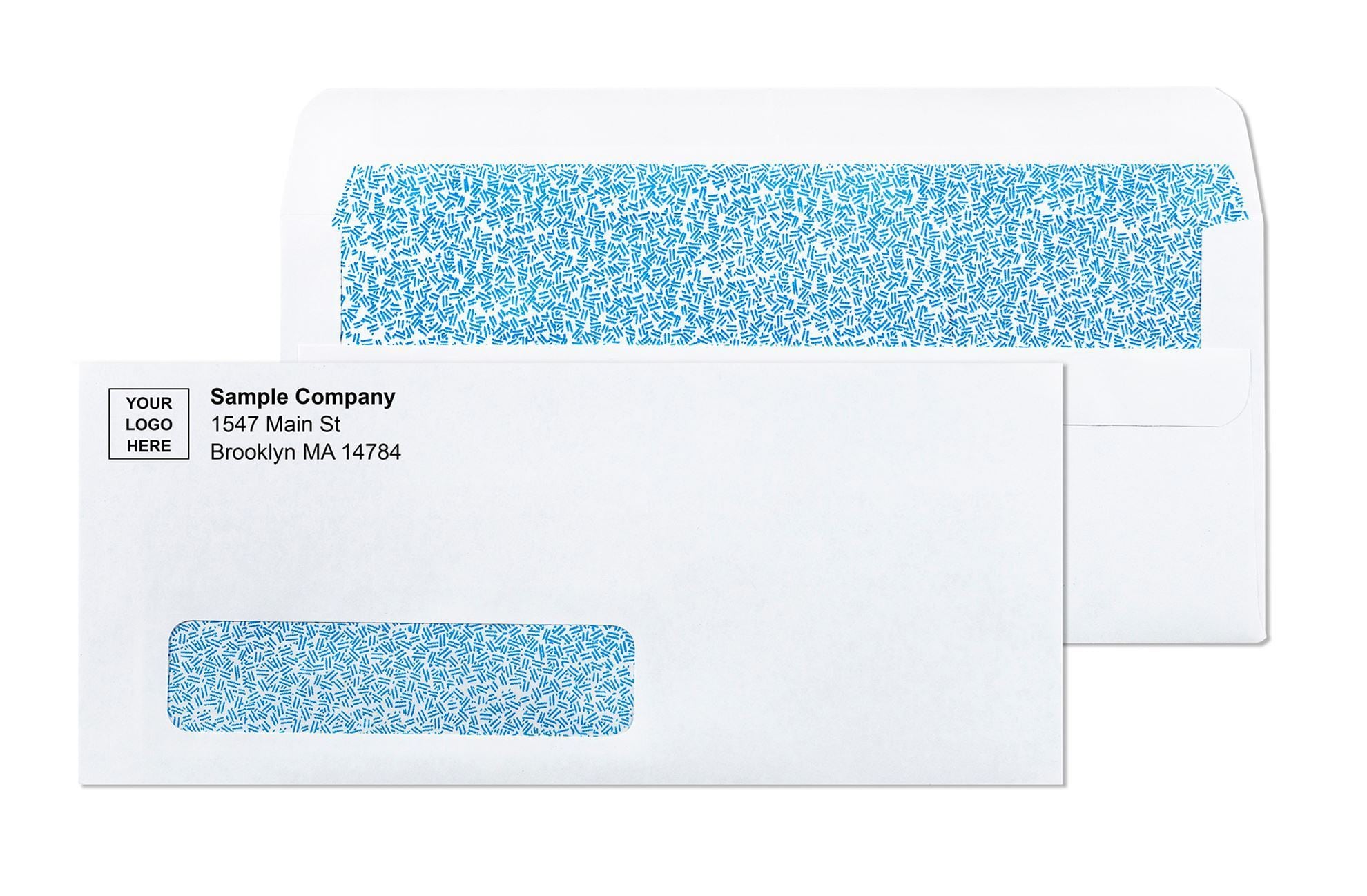
Using the four factors above, here is a practical buying guide for the most common laser printer envelope use cases:
For printing return address and logo on outgoing business envelopes
The standard format is a #10 white wove, 24 lb, gum flap, side seam. This is the most commonly laser-printed envelope format in US offices. The gum flap eliminates any adhesive risk during printing, the 24 lb stock feeds consistently, and the side seam provides a flat uninterrupted print surface. Available blank for in-house printing or custom-printed with your logo and return address. See all formats at #10 envelopes.
For printing addresses on window envelopes
If you are printing directly on window envelopes in a laser printer, use formats explicitly rated laser-safe with heat-resistant poly-film windows. This applies when you are printing the recipient address on the envelope face rather than displaying it through the window from the enclosed document. The window film must withstand fuser temperature without softening. See all window envelopes for available formats.
For billing and statement programs with variable-data printing
Variable-data billing programs that print different recipient names and addresses on each envelope are the highest-volume use case for laser printer envelopes. The correct format is 24 lb white wove, side seam, gum flap or laser-safe peel-and-seal, with security tinting if the contents are financial or personal. For programs using pre-printed custom stock where only the variable address changes per piece, see custom printed envelopes.
For self-sealing envelopes in laser printing programs
Self-seal envelopes in laser printing programs require care. The general rule: print first, seal after. Never run a pre-sealed envelope through a laser printer. For peel-and-seal envelopes, keep the liner in place during the laser printing run and seal after removing the printed envelope from the printer. For flip-and-stick formats, the exposed adhesive strip should not enter a laser paper path. When self-seal is a requirement for the program, use gum flap stock for the laser printing run and seal using a countertop moistener. See all self seal envelopes for format options.
★★★★★
"No transparency, adhesion works great and price is great!"
Joe Morgan | Verified buyer, #10 Window Business Envelopes Peel and Seal Security Tinted
Source: businessenvelopes.com product reviews
Laser Printer Envelope Formats to Avoid
| Format | Why to Avoid | Risk |
|---|---|---|
| Metal clasp envelopes | Metal clasp contacts and damages rollers | Printer damage, potential warranty void |
| 20 lb stock | Too flexible for consistent laser feed | Jams, skewed printing, post-print curling |
| Standard window film (non-laser-rated) | Melts or warps at fuser temperature | Fuser damage, printer warranty void |
| Exposed adhesive formats | Adhesive activates in fuser heat | Flap seals shut prematurely, jams |
| Pre-sealed envelopes | Cannot receive toner after sealing | Printing on sealed flap produces unusable output |
| Previously laser-printed stock | Old toner residue contaminates fuser | Print quality degradation, roller contamination |
Why Business Envelopes for Laser Printer Envelopes
Business Envelopes has supplied laser-compatible envelope stock to billing departments, law firms, accounting offices, and print-on-demand operations across the United States since 1997. Every standard white wove commercial envelope in the catalog is 24 lb stock, side seam construction, and feeds consistently in office laser printers. Custom printing is available on all formats, with logo upload at no additional charge and a PDF proof before production.
- No minimums on any order
- Free ground shipping to the contiguous 48 states on every order
- Blank stock ships same or next business day
- Custom-printed orders ship within 7 to 10 business days from proof approval
- All standard white wove formats are 24 lb laser-compatible stock