

Quick answer: Envelopes for automated mailing systems must have gummed flap (moistenable adhesive) closures. Standard folder inserters apply water to seal envelopes automatically. Peel-and-seal and flip-and-stick closures are not compatible. The most reliable machine-insertable sizes are the #10 (4-1/8 x 9-1/2 inches), #9 (3-7/8 x 8-7/8 inches), and 6x9 formats. Window envelopes and double window envelopes with gummed flap closures are fully compatible and eliminate manual addressing in billing and payroll programs. See all gummed flap formats at regular envelopes.
Selecting the correct envelope for an automated mailing system is not a minor detail. Use the wrong closure type and a 500-piece run comes out of the inserter stuffed but not sealed, requiring every piece to be processed by hand. Use the wrong size and the feeder jams, stops the run, and requires manual clearing. Get both right, and the envelope becomes invisible in the operation: it feeds, folds, stuffs, seals, and stacks automatically while your team does other work.
This guide covers the specific envelope requirements for folder inserter programs from the envelope buyer's perspective. It explains which closure types are required and why, which sizes run reliably through standard and production-class inserters, which formats eliminate manual addressing steps in billing and payroll workflows, and what paper weight to specify when ordering. Every format recommended here is stocked and available at Business Envelopes with no minimum order and same or next business day shipping on blank stock.
For a complete overview of all standard business envelope types and their workflow applications, see Types of Business Envelopes: Which Format You Actually Need.
The One Rule That Governs All Envelopes for Automated Mailing Systems
Every other specification in this guide depends on one foundational rule: folder inserter machines seal envelopes with water, not pressure. This is not a brand-specific limitation. It applies to the entire category of standard commercial folder inserters used in office mailrooms, billing departments, payroll operations, and fulfillment centers.
The inserter's sealing unit contains a moistening roller or brush that applies water to the envelope flap as each piece passes through. The water activates the dried gum adhesive on the flap, and the flap bonds shut. The process is fast, consistent, and requires no manual intervention.
This mechanism only works with gummed flap envelopes. Gummed flap envelopes have a strip of dried, water-activated adhesive on the inside surface of the envelope flap. When the inserter's moistener contacts the flap, the adhesive activates and the seal forms in the same pass that delivers the postage imprint.
Machine-Insertable Envelope Sizes: The Confirmed List
Not all envelope sizes feed reliably through all inserters. The following sizes are the established machine-insertable formats that run through the widest range of desktop and mid-volume folder inserters. Larger formats require production-class equipment with wider feeders.
| Size | Dimensions | Inserter Compatibility | Best For |
|---|---|---|---|
| #10 | 4-1/8 x 9-1/2" | Desktop and production | Invoices, statements, letters, billing programs |
| #9 | 3-7/8 x 8-7/8" | Desktop and production | Reply and remittance mail, BRE programs |
| 6 x 9 | 6 x 9" | Mid-volume and production | Flat documents, marketing programs |
| 9 x 12 | 9 x 12" | Production-class only | Large flat documents, contracts, catalogs |
| 10 x 13 | 10 x 13" | Production-class only | Oversized flat materials, multi-page documents |
Gummed Flap Formats by Program Type
The gummed flap closure rule applies to all automated mailing programs. Within that constraint, the correct envelope format depends on the mailing type: correspondence, billing, payroll, or flat-document programs each use different formats.
Standard correspondence and statement programs: #10 gummed flap
The #10 envelope is the universal format for automated office mailing. It accepts a standard 8.5 x 11 inch document C-folded or Z-folded into thirds and feeds through the widest range of folder inserter equipment. The gummed flap seals in the inserter's built-in moistening unit.
For billing and statement programs where documents contain a printed return address, the plain #10 gummed flap is the correct choice. For programs where the sender's address and logo should appear on the envelope, custom printed gummed flap envelopes are available in the same format with the same machine compatibility.
See all #10 gummed flap formats at #10 Envelopes and all standard commercial formats at regular envelopes.
Invoice and billing programs: #10 window gummed flap
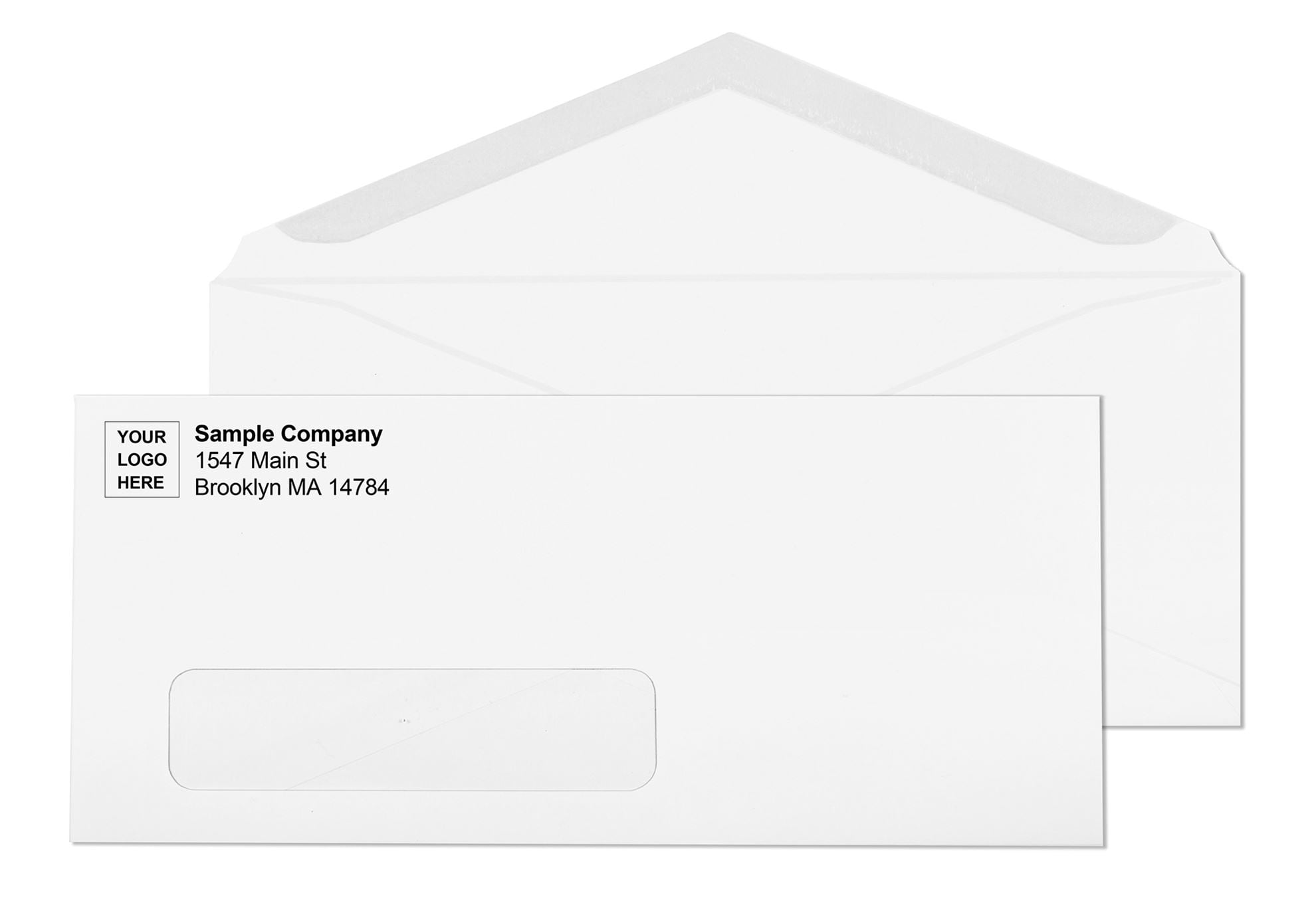
The #10 window envelope with a gummed flap closure is the standard format for automated billing programs. The window eliminates one of the most time-consuming manual steps in a billing workflow: addressing the envelope separately from the document. The recipient's name and address, already printed on the invoice, statement, or notice inside, shows through the poly-film window after the document is Z-folded and inserted correctly.
No label. No manual addressing. The document and the envelope work as one system. The inserter folds the document, inserts it, and seals the gummed flap automatically. The postage meter prints the indicia in the same pass. The addressed, sealed, metered piece exits the stacker ready for the mail.
For the window to display the address correctly, the document template must position the address block within the standard window opening: 1-1/8 x 4-1/2 inches, 7/8 inch from the left edge, 1/2 inch from the bottom edge. For a complete guide to alignment, see Window Envelopes: Complete Guide for Business Mailing.
See all window envelope formats at window envelopes.
Payroll and accounts payable programs: double window gummed flap
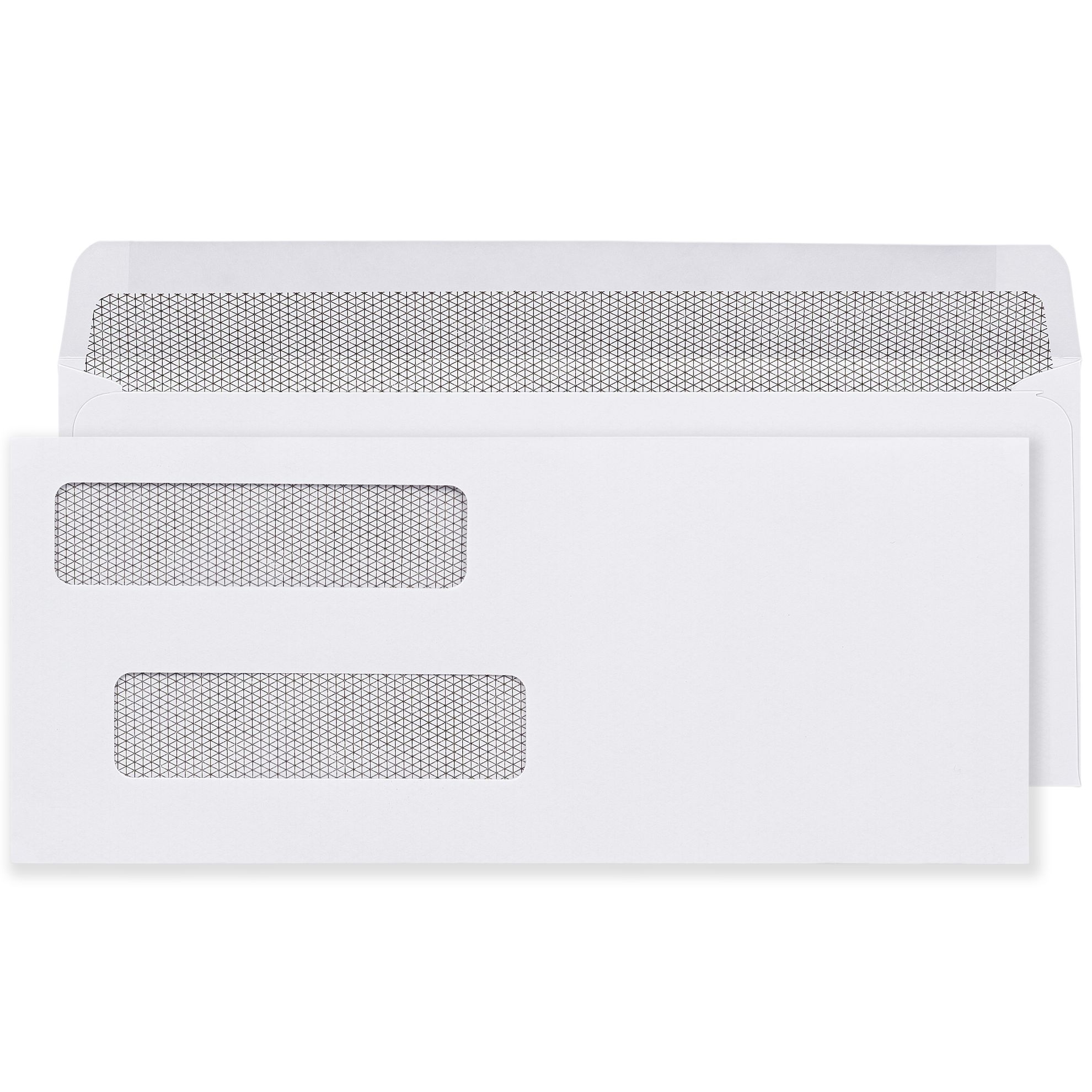
Automated check and payroll programs use double window gummed flap envelopes. The double window format has two openings: a lower window displaying the payee's delivery address and an upper window displaying the sender's return address. Both addresses come from the printed check or payment voucher inside the envelope. No separate addressing or labeling is required.
The check is inserted face-down so both address blocks align with their respective windows. The gummed flap seals in the inserter's moistening unit. The result is a fully addressed, sealed, ready-to-mail payroll or AP check with zero manual handling per piece.
Double window gummed flap envelopes are designed to work with checks printed from QuickBooks, Sage, ADP, and similar accounting platforms. See all double window formats at double window envelopes.
Reply and remittance programs: #9 gummed flap
The #9 envelope (3-7/8 x 8-7/8 inches) is the standard reply and remittance format for automated mailing programs. It fits inside a #10 envelope for outgoing programs that include a pre-addressed return piece. The #9 is also used as a standalone outgoing envelope in lower-volume automated programs.
The gummed flap on the #9 seals in the same inserter units that handle #10 envelopes. For organizations running automated billing programs where they want to include a reply envelope with each outgoing statement, the #10 plus #9 insert combination is the standard automated workflow format.
See #9 formats at #9 White Envelopes.
Flat document programs: 6x9 and 9x12 gummed flap open-end
For automated programs mailing documents that cannot be folded , certificates, proposals, bound reports, photo prints, or large-format legal documents , the correct format is an open-end envelope in 6x9 or 9x12 format with a gummed flap closure. Open-end envelopes open on the short edge, allowing documents to be inserted vertically without folding.
6x9 open-end envelopes run through mid-volume inserters. 9x12 open-end envelopes require production-class equipment. For high-volume programs mailing flat documents, confirm your inserter's maximum envelope and insert dimensions before specifying format.
See 6x9 formats at 6x9 White Open-End Printed Envelopes and 9x12 formats at 9x12 White Open-End Printed Envelopes.
Envelope Closure Compatibility: Quick Reference
| Closure Type | How It Seals | Folder Inserter Compatible | When to Use |
|---|---|---|---|
| Gummed flap | Water activates dried adhesive | YES , required | All automated mailing system programs |
| Peel-and-seal | Liner removed, adhesive exposed, pressed closed | NO | Hand-sealing only |
| Flip-and-stick | Flap folded and pressed, no liner to remove | NO | Hand-sealing only |
For a complete guide to closure types, their differences, and which workflows each serves, see How to Seal an Envelope: The Right Way for Every Type and Volume.
Paper Weight for Envelopes in Automated Mailing Systems
Paper weight affects how reliably envelopes feed through inserter equipment. Too light, and envelopes misfeed, wrinkle, or jam in the feeder tray at high speed. Too heavy, and the inserter's fold mechanisms may not close the flap consistently or the postage weight pushes the piece into a higher-cost category.
| Paper Weight | Feed Reliability | Best Application |
|---|---|---|
| 20 lb bond | Acceptable at low speed | Low-volume or occasional automated runs; more prone to misfeeds at high speed |
| 24 lb bond | Excellent , industry standard | All standard automated programs; consistent feed, reliable seal, correct postage weight |
| 28 lb bond | Good at moderate speed | Premium or lower-volume programs; heavier feel, may add postage cost at higher insert weights |
For a complete guide to envelope paper weights and how they affect print quality, feel, and postage classification, see Envelope Paper Weight Guide: 20 lb, 24 lb, and 28 lb Explained.
Fold Types and Their Effect on Automated Mailing
The fold type your inserter applies to the document determines whether the address block lands in the window correctly, whether the document fits in the envelope without forcing, and whether the piece seals cleanly. Most standard folder inserters support three primary fold types.
C-fold (letter fold)
The standard fold for plain correspondence envelopes. The document folds into thirds with all panels stacking in the same direction. Correct for #10 plain envelopes where no window alignment is required. The bottom third folds up first, then the top third folds down over it.
Z-fold (zigzag fold)
Required for window envelopes where the address block must face outward through the window after insertion. The Z-fold places the address block on the face of the folded document panel. When inserted correctly, the address reads through the window without any additional handling. Getting the fold direction wrong is the most common cause of address-not-in-window problems in automated billing programs.
V-fold
A single center fold used for smaller inserts like reply cards, payment stubs, or remittance slips. Less common in standard inserter programs but available on most mid-volume and production-class equipment.
What to Check Before Running a New Envelope in Your Inserter
Running a test batch before a full production run prevents the most common and costly automated mailing mistakes.
- Confirm the closure type is gummed flap. Check the product specification, not the visual appearance. Some envelopes look similar whether gummed or self-seal. The specification sheet or product label will confirm the adhesive type.
- Confirm the envelope dimensions match your inserter's specifications. Measure the outer dimensions and compare them to the inserter manufacturer's accepted envelope size range. A 1/16 inch difference in height can cause consistent misfeeds on some models.
- Run 10 to 20 test pieces before the production batch. Load the test batch, run the inserter at normal speed, and check every piece for correct fold, correct insertion depth, and complete seal. A flap that seals on 9 of 10 test pieces will fail on hundreds of pieces in a production run.
- Check the moistener reservoir. An inserter with a low water level applies inconsistent moisture to the gum flap and produces inconsistent seals. Check and refill the moistener reservoir at the start of every run.
- Verify window alignment before the first piece if using window envelopes. Insert one test document, fold it correctly, insert it, and hold the sealed piece to light to confirm the full address appears in the window with at least 1/8 inch of clearance on all four sides.
Common Mistakes When Ordering Envelopes for Automated Mailing Systems
- Ordering self-seal envelopes for an inserter program. The most common and most expensive mistake. Self-seal envelopes will not seal in a folder inserter's moistening unit. All pieces must be sealed by hand after the run.
- Not verifying envelope dimensions against inserter specifications. Most inserters have a minimum and maximum accepted envelope height and width. Ordering outside that range causes misfeeds and jams throughout the run.
- Using 9x12 envelopes on a desktop inserter. Desktop and low-volume inserters are not designed for 9x12. 9x12 and 10x13 formats require production-class equipment. Using the wrong inserter damages both the equipment and the envelopes.
- Switching envelope brands mid-program without testing. Subtle differences in flap geometry, adhesive formulation, and paper stiffness between envelope brands can affect how reliably a feeder runs. Any brand change requires a test batch before a production run.
- Ignoring the moisture level in the sealing unit. A dry moistener is the most common cause of unsealed pieces in an otherwise correct setup. Check the reservoir before every run.
- Using window envelopes with a C-fold instead of a Z-fold. A C-folded document places the address facing inward, not outward through the window. Every piece exits addressed incorrectly. The window alignment guide explains the correct fold for every window format.
High-Volume Programs: Ordering Envelopes at Scale
Automated mailing programs run at volume. A billing department processing 2,000 statements per month or a payroll operation running 500 checks per cycle needs a reliable envelope supply that ships consistently, matches the approved specification exactly, and arrives on schedule.
Business Envelopes supplies automated mailing programs with no minimum order on any format, same or next business day shipping on blank stock, and free ground shipping on every order. Custom printed envelopes with logo, return address, and permit indicia placement are available in all machine-insertable formats with a PDF proof before production and artwork retained on file for reorders.
For volume pricing and ordering guidance for high-frequency mailing programs, see Wholesale Envelopes: Complete Business Buying Guide.