 Free shipping

Envelope for Invoices: Which Format to Use and When
Picking the right envelope for invoices is more involved than it looks. Three formats handle most business invoice programs plain #10, single window, and double window and each one applies to a different mailing workflow. Choose the wrong one and addresses misalign, confidential figures show through the paper, or your inserting machine jams.
This guide covers every decision a business needs to make before ordering invoice envelopes: format selection, window type, closure options, security tinting, software compatibility, and return envelope pairing. Each section maps directly to the real-world questions that buyers ask when setting up or changing a billing program.
Quick Answer: The standard envelope for invoices in the US is the #10 size (4-1/8 x 9-1/2 inches). Most billing programs use a single window #10 so the recipient address shows through without separate addressing. High-volume accounts payable programs use a double window #10 so both addresses show. Plain #10 envelopes work when addresses are printed directly on the envelope. Explore the full range at window envelopes and double window envelopes.
What You Will Find in This Guide
- What Is an Envelope for Invoices?
- The Three Formats: Plain, Single Window, Double Window
- Single Window vs Double Window for Invoices
- Does Your Accounting Software Affect Your Choice?
- Do Invoice Envelopes Need Security Tinting?
- Which Closure Type Works Best for Invoice Mailing?
- Should You Include a Return Envelope?
- Invoice Envelope vs Check Envelope: The Difference That Matters
- Why Invoice Addresses Miss the Window and How to Fix It
- Common Invoice Envelope Mistakes
- Frequently Asked Questions
What Is an Envelope for Invoices?
An envelope for invoices is a standard commercial envelope designed to hold a folded billing document for mailing. In the United States, nearly all invoice programs use the #10 envelope, which measures 4-1/8 x 9-1/2 inches and fits a standard 8.5 x 11 sheet folded into thirds.
The #10 is the default commercial envelope size in the US for a practical reason: it holds the most common business document without excess bulk, qualifies for USPS First Class letter postage, and fits every standard mail inserting machine. Invoice envelopes come in three window configurations, three main closure types, and with or without security tinting depending on the sensitivity of the contents being mailed.
To understand which invoice envelope format suits your program, it helps to work through the format decision first, then closure, then security options. The sections below cover each decision point in order.
The Three Invoice Envelope Formats: Plain, Single Window, and Double Window
Most invoice programs fall into one of three configurations. The choice comes down to how your document is produced and how you want to handle addressing.
Plain #10 Envelope: When to Use It for Invoices
A plain #10 envelope has no window. It works for invoice programs where addresses are printed or typed directly on the envelope face, or where a label is affixed. This format is the right choice for low-volume billing where each invoice is individually addressed, for programs where the invoice document does not include a visible address block in the right position, or for operations that prefer not to have any envelope content visible from the outside.
Plain envelopes give the most flexibility in terms of envelope color and paper stock. They also provide the highest level of content privacy since nothing inside the envelope is visible through the paper. Browse the full range at #10 envelopes.
Single Window #10 Envelope: The Standard for Most Invoice Programs
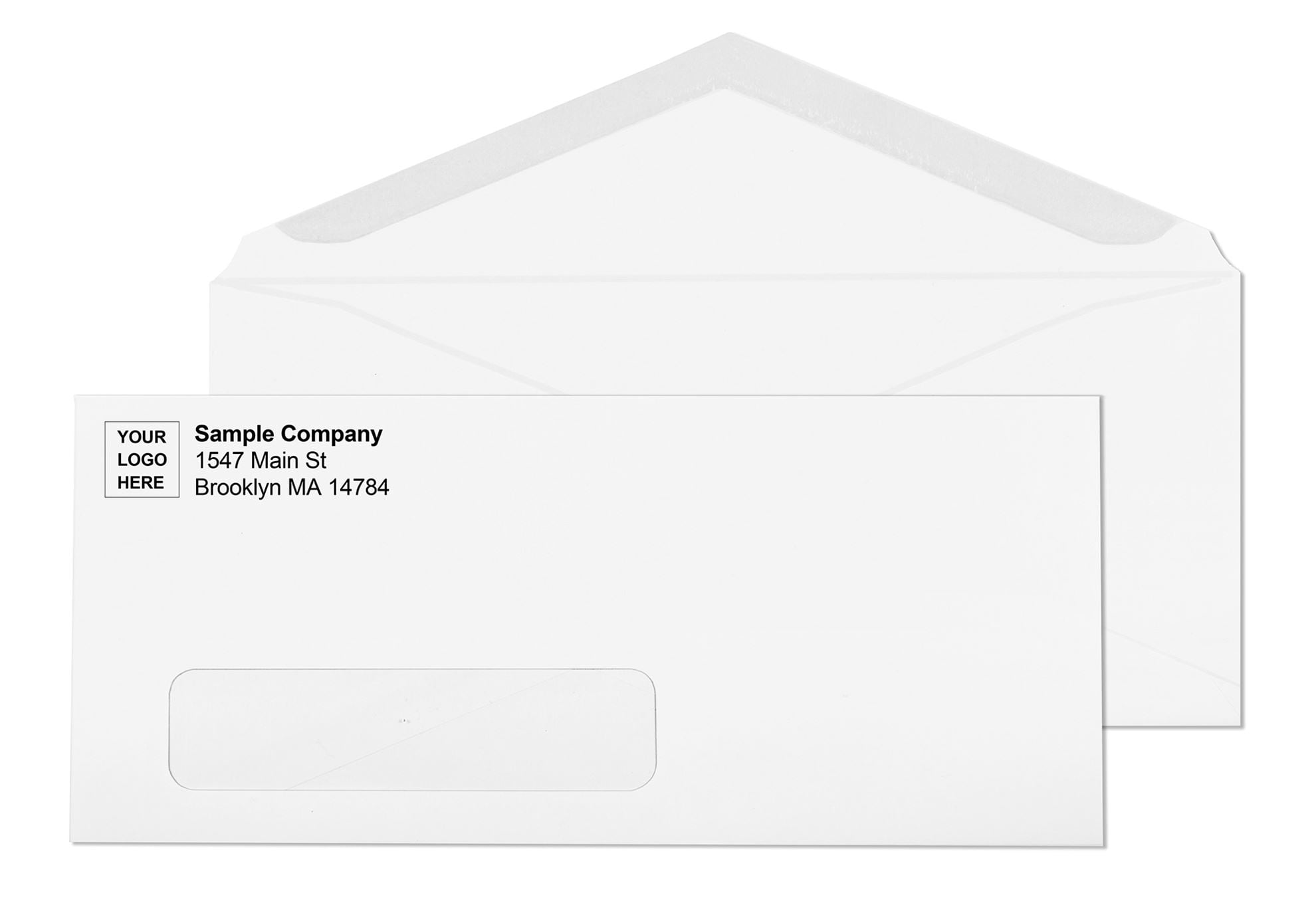
A single window envelope has one transparent panel on the front. When the invoice is folded correctly and inserted, the recipient's delivery address on the document shows through the window, eliminating the need to address the envelope separately. This is the most widely used format for billing programs in the US.
Single window envelopes work with virtually every accounting software that generates invoices, because the recipient address block on a standard invoice template lands in the correct position for the window when the document is tri-folded. The return address on a single window envelope is either pre-printed on the envelope or handled through custom envelope printing. Explore available options at window envelopes.
Double Window #10 Envelope: For Accounts Payable and High-Volume Billing
A double window envelope has two transparent panels. The larger window shows the recipient's delivery address. The smaller upper window shows your return address as it appears on the document itself. This eliminates both addressing steps entirely you print the invoice, fold it, and insert it, with no additional labeling or envelope printing required.
Double window envelopes are the standard for accounts payable departments, recurring billing programs, insurance statements, and any operation mailing several hundred or more invoices per month. They save significant time at volume and eliminate handwriting or separate label application for the return address. The envelope format used must be specifically designed for invoice-format documents, not for check documents this distinction is covered in full below.
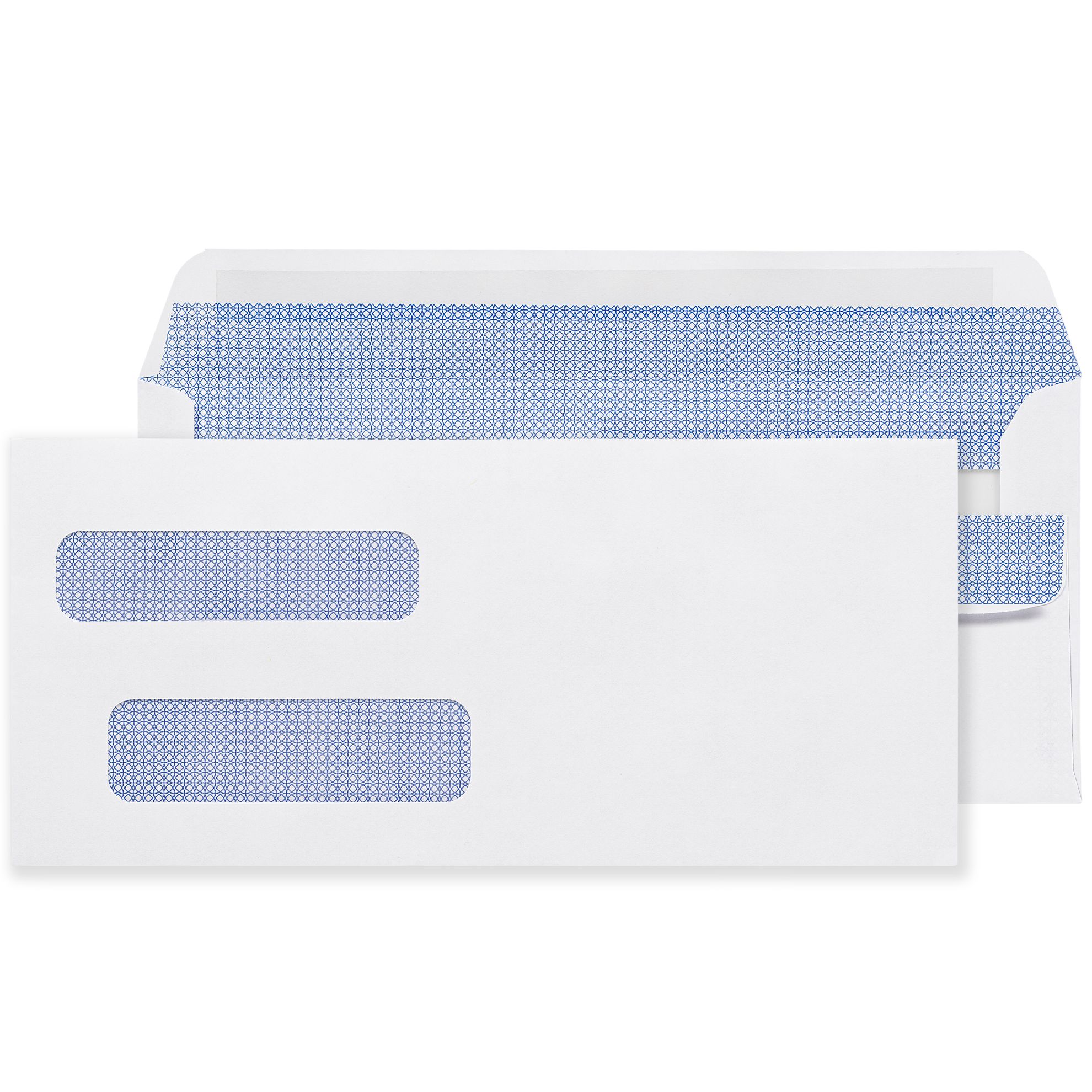
Business Envelopes carries three closure variants for double window invoice envelopes:
- Double window invoice envelopes, gummed flap for automated inserting programs
- Double window invoice envelopes, peel-and-seal for manual sealing without moisture
- Double window invoice envelopes, flip-and-stick for fast manual sealing with a fold-over closure
This is what a real Business Envelopes customer had to say about the flip-seal invoice envelopes:
Single Window vs Double Window for Invoices: Which One Do You Need?
Both window formats eliminate the step of addressing the envelope's delivery field. The decision between them comes down to how you handle the return address.
| Format | Windows | Return Address Method | Best For |
|---|---|---|---|
| Plain #10 | None | Printed, typed, or labeled on envelope | Low volume, custom addressing, maximum privacy |
| Single window | 1 (delivery address) | Pre-printed on envelope or custom printed | Standard billing programs, most accounting software |
| Double window | 2 (delivery + return) | Shows through the upper window from the document | High-volume AP programs, recurring billing, statements |
If your invoice template in accounting software already shows your company name and address at the top of the document, a double window envelope uses that information as the visible return address. If you want to use a custom printed envelope with a logo and return address pre-printed in color, a single window format gives you that option while still eliminating recipient addressing.
For a full breakdown of window types and configurations, see the window envelopes guide.
Does Your Accounting Software Affect Which Invoice Envelope You Need?
Yes, and this is where many buyers run into trouble. Different accounting software platforms position the recipient address block and the sender address block at different locations on the printed invoice. Your envelope window positions must match exactly.
How Accounting Software Invoices Align with Window Envelopes
Standard #10 single and double window invoice envelopes are designed to align with address blocks positioned according to standard invoice document templates. When the invoice is tri-folded bottom third up, top third down over it the delivery address should sit directly behind the window without any edge cut off.
If you find that your address is not aligning correctly after a software update, the most common fix is to check the window envelope setting in your software's form customization options. Many platforms have a specific checkbox for window envelope formatting that adjusts address positioning to fall within the standard window zone. Enable that option and run a single test print before processing a full batch.
Why Invoice Envelopes and Check Envelopes Are Not Interchangeable
This point is critical for any office running both accounts payable (checks) and accounts receivable (invoices) programs. Invoice-format double window envelopes use a standard #10 body (4-1/8 x 9-1/2 inches) with windows positioned to show the address blocks on a standard invoice layout.
Check-format envelopes have different outer dimensions and their windows are calibrated specifically to match where software places the payer and payee addresses on a voucher check form. Using an invoice envelope for checks will cause the addresses to appear in the wrong windows. Using a check envelope for invoices produces the same misalignment in reverse.
For check programs, see envelope for checks and envelopes for QuickBooks checks. For invoices, stick with the invoice-format double window products linked throughout this guide.
See also: double window envelopes guide for a full explanation of the format difference between check and invoice configurations.
Do Invoice Envelopes Need Security Tinting?
Security tinting is not mandatory, but it is the professional standard for any invoice program where the enclosed document contains sensitive financial data.
What Security Tinting Does
A security tinted envelope has a printed interior pattern in blue, gray, or another dark color. When the sealed envelope is held up to a light source, the interior pattern blocks the printed text from showing through the paper body. This prevents anyone handling the envelope from reading account numbers, outstanding balances, payment amounts, or personal financial details before the recipient opens it.
When to Choose a Security Tinted Invoice Envelope
Use security tinted envelopes when your invoices include any of the following:
- Account or customer numbers
- Outstanding balance or payment amount figures
- Patient or client identifiers in healthcare billing
- Insurance policy or claim information
- Legal or financial account details
For standard commercial invoices containing only company name, service description, and a total amount, standard white wove envelopes are adequate. If your billing documents contain any personally identifiable financial information, security tinted envelopes are the appropriate choice.
Read the full breakdown at security tinted envelopes. For window envelopes with built-in security tinting, see the laser-safe options at #10 tinted window envelopes.
Which Closure Type Works Best for Invoice Envelopes?
The right closure depends on your mailing volume and whether you use an automated inserting machine. There are three main options for invoice envelopes.
Gummed Flap: For Automated Invoice Programs
Gummed flap envelopes have a moisture-activated adhesive strip on the flap. They are the standard for automated mail inserting machines, which apply water to the flap as part of the mechanical sealing process. If your invoice program runs through an inserter, gummed flap is the specification you need. Manual sealing of gummed envelopes requires a sponge, moistener bottle, or damp cloth licking large volumes is both impractical and unreliable for a consistent seal.
See: double window invoice envelopes, gummed flap.
Peel-and-Seal: For Manual Sealing Without Moisture
Peel-and-seal envelopes have a pressure-sensitive adhesive strip covered by a peel-off liner. You remove the liner, fold the flap down, and press to seal. No moisture is needed. This is a practical choice for manual invoice sealing at low to medium volumes typically up to a few hundred pieces per mailing. The seal is consistent and secure.
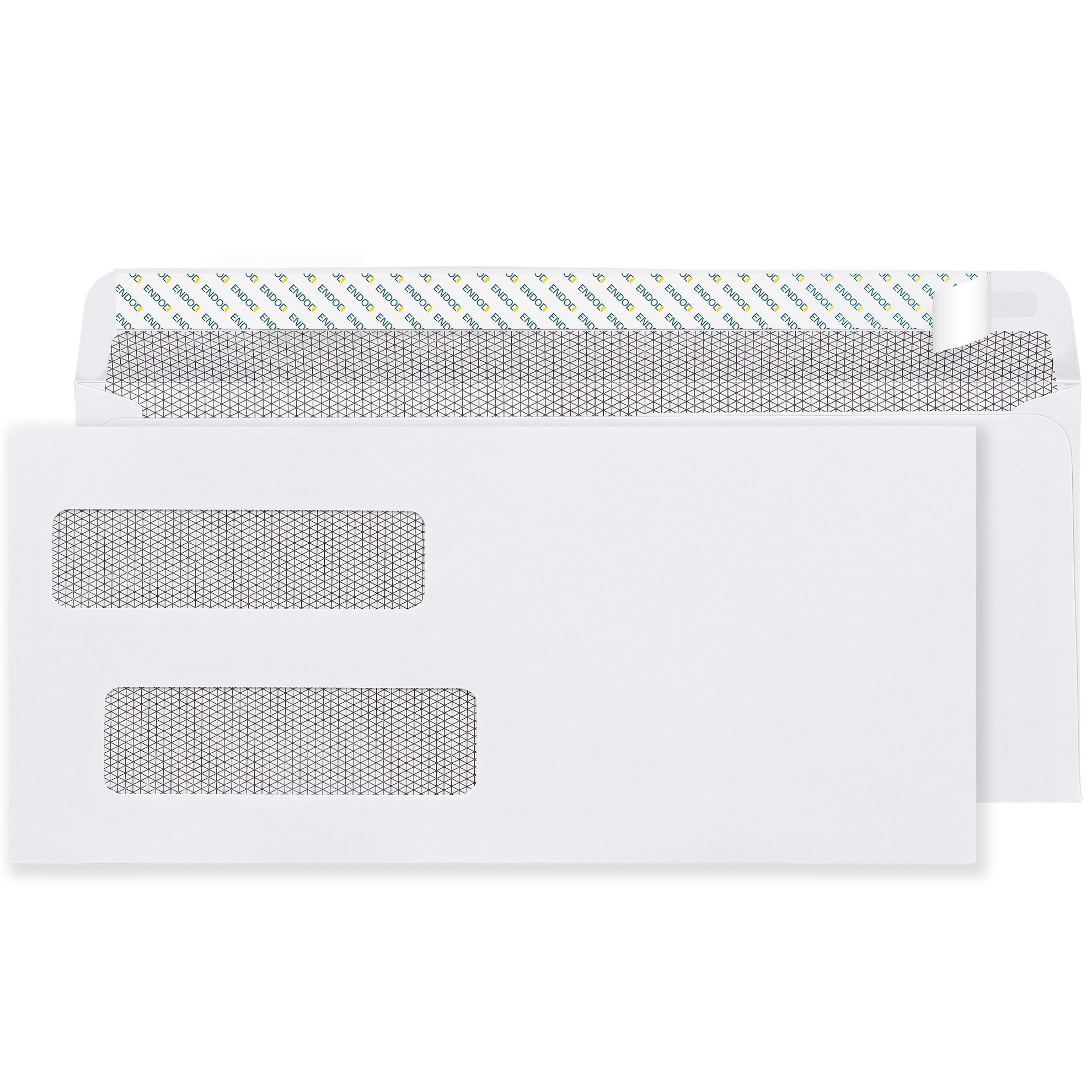
See: double window invoice envelopes, peel-and-seal.
Flip-and-Stick: For Fast Manual Sealing
Flip-and-stick envelopes (also called flip-seal or fold-and-seal) work differently from peel-and-seal. Instead of removing a liner strip, you fold a pre-coated flap down onto the envelope face and press to activate the adhesive. There is no liner to peel and no debris generated. Many users find this the fastest manual sealing method for billing programs.
For a detailed comparison of these two self-seal formats, see the peel-and-seal vs flip-and-stick guide and the self-seal envelopes guide.
See: double window invoice envelopes, flip-and-stick.
Also available: #10 self-sealing tinted window envelopes for single window programs that need peel-and-seal convenience.
Should You Include a Return Envelope with Your Invoice?
Whether to include a return envelope depends on how your customers pay. If you accept payment by check or money order, including a pre-addressed return envelope significantly reduces friction for the customer and typically improves the speed of payment return.
What Size Return Envelope Fits Inside a #10 Invoice Envelope?
The standard return envelope for a #10 invoice program is the #9 reply envelope, which measures 3-7/8 x 8-7/8 inches. A #9 fits neatly inside a standard #10 outer envelope alongside the invoice without creating excessive bulk. When the customer is ready to return payment, they place the check in the #9, seal it, add a stamp, and mail it back.
Some organizations use pre-printed #9 reply envelopes with the company name and address already on the front. Others use business reply envelopes, which are authorized by USPS and charged only when the customer mails them back. See business reply envelope guide for how that program works.
When Not to Include a Return Envelope
If your customers pay exclusively online, by credit card, or through automated clearing, there is no need to include a return envelope. Adding one to a program where it will not be used increases postage costs and paper waste without benefiting the recipient. Invoice programs directing customers to an online payment portal typically include the payment URL prominently on the invoice itself instead.
Invoice Envelope vs Check Envelope: The Difference That Matters
This is one of the most common ordering mistakes in accounts payable and billing operations. Double window invoice envelopes and double window check envelopes look nearly identical from the outside. The difference is in the window positions, and it matters completely.
Why Invoice Windows and Check Windows Are Positioned Differently
On an invoice document, the sender (your company) appears at the top of the document and the recipient appears in the address block below. On a voucher check form, the payer address and payee address appear at specific positions determined by accounting software conventions. The double window on a check envelope is positioned to match where the software places addresses on a check form a position that does not match where addresses sit on a standard invoice layout.
If you order check envelopes and use them for invoices, the recipient address will land in the wrong window or partially outside any window at all. The reverse causes the same problem. Always order based on the document type, not on the envelope appearance.
For invoice mailing, use the invoice-format double window products on this page. For check programs, see check envelopes guide.
Why Invoice Addresses Miss the Window and How to Fix It
Address misalignment is the most frequently reported problem in invoice mailing programs. It happens more often than it should, and in most cases the cause is one of three things.
Three Causes of Invoice Window Misalignment
- Software template update. Accounting software platforms push updates that sometimes reset custom form settings, including the envelope alignment toggle. After any software update, verify that your form layout still produces an address block in the correct position for the window.
- Wrong envelope format. If you are using a check-format double window envelope for invoices, or a non-standard envelope size, the windows will not match the document layout. Confirm you are using the invoice-format #10 envelope.
- Incorrect fold. For single window envelopes, the invoice must be folded so the address block is on the outside of the fold facing the window. If the document is folded in the wrong direction or the wrong portion is facing out, the address will not be visible through the window.
The fix for misalignment is always to run a single test piece before sealing a batch. Insert one folded invoice into the envelope and hold it up to light to verify the address is fully within the window. Adjust the fold or the software template settings before processing the full mailing. See the window envelope alignment guide for a step-by-step process.
Common Invoice Envelope Mistakes and How to Avoid Them
- Ordering check envelopes instead of invoice envelopes. The window positions are calibrated for different document layouts. Ordering by document type prevents this.
- Sealing a full batch without a test piece. Run one envelope through the full process print, fold, insert, seal and verify alignment and seal quality before committing the batch.
- Using gummed envelopes with a manual sealing workflow. Gummed flap envelopes require consistent moisture for a reliable seal. For manual programs, peel-and-seal or flip-and-stick closures produce more consistent results.
- Skipping security tinting for sensitive billing. If your invoice contains account numbers, balances, or personal financial details, a plain white envelope allows that information to be visible through the paper under light. Security tinted envelopes prevent this.
- Not including a return envelope when accepting check payment. Customers who need to find their own envelope to return payment are less likely to pay promptly. A #9 return envelope adds very little to the mailing cost and removes a friction point from the payment process.
- Reordering from memory without checking format specifications. Invoice programs sometimes change accounting software, document templates, or inserting equipment. When any of those change, reverify that the envelope format still matches before placing the next order.
Expert Tips for Cleaner Invoice Mailing Programs
- Always order a sample before a large first order if you are switching formats. Run the sample through your full workflow print, fold, insert, seal before committing to a case quantity.
- If you use an inserting machine, confirm with your equipment documentation that the envelope specification is compatible. Envelope thickness, flap type, and flap angle all affect whether the machine feeds and seals consistently.
- For high-volume programs where inserting speed matters, flip-and-stick closures are generally faster for manual sealing because there is no liner strip to remove and discard.
- If your program is growing, double window envelopes pay back the small per-unit premium quickly through eliminated labor on addressing. For organizations mailing 500 or more invoices per month, the time savings become significant.
- Keep a small stock of plain #10 envelopes as backup for individual invoices or corrections that fall outside your standard batch program.
Browse the complete selection at types of business envelopes.
Related Products and Categories at Business Envelopes
- Double window invoice envelopes, flip-and-stick self-sealing, no liner strip, fast manual sealing
- Double window invoice envelopes, peel-and-seal self-sealing with peel strip, no moisture required
- Double window invoice envelopes, gummed flap for automated inserting equipment
- Double window envelopes full category including check and invoice formats
- #10 white window envelopes single window, gummed, standard billing format
- #10 tinted window envelopes laser-safe, security tinted interior
- #10 self-sealing tinted window envelopes security tint plus peel-and-seal closure
- Window envelopes full category, all sizes and formats
- Self-seal envelopes all self-seal formats across sizes
- #9 reply envelope guide for return envelope pairing with invoice programs
Related Guides
- Double Window Envelopes: Check, Payroll and Invoice Guide full comparison of check vs invoice double window formats
- Window Envelopes: Complete Guide for Business Mailing all window types, sizes, and security options
- Envelope for Checks: Size, Format, and Window Type Guide for check programs running alongside invoice programs
- Peel-and-Seal vs Flip-and-Stick Self-Seal Envelope Guide closure comparison for manual billing programs
- Security Tinted Envelopes: What They Are and When to Use when and why to upgrade to security tinted stock
- Window Envelope Address Alignment: Fix Guide 2026 troubleshooting and fixes for address window problems
- Types of Office Envelopes: Which Format You Actually Need a broader guide to choosing among all business envelope types