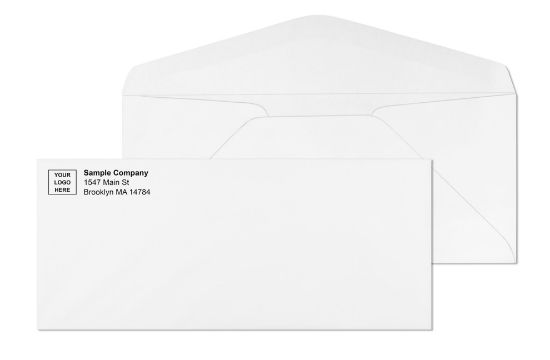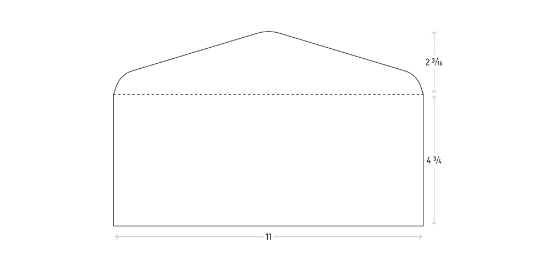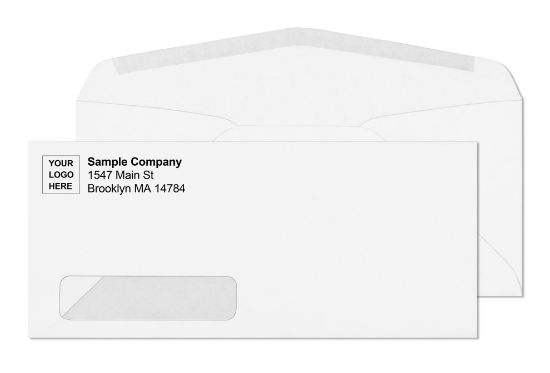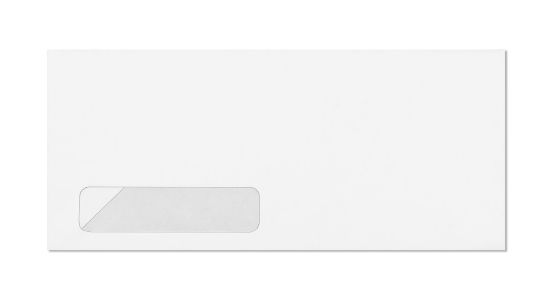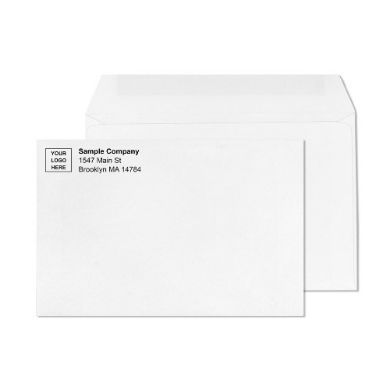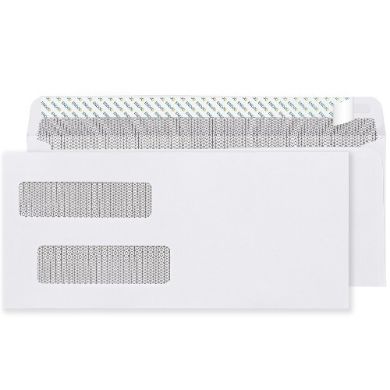
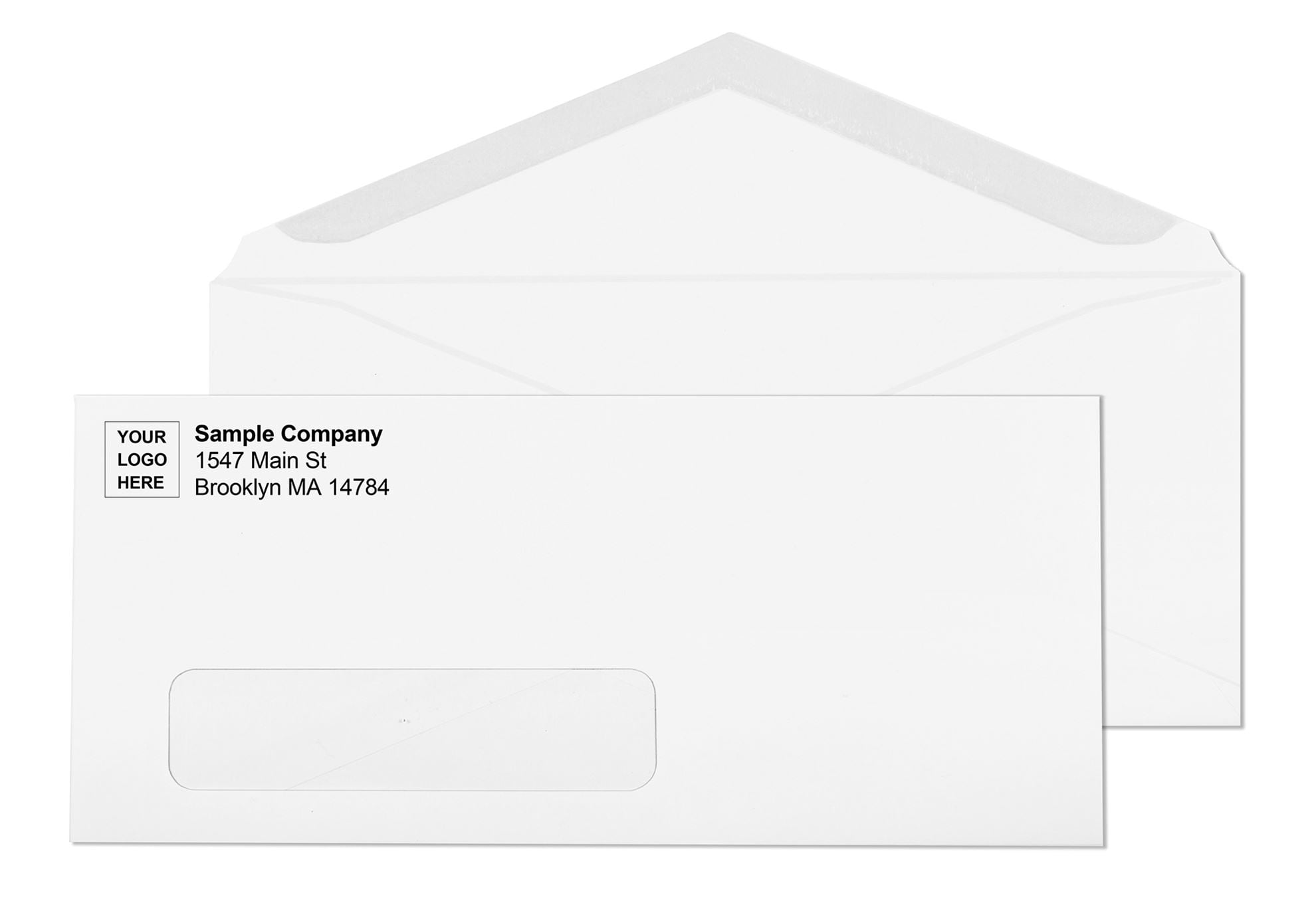
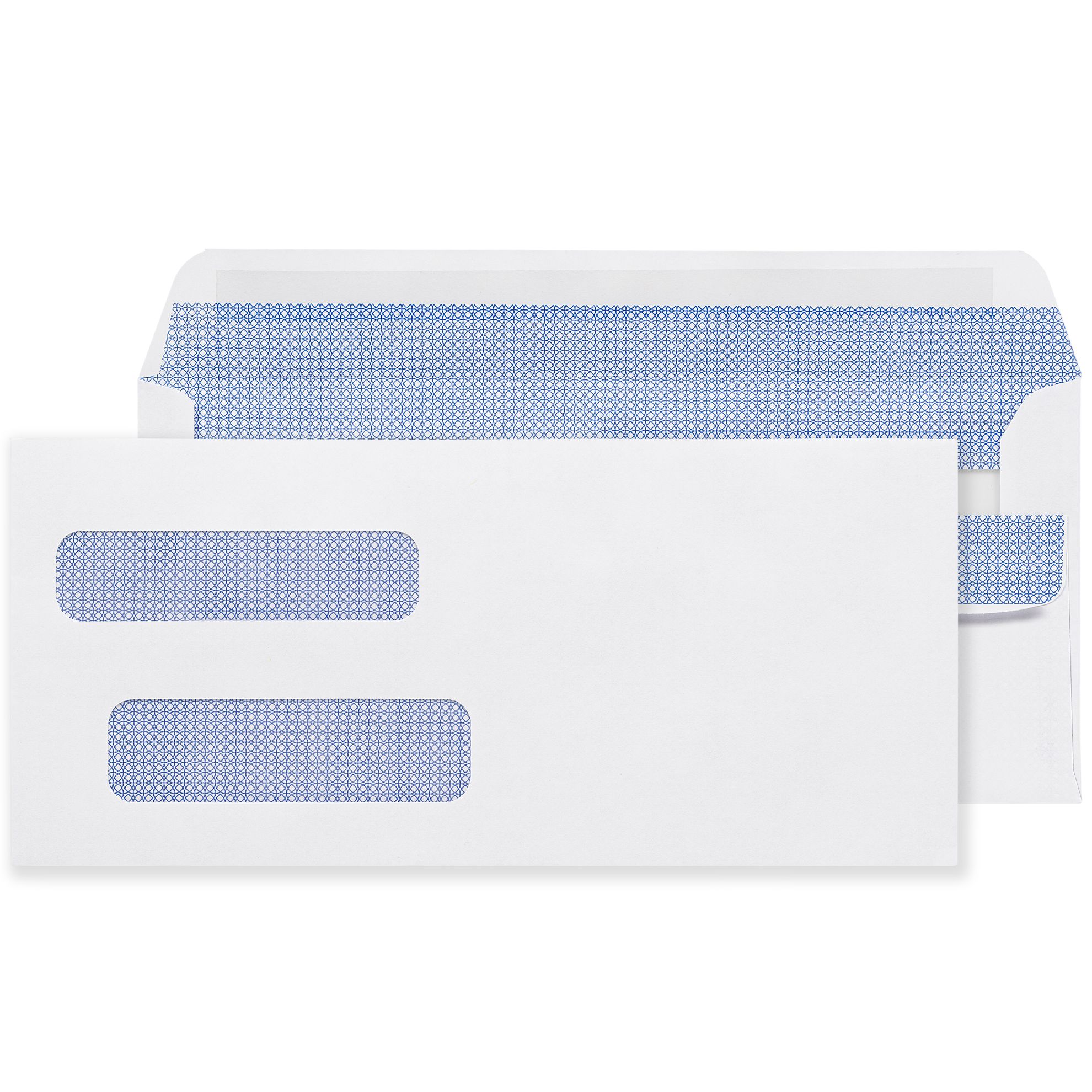
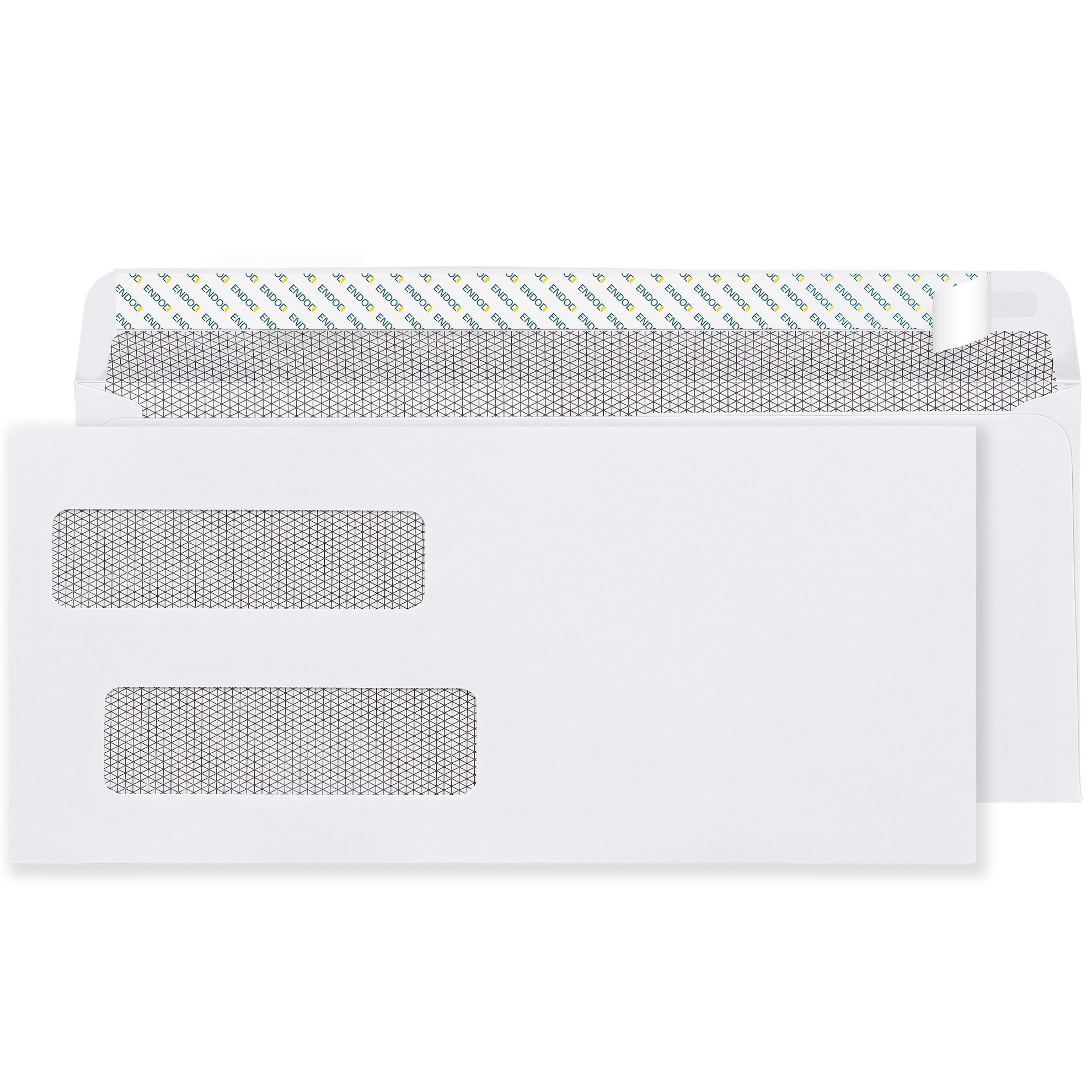
shipping icon business envelopes Free shipping

FREE Ground Shipping site-wide. No minimums. Excludes PR, HI, AK, AS, VI, WA.


* More info

Envelope Blogs

    Wove vs Kraft Envelope: Which Material Is Right for Your Mailing Program

    HomeEnvelope GuidesWove vs Kraft Envelope Guide

    The wove vs kraft envelope decision comes up whenever a business is ordering flat-document envelopes for the first time, switching suppliers, or setting up a new mailing program for a different use case than its existing stock covers. The two materials look different, feel different, and perform differently under postal handling. Getting the choice wrong means either spending more than necessary on a durable envelope where white wove would have done the job, or running white wove through an interoffice routing cycle where kraft would have lasted far longer.

    This guide covers the material difference, the head-to-head comparison across every practical dimension, and a clear use-case framework for knowing when white wove is the right call and when brown kraft is.


    What White Wove Envelopes Are Made From

    White wove refers to the paper type and surface finish, not a brand. Wove paper is made using a woven wire mesh during the papermaking process, which produces a smooth, uniform surface. The paper is then bleached to achieve the bright white color. The bleaching process removes the natural brown color of wood pulp along with some of the lignin bonds in the fiber, which is why white wove is slightly less tear-resistant at the same weight than unbleached kraft.

    Standard white wove business envelopes are made from 24 lb bond paper , the weight designation refers to the weight of 500 sheets of the paper in its uncut base size. 24 lb bond is the industry standard for commercial business envelopes. 20 lb bond is lighter and more economical for high-volume programs where durability is not a primary concern. 28 lb bond is the premium white wove stock used for important correspondence and programs where a heavier feel signals quality.

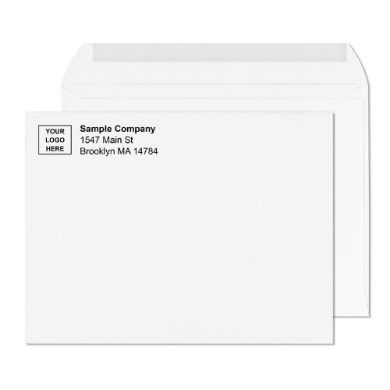
    The smooth wove surface accepts custom printing cleanly. Ink sits flat on the surface, producing sharp logo edges and accurate color reproduction. This is why white wove is the standard material for custom printed business envelopes with logo and return address. See all white wove formats at regular envelopes.


    What Brown Kraft Envelopes Are Made From


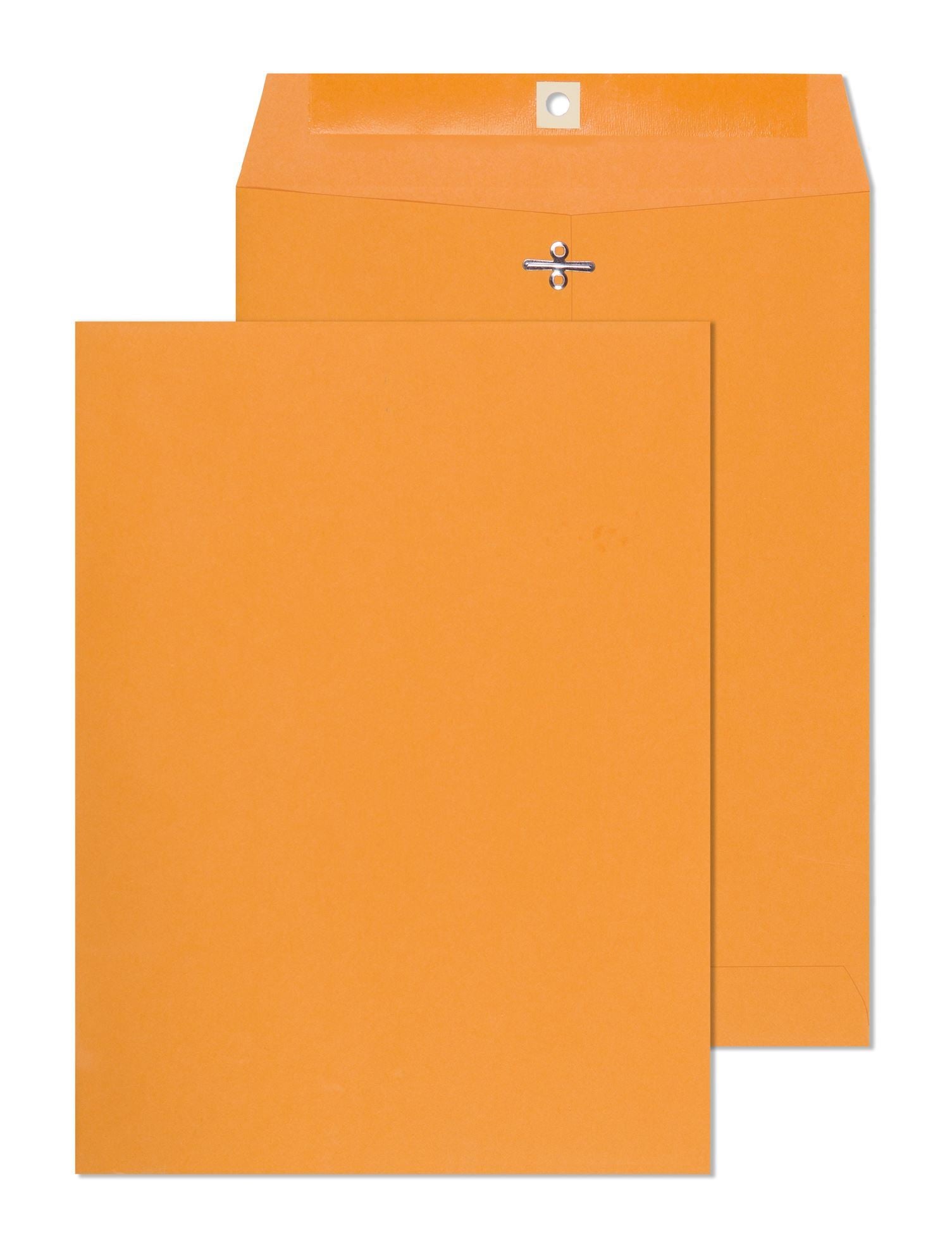
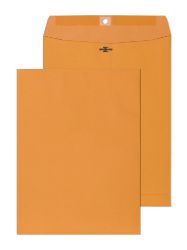
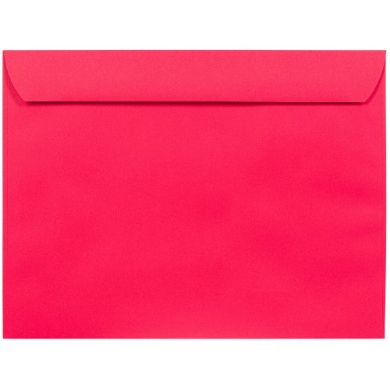
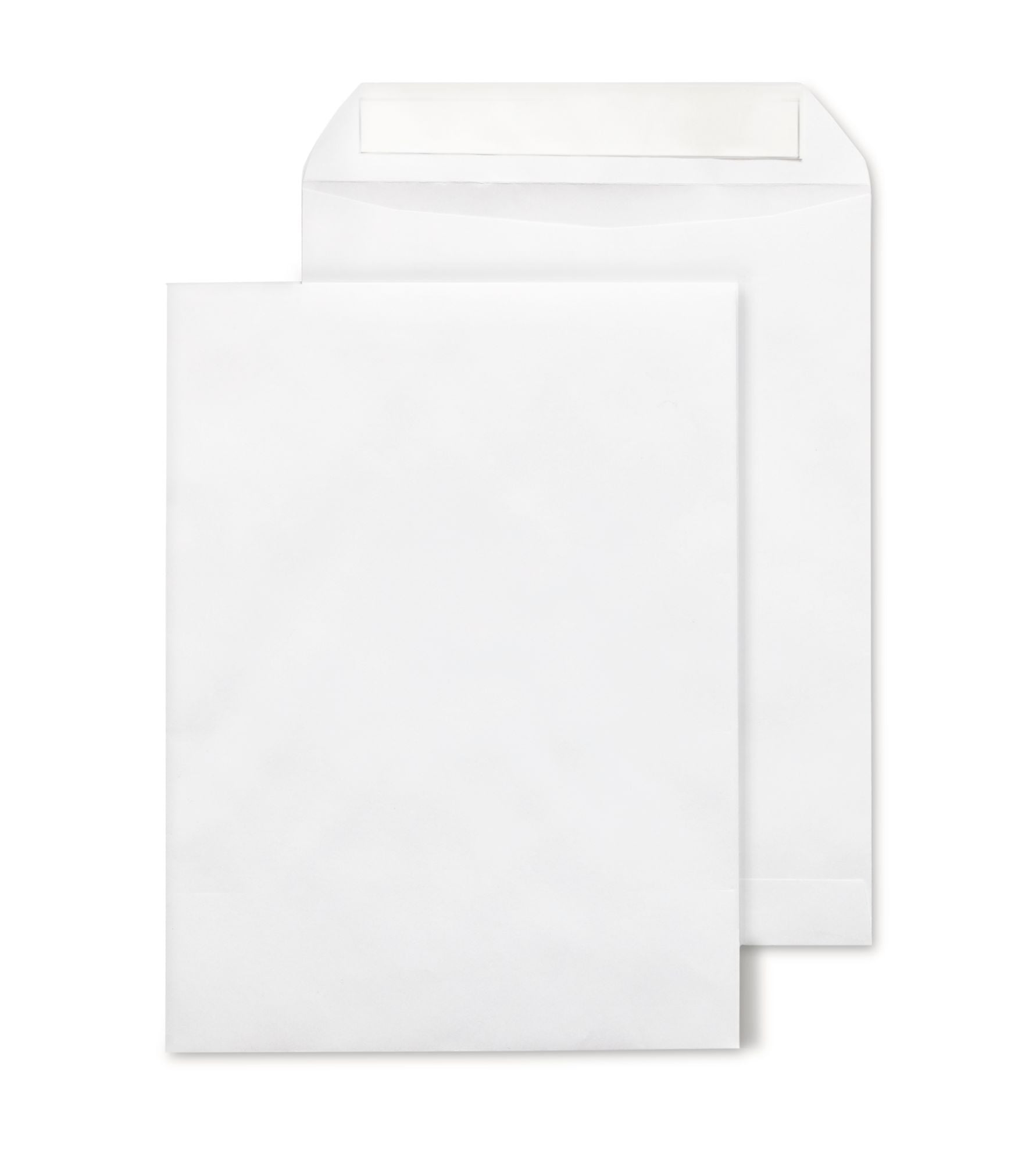
    Wove vs kraft envelope showing 9x12 brown kraft clasp envelope with metal clasp closure for interoffice routing archival document programs and heavy-duty flat document mailing requiring tear-resistant 28lb paper stock

    Brown kraft envelopes are made using the kraft pulping process, a chemical treatment that preserves the natural lignin bonds in wood fiber. These bonds are what give kraft paper its characteristic strength and tear resistance. The paper is not bleached, which keeps the natural brown color of the wood pulp and avoids the bond-weakening effect of bleaching.

    Business Envelopes stocks brown kraft envelopes made from SFI-certified 28 lb recycled tan/brown kraft with a vellum finish. The vellum finish gives the surface a slight texture compared to the smooth wove surface of white envelopes. At 28 lb, kraft envelopes are heavier than standard 24 lb white wove by default. This weight difference contributes to both the durability advantage and the minor postage weight consideration at the margin.

    The natural brown color comes from unbleached pulp. Any printing on kraft stock has to work against a brown base, which limits color accuracy for logos and return addresses. Dark inks read reasonably well on kraft; lighter colors and full-color printing do not reproduce accurately. This is one of the key practical differences that shapes which material is correct for each program. For the complete guide to kraft formats and sizes, see Kraft Envelope: Every Type, Size, and When Brown Kraft Is the Right Choice.


    Wove vs Kraft Envelope: Head-to-Head Comparison

    Property White Wove Brown Kraft
    Standard paper weight 20 lb, 24 lb, 28 lb bond 28 lb kraft (standard at Business Envelopes)
    Tear resistance Good at 24 lb; adequate for normal postal handling Higher , long-fiber kraft construction holds up under aggressive postal handling and corner stress
    Moisture resistance Standard , softens under sustained humidity Slightly better due to heavier weight; also softens under sustained exposure
    Print surface quality Excellent , smooth surface, bright white base for accurate logo and color reproduction Limited , brown base affects color accuracy; dark inks only; not suitable for full-color printing
    Custom printing compatibility Full support , logo, return address, color printing, permit indicia Partial , dark ink return address and text only; logo printing produces color-shifted results
    Window envelope availability Yes , #10, #11, 6x9, 9x12, and other window configurations available No , brown kraft window envelopes not available at Business Envelopes
    Security tinting availability Yes , security tinted versions available for confidential correspondence No , security tinting not available on kraft stock
    Clasp closure availability Not standard , white wove booklet and open-end use gum flap or peel-and-seal Yes , clasp closure available in all standard kraft sizes for re-sealable routing programs
    Reusability Single-use , gum flap and peel-and-seal closures are not designed for multiple open-close cycles High , clasp closure handles dozens of open-reseal cycles without adhesive failure
    Postage weight impact Standard , 24 lb wove 9x12 envelope: approximately 0.4 oz Slightly heavier , 28 lb kraft 9x12 envelope: approximately 0.5 oz; usually within same postage bracket
    Professional appearance Preferred for external customer-facing mail , clean, white, standard business look Appropriate for internal routing and programs where natural kraft appearance matches brand
    Recycled content Varies by product , some white wove stocks include recycled content SFI-certified recycled tan/brown kraft at Business Envelopes


    When White Wove Is the Correct Choice


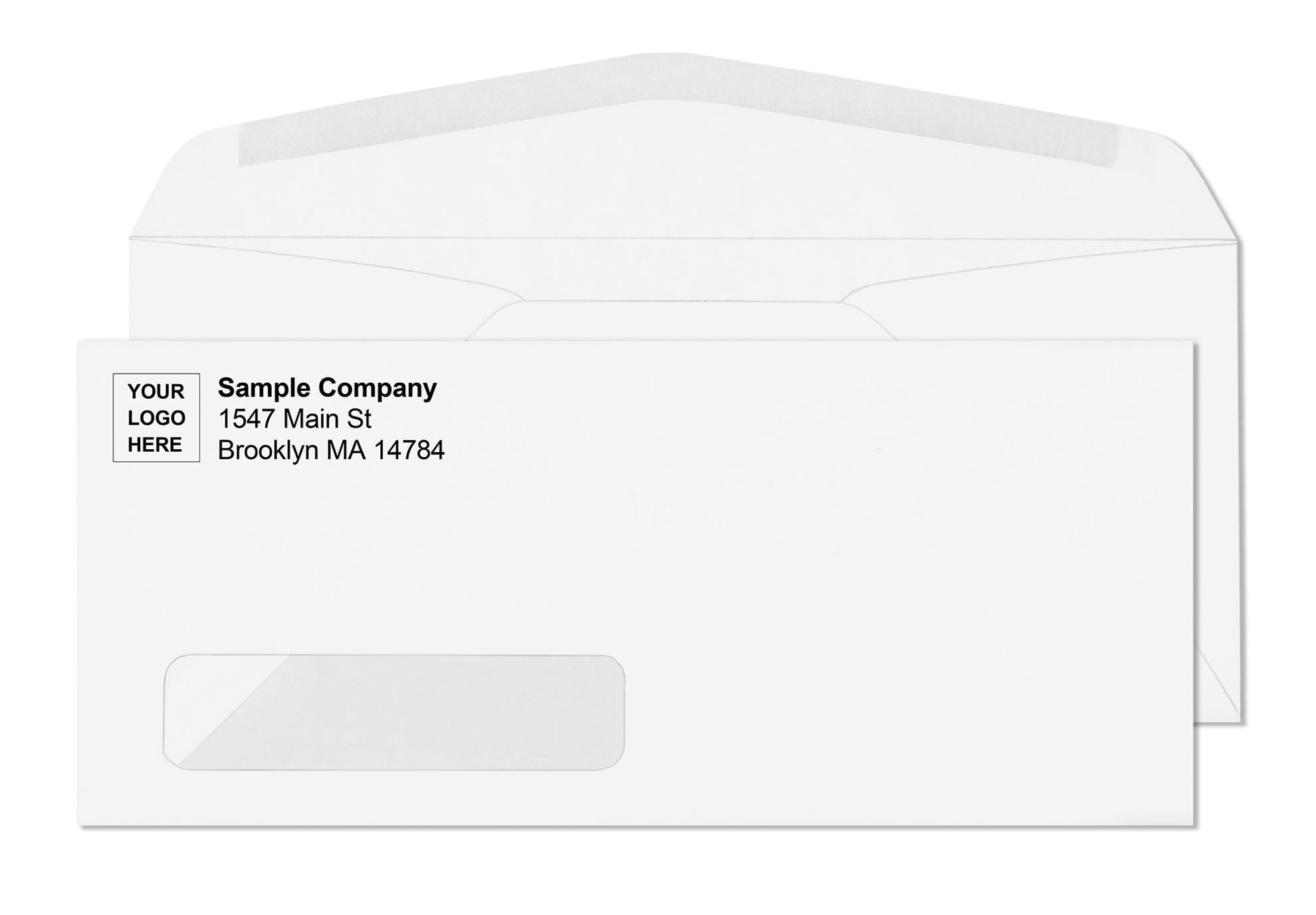
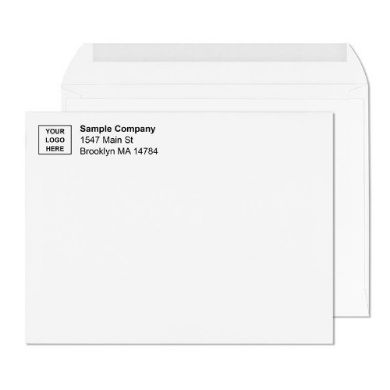
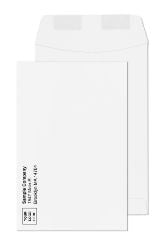
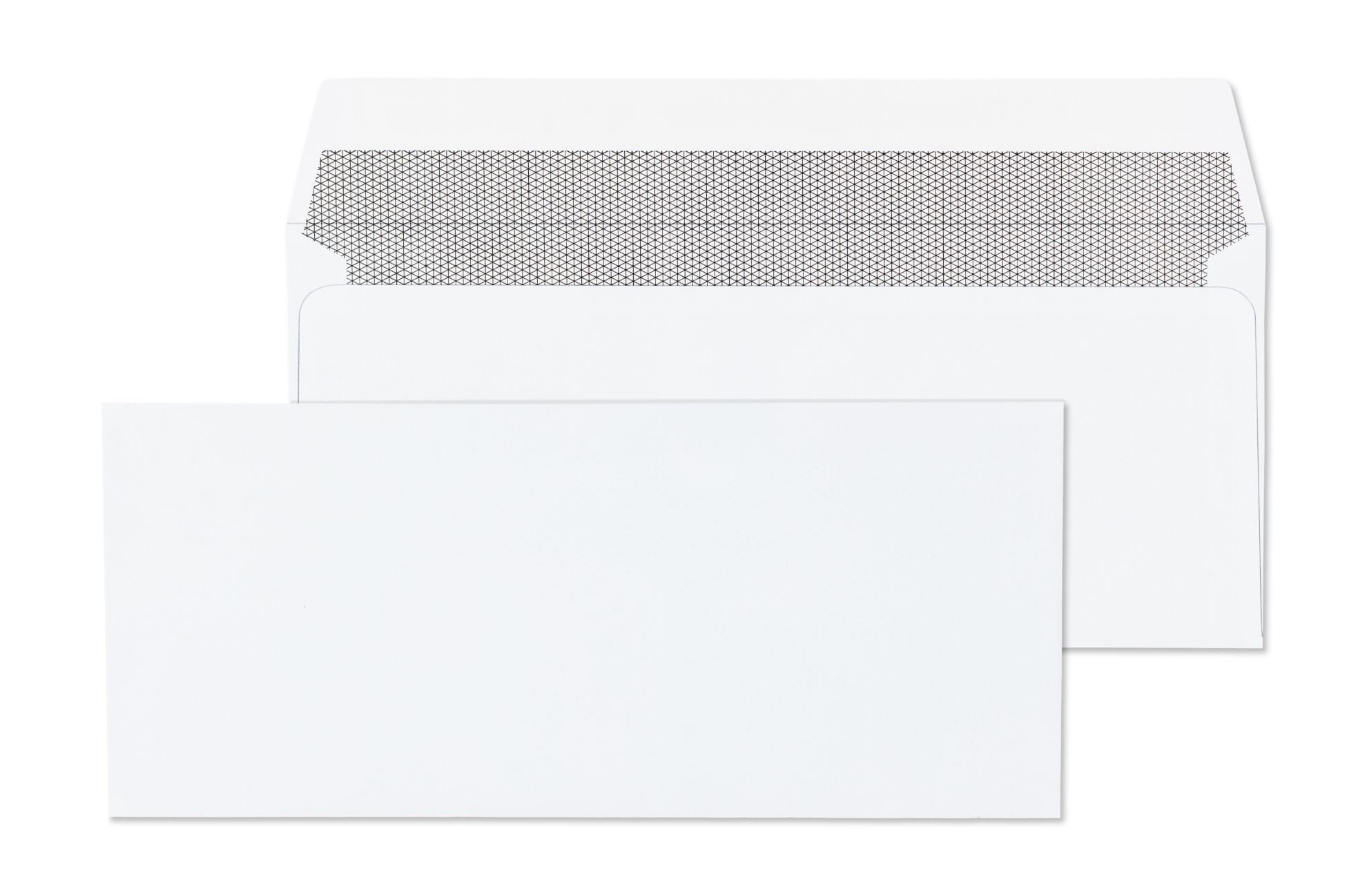
    Wove vs kraft envelope showing 9x12 white open-end catalog gummed flap wove envelope for flat document mailing programs where white wove stock provides laser-safe printing window options and security tinting not available on kraft

    White wove is the default for the majority of business mailing programs. Use it in every situation where the envelope is going to an external recipient, where the logo and return address need to reproduce accurately, or where any feature that requires a white base stock is part of the program.


    External customer-facing correspondence

    Any envelope going to a client, customer, patient, or vendor should be white wove. The professional appearance of white wove is the expected standard for business mail. Brown kraft arriving in a customer's mailbox signals shipping and heavy documents , not standard correspondence.


    Custom logo and return address printing

    White wove is the only practical material for programs that include custom logo printing. The smooth, bright white surface produces sharp edges, accurate colors, and consistent results across every run. Brown kraft's textured surface and brown base make color-accurate logo printing impossible. For the complete custom printing guide, see Custom Printed Envelopes: Logo Return Address Design Guide.


    Window envelope programs

    Window envelopes are available in white wove only. If the program uses a window to display the address from a document inside, white wove is the required material. Brown kraft window envelopes are not available. See all window formats at Large Envelope Sizes: 9x12, 10x13, and More Explained.


    Security-tinted confidential correspondence

    Security tinting is available on white wove formats only. For programs mailing payroll documents, financial statements, medical correspondence, or any content requiring read-through protection, white wove security-tinted envelopes are the only option.


    Standard invoices, statements, and letters

    The standard #10 envelope for daily correspondence is white wove. The entire commercial letter format is built around white wove paper. This includes invoices, billing statements, legal letters, HR correspondence, and all standard business letters.


    Choose white wove when:

    • The envelope goes to an external recipient
    • Custom logo or return address printing is required
    • A window configuration is needed
    • Security tinting is required for confidential contents
    • The program uses #10 or #9 letter-size envelopes
    • Professional white appearance is expected
    • Color-accurate printing is part of the design


    When Brown Kraft Is the Correct Choice


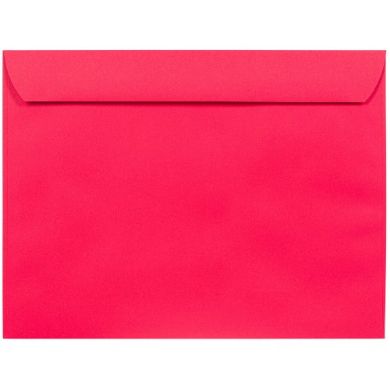
    10 x 15 catalog envelopes with secure metal clasp closure business envelopes

    Brown kraft earns its place in specific operational scenarios where its durability, reusability, or weight characteristics make it the operationally superior choice. It is not universally better than white wove , it is better under specific conditions.


    Interoffice routing programs

    The brown kraft clasp envelope is the standard format for interoffice routing precisely because the clasp closure can be opened and resealed dozens of times without adhesive failure. White wove envelopes with gum flap or peel-and-seal closures are designed for single-use mailing. Running them through an interoffice cycle that opens and reseals the same envelope multiple times destroys the closure after the first use. Kraft with a metal clasp holds up through entire department routing cycles. See all clasp formats at Clasp Envelopes: Sizes, Uses, Mailing Rules, and Closures.


    Heavy document packets

    When the document packet inside is thick , multi-page contracts, bound reports, large multi-sheet mailings , the heavier 28 lb kraft construction handles seam stress better than 24 lb white wove. The heavier fiber construction resists the pushing force of a thick insert against the envelope seams during mailing and handling. For programs consistently mailing heavy packets, kraft is the practical choice at the margin.


    Archival and filing programs

    Brown kraft envelopes are standard in filing and archival workflows where the envelope needs to survive long-term storage without deteriorating. The heavier, unbleached fiber holds up better over time than bleached white stock in many storage environments.


    Programs where natural kraft appearance matches the brand

    Some organizations, particularly in creative, artisan, or sustainability-focused industries, use brown kraft as a deliberate brand choice , the natural material appearance communicates authenticity or eco-consciousness. This is a valid use case where the appearance decision drives the material choice rather than operational requirements.


    Choose brown kraft when:

    • Interoffice routing requires repeated open-close cycles
    • Document packets are thick and heavy
    • Archival or long-term storage is part of the program
    • A clasp closure is required for reusability
    • The natural kraft appearance is a deliberate brand decision
    • Logo printing is not part of the envelope design
    • Security tinting is not needed


    Running Both Materials in the Same Operation

    Many organizations need both white wove and brown kraft in the same operation , white wove for outgoing external customer mail and brown kraft for internal routing and archival. This is the most common real-world scenario: the accounting department sends invoices in custom printed white wove #10 window envelopes while the same department routes its internal documents in brown kraft clasp envelopes to the filing room.

    Business Envelopes carries both materials in the same 9x12 and 10x13 size range. Programs that need both can order from a single supplier and maintain consistent sizing across both material types. The 9x12 range in particular is available in white wove open-end printed, white wove booklet, brown kraft booklet, and brown kraft clasp formats.

    See white wove options at 9x12 White Open-End Printed Envelopes and brown kraft options at 9x12 Brown Booklet Printed Envelopes. For a complete size guide covering both materials, see 9x12 Envelope: Size, Uses, Formats, and When to Use It and 10x13 Envelope: When to Use It and How It Compares to 9x12.


    Postage Considerations: Wove vs Kraft at Volume

    Both white wove and brown kraft 9x12 and 10x13 envelopes mail as USPS flats , they exceed the letter-rate height limit and always pay flat-rate postage regardless of content weight or flexibility. The 2026 First-Class flat rate for the first ounce is $1.63, approximately double the $0.82 letter rate.

    The paper weight difference between 24 lb white wove and 28 lb brown kraft adds a small amount to the total piece weight. For most single-sheet document programs, this difference does not affect the postage bracket. For thick multi-page programs where every ounce matters, verifying total piece weight before ordering volume stock is good practice regardless of which material is chosen. For complete postage classification guidance, see Large Envelope Sizes: 9x12, 10x13, and More Explained.


    Tyvek: The Third Option for Extreme Durability Programs

    For programs where even 28 lb kraft is not durable enough , mailing through rough handling environments, sustained moisture exposure, or contents that absolutely cannot be damaged in transit , Tyvek envelopes are the third material option. Tyvek is a synthetic material made from high-density polyethylene fibers that is approximately ten times more tear-resistant than kraft at the same size, completely waterproof, and significantly lighter than either paper option.

    For a complete comparison of Tyvek vs kraft and when each is the correct choice, see Tyvek Envelopes: Why They Are Tear-Proof, Waterproof and When to Use Them.


    What Customers Say About Business Envelopes

    ★★★★★ Jacob, Verified Buyer | 9x12 White Open-End Printed Envelopes

    "Very happy with these envelopes! These arrived in pristine condition. They are just great for mailing letter sized documents."

    ★★★★★ Rikki, Verified Buyer | 9x12 White Booklet Printed Envelopes

    "I use these for both mailing and filing. They hold a lot of paperwork and are great quality."

    ★★★★★ Rikki, Verified Buyer | 9x12 White Booklet Printed Envelopes

    "Great for certificates and awards at end of school year academic celebration."


    default image icon business envelopes

    Business Card Envelopes: Sizes, Uses, and What They're Actually For

    Business card envelopes show up constantly in event planning, gift packaging, and networking contexts, but the category gets confused with standard mailing envelopes more often than almost any other envelope type. The confusion is understandable. The name suggests something you'd drop in a mailbox alongside your monthly invoices. In practice, business card envelopes occupy a completely different lane, sized for handoff and presentation rather than postal transit.

    This guide covers what these envelopes actually are, the standard dimensions, the materials and closures you'll encounter, where they genuinely work well, the specific mailing limitation that catches people off guard after they've already ordered a box expecting to send them through the post, and what to use instead when something card sized genuinely needs to travel through the mail.

    What a business card envelope actually is

    A business card envelope is a small format envelope built to hold a single business card, a gift card, or a small folded note, typically measuring somewhere between 2.5 by 4 inches and 3.75 by 2.125 inches depending on the manufacturer. The size exists specifically to wrap closely around a standard business card without the card sliding around loosely inside, which is the entire functional point of the format.

    These run smaller than every standard commercial mailing size in a typical envelope catalog. A standard business card itself measures roughly 2 by 3.5 inches, and the envelope built to house it adds just enough margin for the card to slip in and out cleanly while still fitting snugly enough to stay in place during handling. The fit matters more than it sounds. An envelope that's too generous lets the card shift around and feel loose when picked up, undercutting the polished impression the envelope was supposed to add in the first place.

    Standard sizes and what they're built for

    Most business card envelopes on the market fall into a fairly narrow size band, since the underlying business card dimension barely varies across printers and brands. A common version measures roughly 2.125 by 3.625 inches, sized to wrap a standard card with minimal clearance. A slightly larger version runs closer to 2.75 by 4 inches, which adds room for a folded note alongside the card or a slightly larger card stock format that some premium card printers use. Some manufacturers also produce a version closer to 3.7 by 2.44 inches specifically matched to their own card printing dimensions, which is worth checking against your actual card size before ordering in bulk rather than assuming every "business card size" label means the same thing.

    The paper weight on these tends to run lighter than standard correspondence envelopes, often in the 60 lb text to 100 lb text range depending on the brand, since the contents rarely add meaningful bulk or weight. A few premium lines go heavier, closer to 110 GSM kraft stock, when the brand wants the envelope itself to feel substantial rather than purely functional. Closure is almost always a gummed flap requiring moisture to seal, occasionally a self adhesive strip on premium versions where speed of sealing matters for anyone assembling dozens or hundreds of these by hand before an event.

    Flap styles vary more than people expect for something this small. A pointed flap reads as slightly more traditional and formal, common on stationery oriented versions sold alongside floral enclosure cards. A straight or rounded flap reads cleaner and more modern, which tends to show up on the gift card and retail oriented versions. Neither is functionally better, the choice is purely about which aesthetic fits the rest of the branded materials around it.

    Color and finish options run wider than the size range does. White and cream cover the bulk of professional use cases. Kraft brown has become common for brands leaning into a natural or handmade aesthetic. Pastel and bold color packs show up heavily in the gift card and wedding favor space, where a single supplier might offer ten or more shades in one bulk pack specifically so buyers can match a color palette without ordering custom printing.

    Where business card envelopes genuinely earn their place

    Networking handoffs are the most common real use. Slipping a business card into a small envelope before handing it to someone at an event adds a small but noticeable touch of polish compared to passing over a bare card, particularly in industries where presentation matters as much as the information itself, real estate, luxury services, and consulting among them. The envelope also protects the card's edges and surface from bending or smudging while it sits in someone's bag or pocket for the rest of the day.

    Gift card packaging is another strong use. A gift card on its own feels transactional, essentially handing someone a piece of plastic. The same gift card in a small envelope, especially one matched to a brand's color palette, reads as a considered gift rather than an afterthought. Retailers selling gift cards at point of sale frequently use this exact format to elevate what would otherwise be a forgettable transaction.

    Wedding favors and place settings use this format constantly. A small envelope at a reception table holding a guest's name card or a thank you note scales the formality up without adding bulk to the table setting. Couples planning weddings often buy these in mixed color packs specifically so the place settings match the overall event palette without needing a custom print run for what is, in the end, a fairly small detail.

    Floral arrangements rely on essentially the same format for enclosure cards, since florists need something small enough to tuck into a bouquet without weighing it down or looking out of proportion to the flowers themselves. The pointed flap style in particular tends to show up heavily in this use case because it echoes traditional stationery design.

    Retail point of sale packaging uses business card envelopes to hand customers a card alongside a small promotional item, a sample, or a loyalty card, all without needing a larger and more expensive packaging solution. For small businesses building out a customer experience on a tight budget, this is often the cheapest way to add a moment of polish to an otherwise simple handoff.

    Welcome kits and onboarding packages use the format in a corporate context, tucking a business card or small welcome note into an envelope as part of a new hire or new client welcome package. The scale is small but the gesture lands, since most welcome materials skip this kind of detail entirely.

    The mailing limitation almost nobody mentions upfront

    This is the detail that catches people after they've already ordered. Business card envelopes, in nearly every standard size on the market, do not meet USPS minimum dimensional requirements for mailable mail. The Postal Service requires any mailpiece to measure at least 3.5 inches in height and 5 inches in length to qualify for processing through standard mail channels. Every common business card envelope size falls well under both thresholds, typically by a significant margin rather than just barely missing the cutoff.

    This is not a workaround issue and it's not something that changes with extra postage. It's a hard physical minimum built into how USPS automated sorting equipment is engineered. A piece smaller than the minimum simply cannot run through the machinery that processes the vast majority of US mail, and most retail counters will decline to accept it for standard postage regardless of how much postage you're willing to apply or how the package is presented.

    In practice, this means business card envelopes function exclusively as hand delivered or in person items. They get tucked into gift bags, handed across a table, placed at a setting, or included inside a larger mailed package as an enclosure, but they cannot themselves be the outer mailpiece dropped into a mailbox. Most manufacturers state this limitation directly on the product listing, often in a single line that's easy to miss if you're scanning specs quickly while comparing colors and pack sizes.

    This distinction matters most for anyone planning a mailed campaign around gift cards or business cards specifically, where the assumption is often that any small flat item can simply go in any small flat envelope. The size constraint isn't about weight or rigidity, which are the more commonly discussed USPS mailing factors. It's purely about whether the piece physically clears the minimum footprint the sorting equipment is built around.

    What to use instead when mailing actually matters

    If your business needs to mail something genuinely card sized, a business card, a gift card, a small voucher, or a payment stub, the size that does meet USPS mailing minimums is the coin envelope. Coin envelopes start at dimensions that clear the postal minimum while still staying compact enough for small, flat enclosures, which makes them the practical mailing equivalent for anything that would otherwise need a business card envelope but actually has to travel through the postal system.

    Coin envelopes work for small parts, keys, jewelry, seeds, and exactly the kind of card sized item that a business card envelope handles in person. The difference is that a coin envelope clears the dimensional floor USPS requires, so it can go in the mail without being rejected or requiring an outer envelope to carry it. The contents are functionally similar in many cases, a flat card, a small note, a payment stub, but the envelope itself is built to a size that the postal system can actually process.

    For any business sending a card, voucher, or small payment item by mail rather than handing it over in person, a coin envelope is the correct starting point rather than a business card envelope. Business Envelopes carries coin envelopes in standard sizes with both blank and custom printed options, available without a minimum order requirement, which makes them a practical default for any program where mailability is a hard requirement rather than a nice to have.

    How to choose between the two

    The decision comes down to one question: does this need to travel through the mail, or is it being handed over in person.

    Situation

    Right format

    Handing a card across a table at an event

    Business card envelope

    Gift card included inside a wrapped present

    Business card envelope

    Wedding place setting or enclosure card

    Business card envelope

    Mailing a card, voucher, or small item through USPS

    Coin envelope

    Enclosing a small item inside a larger mailed package

    Either, since it travels inside the outer mailpiece

    If there's any chance the item needs to go through standard mail on its own, default to a coin envelope from the start rather than discovering the mailing limitation after a box of business card envelopes has already arrived and the event or campaign timeline doesn't allow for a reorder.

    A practical way to think about it: business card envelopes are a presentation tool, built to make a small handoff feel more considered. Coin envelopes are a mailing tool, built to clear the physical thresholds the postal system requires. The two solve genuinely different problems even though the contents inside them often look identical.

    The bottom line

    Business card envelopes do real work in networking, gift packaging, and event settings, but they were never built for the mailstream. The size that makes them feel intimate and considered in someone's hand is the same size that disqualifies them from USPS automated processing. If the goal is handing something over in person, they're the right format, and a small investment in the right size, flap style, and color goes a long way toward the impression they create. If the goal is sending a card sized item through the mail, a coin

    Frequently asked questions

    Can business card envelopes be mailed through USPS?

    Most standard sizes cannot. USPS requires mailpieces to measure at least 3.5 by 5 inches to qualify for processing, and nearly every business card envelope on the market falls under that minimum in both dimensions. They function as hand delivery or enclosure items rather than standalone mailpieces.

    What size is a standard business card envelope?

    Sizes vary slightly by manufacturer, but most fall between roughly 2.125 by 3.625 inches and 2.75 by 4 inches, sized to wrap closely around a standard business card. Always check the exact card dimensions you're using against the envelope's stated interior measurements before ordering in bulk.

    What can I use to mail a business card if I need it to go through the post?

    A coin envelope is the closest standard mailable size for card sized items. It clears the USPS minimum dimensions and works for business cards, gift cards, and similar small flat enclosures.

    What paper weight do business card envelopes typically use?

    Most run in the 60 lb to 100 lb text range, lighter than standard correspondence envelopes since the contents add minimal bulk. Some premium lines use heavier kraft stock when the envelope itself is meant to feel substantial rather than purely functional.

    Can a business card envelope be mailed if it's placed inside a larger envelope?

    Yes. As an enclosure inside an outer mailpiece that meets USPS size minimums, a business card envelope travels fine since the outer envelope is what gets processed and scanned. The size restriction only applies when the small envelope itself is the piece being dropped directly into the mailstream.

    Do business card envelopes come in colors other than white?

    Yes, extensively. Kraft brown, pastel packs, and bold color assortments are common, particularly in the gift card and wedding favor segments where matching an event or brand palette matters more than in standard correspondence use.

    Payroll Envelopes: Which Format, Size, and Closure to Use for Your Pay Program

    Most payroll decisions focus on the check itself , the software, the check stock, the MICR encoding, and the bank compliance. The envelope rarely gets the same attention until something goes wrong. An address misaligns with the window. An employee's earnings are readable through the paper. Or a batch comes out of the inserter unsealed because the wrong closure type was ordered.

    Payroll envelopes are not interchangeable with standard business envelopes. The window position on a check-format envelope is calibrated to a specific check layout. The security tinting requirement for payroll is different from the tinting used for invoices. The closure decision depends entirely on whether your operation seals by hand or runs through a folder inserter.

    This guide covers each decision point for HR administrators, payroll managers, and small business owners who distribute physical paychecks, pay stubs, or annual W-2s by mail.


    When Physical Payroll Envelopes Are Still Needed

    Direct deposit has reduced physical check volume significantly, but physical payroll envelopes remain a routine operational need for four specific situations.

    • Paper check programs: Any organization still issuing physical paychecks on a weekly, biweekly, or monthly cycle. Paper checks require an envelope for every pay period for every participating employee.
    • Pay stub distribution by mail: Organizations where employees work remotely, at field sites, or in locations where electronic pay stub portals are not accessible. Some state labor laws require pay stub distribution, and physical mail satisfies that requirement for employees without regular online access.
    • W-2 annual mailing: Every employer with employees must mail a W-2 to any employee who does not receive it electronically. W-2s mail once per year in January and require a specific envelope format that accommodates the 8.5 x 11 inch form.
    • HR correspondence containing compensation details: Offer letters with salary information, benefit statements, disciplinary notices with pay change details, severance letters, and similar HR documents that contain compensation or personal identification data and require the same read-through protection as a payroll check.


    The Standard Payroll Check Envelope: Double Window Security Format

    The correct envelope for a printed payroll check from accounting software is a double window security check envelope. This format eliminates two of the most time-consuming manual steps in payroll distribution: addressing the envelope and printing a separate return address label.


    How the double window works for payroll

    A double window envelope has two transparent poly-film openings on the face. The lower window is positioned to display the payee's delivery address, which is printed on the check face. The upper window is positioned to display the payer's return address, also printed on the check face in the return address block. When the check is inserted face-down at the correct orientation, both addresses appear through their respective windows without any additional addressing.

    The result is a completely addressed, sealed, and postage-ready piece that required no manual addressing at any stage. For payroll operations distributing 50 to 500 checks per cycle, eliminating the addressing step produces real time savings across every pay period.


    The check-format size: 8-7/8 x 3-7/8 inches

    Payroll check envelopes are not the same size as standard #10 business envelopes. The check-format envelope measures 8-7/8 x 3-7/8 inches , slightly longer and narrower than a #10 (4-1/8 x 9-1/2 inches). This dimension is calibrated to the industry-standard check stock layout used by QuickBooks, Sage, ADP, Intuit, and all major US payroll platforms.

    The window positions within the check-format envelope are fixed to align with the address blocks on standard check layouts. Using a #10 envelope instead of the check format misaligns both address windows and produces incorrectly addressed pieces across the entire batch..


    Security Tinting: Why It Matters for Payroll


    #9 double window envelops

    Security tinting is an interior crosshatch pattern printed on the inside surface of the envelope. When the piece is held to light, the pattern blocks the text on the document inside from being read through the paper. Plain white envelopes do not provide this protection.


    What payroll documents contain that requires protection

    • Employee full name and home address
    • Gross earnings for the pay period
    • Tax withholding amounts
    • Net pay amount
    • Bank routing and account numbers (on check face)
    • Social Security number fragments (on W-2 forms)
    • Deduction details: health insurance, retirement, garnishments

    None of this information should be readable by a postal worker, mail handler, or anyone who handles the envelope during transit. Security tinting prevents read-through entirely when the interior pattern coverage is complete, including all fold zones where document panels overlap.


    Is security tinting legally required for payroll?

    Security tinting is not mandated by FLSA, IRS regulations, or any federal payroll statute. However, it is the professional standard for any organization distributing physical pay documentation through the mail. The information contained in a payroll envelope , earnings, deductions, and personal identification details , carries enough sensitivity that most HR and payroll departments treat security tinting as a non-negotiable baseline.

    For a complete guide to how security tinting works and when it is required, see Security Tinted Envelopes: What the Interior Pattern Actually Does and When You Need It.


    Gum Flap vs Peel-and-Seal for Payroll Envelopes

    Both closure types are available for payroll check envelopes. The correct choice depends entirely on whether your operation seals envelopes by machine or by hand.

    Closure How It Seals Inserter Compatible Best For
    Gummed flap Water activates dried adhesive , inserter moistening unit or manual sponge Yes , required for inserter sealing High-volume payroll programs running through folder inserter equipment
    Peel-and-seal Peel liner, press flap , no moisture needed No , inserter water does not activate pressure-sensitive adhesive Hand-sealing operations where staff process each piece individually

    If your payroll run goes through a folder inserter machine, gummed flap is the only compatible closure. The inserter applies water to the flap as each piece passes through the sealing unit. Peel-and-seal envelopes exit the inserter correctly stuffed but completely unsealed , every piece must then be sealed by hand, defeating the purpose of the inserter entirely.

    For operations sealing by hand, peel-and-seal is the more practical choice. It seals cleanly without moisture and requires no moistening equipment. For a full explanation of closure compatibility with inserter machines, see Envelopes for Automated Mailing Systems: Which Formats, Sizes, and Closures Work.


    Payroll Envelope Formats by Pay Program Type


    double window check envelopes peel & seal back and front business envelopes


    Printed payroll checks from accounting software

    Use a double window security check envelope in the 8-7/8 x 3-7/8 inch format. Both window positions are calibrated to the industry-standard check layout used by all major US payroll platforms. Security tinting is standard. Choose gummed flap for inserter programs or peel-and-seal for hand-sealing. See all formats at Double Window Envelopes: Complete Guide for Checks, Payroll and Invoices.


    Handwritten or manually completed payroll checks

    A plain #10 security-tinted envelope (4-1/8 x 9-1/2 inches) is the correct format. The address is written or typed on the outer envelope face directly. No window alignment is required since the check is not printed with the address in a specific position. Security tinting protects the check details during transit.


    Pay stub mailing without attached check

    For organizations mailing pay stubs separately from checks, use a security-tinted #10 envelope. The pay stub is tri-folded from an 8.5 x 11 inch sheet and inserted. The employee address is printed on a label or typed on the envelope face. If the pay stub template is designed with the address in the standard window position, a security-tinted #10 window envelope can eliminate the addressing step. See all security-tinted formats at Security Envelopes for Business: What They Are, When You Need Them, and How to Choose.


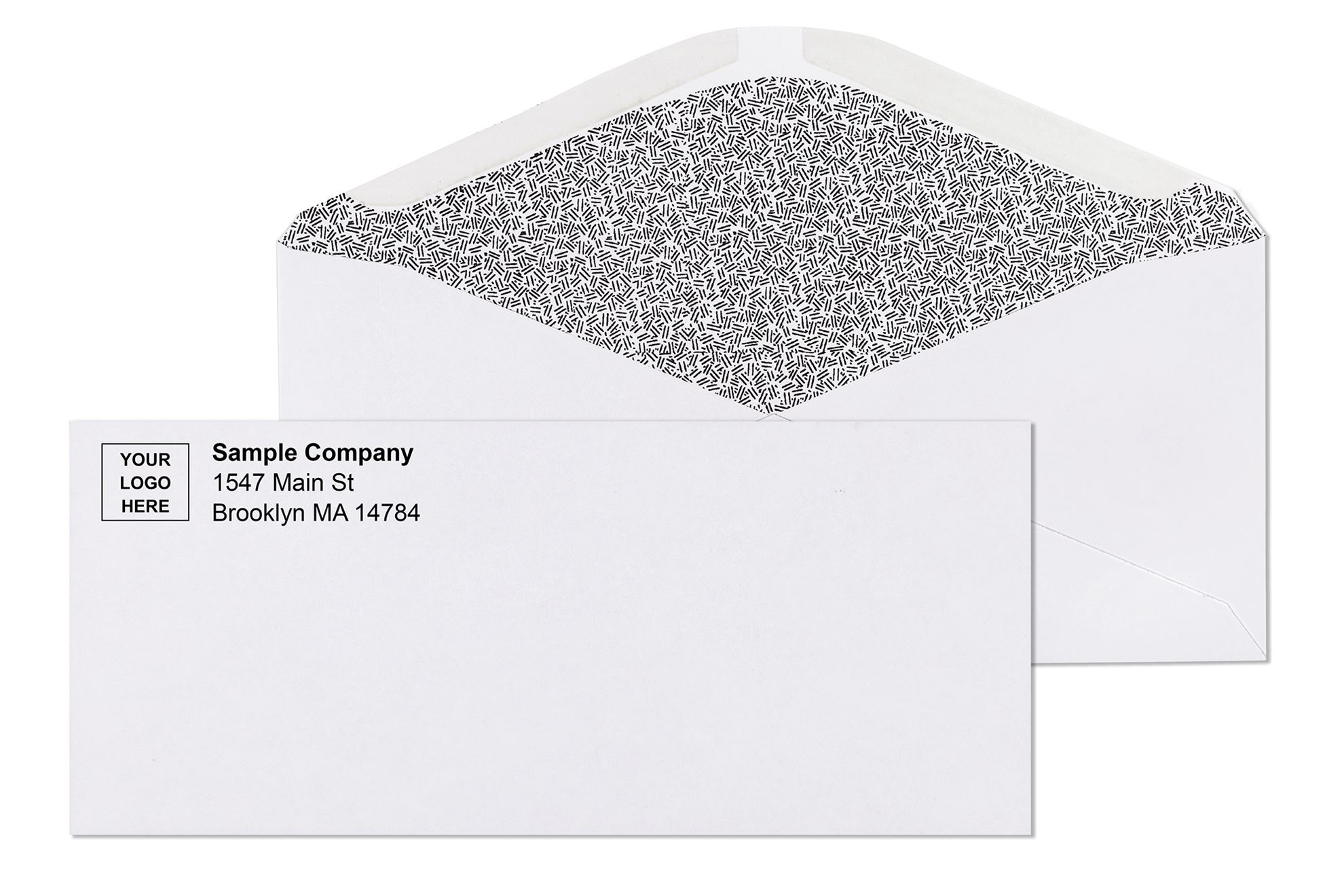
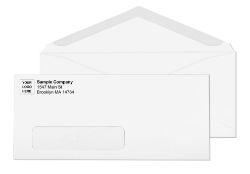
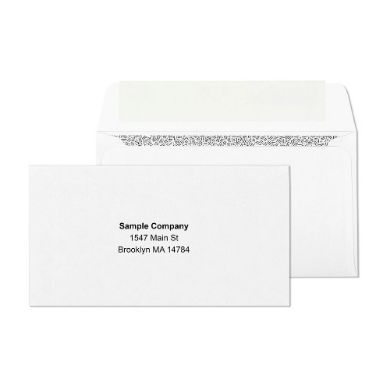
    #10 white window tinted self sealing laser safe envelopes with printed logo business envelopes


    W-2 annual mailing

    W-2 forms are printed on 8.5 x 11 inch paper. They mail in a standard security-tinted #10 envelope when tri-folded. The employee's name and address must be written, typed, or printed on the envelope face or on a label applied to the envelope face. Security tinting is important for W-2 mailing because the form contains the employee's full name, home address, Social Security number information, and annual earnings , the full combination of personal identification and financial data that requires read-through protection.

    For organizations processing large W-2 runs, window #10 envelopes aligned to the W-2 template eliminate manual addressing. The W-2 template must be set up with the employee address block in the standard window position before envelope ordering. Running a 10-piece test before the full annual mailing is recommended for any new template or envelope stock combination.


    HR correspondence containing compensation details

    Offer letters with salary information, benefit election summaries, severance documentation, and similar HR correspondence mail in security-tinted #10 envelopes. These pieces are addressed manually or through a window alignment if the template is designed for it. The security tinting requirement is the same as for payroll checks: earnings amounts, deduction details, and personal identification data should not be readable through the envelope during transit.


    Payroll Envelope Compatibility: QuickBooks, ADP, Sage, and Intuit

    Every major US payroll software platform prints checks on standard check stock layouts. The double window security check envelope at Business Envelopes is window-positioned to the industry-standard check layout that is calibrated to these platforms.

    Payroll Platform Compatible Envelope Check Format Verify Before Production
    QuickBooks Desktop Double window security check envelope Standard voucher or wallet check 10-piece alignment test recommended
    QuickBooks Online Double window security check envelope Standard voucher check 10-piece alignment test recommended
    Sage 50 Double window security check envelope Standard business check 10-piece alignment test recommended
    ADP (standard check format) Double window security check envelope Voucher check with stub 10-piece alignment test recommended
    Intuit Full Service Payroll Double window security check envelope Standard voucher check 10-piece alignment test recommended
    Always run a 10-piece test batch before any production payroll run Even with correctly specified envelopes, minor variations in check stock, printer settings, or template margins can shift the address block position. Running 10 pieces before the full batch catches alignment issues before they affect the entire payroll run. For QuickBooks-specific envelope and alignment details, see What Size Envelope Do You Need for QuickBooks Checks and Invoices? and What Envelopes Do You Need for QuickBooks Checks?


    Paper Weight for Payroll Envelopes

    All payroll envelopes at Business Envelopes use 24 lb bond wove paper stock. This weight provides the correct combination of opacity, rigidity, and feed reliability for both hand-sealing and inserter machine programs.

    • Sufficient opacity to prevent casual read-through of check contents without the security tinting pattern
    • Enough rigidity to feed reliably through folder inserter mechanisms without misfeeding
    • Light enough to keep the total piece weight within the First-Class letter rate at $0.82 per ounce for typical single-check payroll pieces

    For complete paper weight guidance across all envelope types, see Envelope Paper Weight Guide: 20 lb, 24 lb, and 28 lb Explained.


    Setting Up a Bulk Payroll Mailing Program

    For organizations distributing payroll to more than 50 employees per cycle, setting up a consistent, reliable mailing program reduces per-piece processing time and prevents the most common payroll mailing errors.

    1. Choose the correct envelope format first. Confirm whether your check stock is printed with the industry-standard check layout before ordering envelopes. Test one envelope against one printed check to verify window alignment before ordering volume stock.
    2. Decide on hand-seal vs inserter before choosing closure type. If you are sealing by hand, order peel-and-seal. If the run goes through a folder inserter, order gummed flap. Never mix closure types in the same inserter run.
    3. Confirm security tinting is full-coverage. Some security-tinted envelopes have partial tinting that leaves the fold zones exposed. All security check envelopes at Business Envelopes use full interior coverage including fold zones.
    4. Order a consistent quantity per pay period. Running out of the correct envelope mid-cycle forces substitutions that create alignment failures. Calculate your average employee count plus a 10 to 15 percent buffer and order that quantity per cycle. For volume pricing guidance, see Wholesale Envelopes for Business: The Complete Buying Guide.
    5. Keep artwork on file for custom printed payroll envelopes. Organizations that custom-print the company name, return address, and logo on payroll envelopes can reorder from stored artwork without re-submitting files or going through a new proof cycle.


    Why Business Envelopes for Payroll Envelopes

    Business Envelopes has supplied payroll departments, accounting operations, and HR teams with check-compatible envelopes since 1997. Every payroll envelope format in the catalog is window-positioned to the industry-standard check layout that is calibrated to all major US payroll software platforms.

    • Double window security check envelopes in gummed flap and peel-and-seal
    • Security-tinted #10 envelopes for pay stub and HR correspondence mailing
    • Window #10 envelopes for window-aligned pay stub programs
    • Full interior security tinting coverage including all fold zones
    • 24 lb wove paper stock for consistent feed reliability
    • No minimum order on any format
    • Same or next business day shipping on blank stock
    • Free ground shipping on every order
    • Custom printing with logo and return address , no new proof required on reorders


    default image icon business envelopes

    How Many Stamps Do I Need? The Complete Guide by Envelope Size

    Generic stamp calculators answer one question: how much does your letter weigh. That gets you halfway there. The other half of the answer depends on which envelope you actually used, because USPS does not price mail by weight alone. A one-ounce letter in a square envelope costs more than a one-ounce letter in a #10. A document that weighs almost nothing still costs $1.63 minimum if it's mailed flat in a 9x12 instead of folded into a #10. None of the postage calculators currently ranking for this question own an envelope catalog, so none of them connect the stamp count back to the specific envelope size sitting on your desk.

    This guide does both at once. Every standard envelope size, what it actually costs to mail at each weight tier, the July 2026 rate change, worked examples, postcard and international rates, Certified Mail, the overpayment question nobody answers clearly, and the non-machinable triggers that catch people off guard after they've already sealed and stamped a stack of mail. For a deeper look at where to actually buy stamps and how Forever pricing works, see our postage stamps buying guide.

    The rate change you need to know about right now

    If you're reading this before July 12, 2026, the numbers below labeled "current" apply to you. If you're reading this on or after that date, skip to the "new rate" column. USPS filed the increase with the Postal Regulatory Commission on April 9, 2026, the Commission approved it on May 27, 2026, and it takes effect at 12:01 a.m. on July 12, 2026. This is confirmed and scheduled, not speculative.

    Mail piece

    Current rate (through July 11, 2026)

    New rate (July 12, 2026 onward)

    First-Class letter, 1 oz, Forever stamp

    $0.78

    $0.82

    First-Class letter, 1 oz, metered

    $0.74

    $0.78

    Each additional ounce (letters)

    $0.29

    $0.29 (unchanged)

    Domestic postcard

    $0.61

    $0.65

    Large envelope (flat), 1 oz

    $1.63

    approximately $1.70 to $1.75

    International letter, 1 oz

    $1.70

    $1.75

    Certified Mail fee

    $5.30

    $5.55

    Non-machinable surcharge

    $0.49

    expected to hold near $0.49, confirm at mailing time

    The additional-ounce price staying flat at 29 cents means the gap between a 1-ounce and 2-ounce letter doesn't widen on July 12. A letter that costs $1.07 today (one Forever stamp plus one additional-ounce stamp) becomes $1.11 after the increase, purely from the base rate moving.

    If you buy Forever stamps before July 12, they remain valid for the first-ounce letter rate forever, regardless of future increases. A Forever stamp bought in 2019 at 55 cents still covers a first-ounce letter today at 78 cents, and will still cover it at 82 cents after July 12. Stockpiling current-rate Forever stamps before the increase is a legitimate way to lock in today's price for letters you'll mail months from now. Rolls of 100, 500, or 3,000 make sense for any office running recurring statement cycles.

    Why weight alone never gives you the full answer

    USPS prices mail on three axes: weight, physical dimensions, and shape.

    Letter-rate dimensions come first. The envelope must be rectangular, at least 3.5 inches high by 5 inches long by 0.007 inches thick, and no more than 6.125 inches high by 11.5 inches long by 0.25 inches thick. This is a hard cutoff, not a sliding scale. An envelope 6.2 inches tall, a tenth of an inch over the limit, is treated exactly the same as one 12 inches tall. Both are flats.

    Non-machinable shape rules apply next, even within letter-rate dimensions. USPS adds a $0.49 surcharge to square envelopes, rigid or stiff mailers, lumpy or uneven contents, and envelopes with clasps, string, or buttons.

    Weight tiers within each class come last. Letters add 29 cents per additional ounce up to 3.5 ounces, then reclassify as flats. Flats add roughly 20 cents per additional ounce up to 13 ounces.

    Two envelopes can weigh exactly the same and cost completely different amounts to mail, because one is a #10 and the other is a 9x12. Weight tells you the increment within a class. It never tells you which class you started in.

    Where the stamp actually goes

    The stamp goes in the top-right corner of the envelope, on the same side as the delivery address, with a small margin from the edge so it adheres properly and cancels cleanly. The return address goes top-left. If using more than one stamp for additional postage, place them together in that top-right area rather than scattered across the face, since USPS equipment scans that corner specifically. This applies the same way whether you're using a plain #10 envelope or a window envelope, since the address window position is built around this exact scan zone.

    Stamps by envelope size: the table no generic calculator can build

    The #10 envelope, 4.125 by 9.5 inches, is letter rate. A single sheet or two typically weighs under 1 ounce, covered by one Forever stamp. Five or more pages tends to push you to 2 ounces.

    The #9 envelope, 3.875 by 8.875 inches, is letter rate. Used almost exclusively as a reply envelope nested inside a #10 outer. One Forever stamp covers typical contents under 1 ounce.

    The #6 3/4 envelope, 3.625 by 6.5 inches, is letter rate. The smallest standard commercial size, almost always under 1 ounce.

    The 6x9 envelope depends entirely on contents and rigidity. If it stays under the 6.125-inch height limit and under a quarter inch thick, it can qualify at letter rate. Many 6x9 envelopes carry stiffer contents, pushing them to flat rate. Check your specific stock's height against the 6.125-inch ceiling before assuming letter pricing.

    The 9x12 envelope is always flat rate, no exceptions. At 12 inches long, it exceeds the 11.5-inch letter-rate maximum regardless of contents.

    The 10x13 envelope is always flat rate, same logic as the 9x12, with more clearance for thicker packets and legal-size 8.5x14 sheets.

    The legal-size #14 envelope, 5 by 11.5 inches, is the exception people don't expect. Despite carrying legal-size paper folded into thirds, it stays within letter-rate dimensions and qualifies for the same postage as a #10. This is the most cost-efficient way to mail legal correspondence at volume, and it's frequently overlooked in favor of an unfolded 10x13, which always costs more for the same document.

    Envelope

    Mail class

    Typical stamp need

    Watch for

    #6 3/4

    Letter

    1 Forever stamp under 1 oz

    Multiple enclosures

    #9

    Letter

    1 Forever stamp under 1 oz

    Rarely exceeds 1 oz alone

    #10

    Letter

    1 to 4 sheets, 1 Forever stamp

    5+ sheets push to 2 oz

    #14 (legal)

    Letter

    1 Forever stamp under 1 oz

    Multiple legal pages

    6x9

    Letter or flat

    Depends on rigidity/height

    Stiff inserts force flat rate

    9x12

    Flat, always

    Flat-rate minimum, any weight

    Always starts above letter rate

    10x13

    Flat, always

    Flat-rate minimum, any weight

    Always starts above letter rate

    Worked examples: what real mailings actually cost

    A single-page cover letter and a one-page invoice, folded into thirds in a #10, weighs well under 1 ounce. One Forever stamp, full stop.

    A six-page contract, folded into thirds in a #10, typically lands between 1 and 2 ounces. Budget for one Forever stamp plus one additional-ounce stamp, and weigh it if the paper is heavier than standard 20 lb stock.

    A greeting card in a square envelope, even a light one under an ounce, gets the non-machinable surcharge automatically because of its shape. Budget for the base letter rate plus 49 cents.

    A tax return or unfolded multi-page document mailed flat in a 9x12 always starts at the flat-rate minimum, regardless of page count, as long as it stays under the first weight tier.

    A legal contract folded into thirds in a #14 envelope costs the same as a standard #10 letter at the same weight, meaningfully cheaper than mailing the identical document unfolded in a 10x13.

    Postcards, international mail, and Certified Mail

    Postcards are priced separately from letters, and most calculators bury this. A standard domestic postcard costs $0.61 currently and $0.65 after July 12, using a dedicated Postcard stamp rather than a Forever letter stamp. A large or square postcard loses postcard pricing and gets charged at letter rate instead, the same dimensional logic governing every other format here.

    International mail uses Global Forever stamps, not domestic Forever stamps. A 1-ounce international letter currently costs $1.70, moving to $1.75 after July 12. Domestic Forever stamps do not cover international postage on their own.

    Certified Mail adds a flat service fee on top of whatever postage class and weight tier already applies. The fee rises from $5.30 to $5.55 in the July adjustment, and stacks on top of base postage rather than replacing it. A one-page letter sent Certified pays standard 1-ounce letter rate plus the separate Certified fee, not one combined number.

    What happens if you use too many stamps, or too few

    Overpaying is the safer mistake. USPS will not refuse delivery for excess postage, but you won't get a refund for the difference. Two Forever stamps on a 1-ounce letter delivers fine; it just costs more than the correct combination.

    Underpaying is the costly mistake. A piece without enough postage is typically returned to the sender marked postage due, or delivered with the recipient billed the shortfall, depending on mail class and local handling. Neither outcome is ideal for an invoice, contract, or time-sensitive document, which is exactly why weighing before sealing matters more for business mail than a single personal letter.

    The non-machinable trap that catches even careful mailers

    Square envelopes are the most common trigger. If the aspect ratio falls outside roughly 1.3 to 2.5 times longer than tall, it gets the surcharge automatically, regardless of weight. A 5x5 inch square card envelope at exactly 1 ounce costs $1.27, not $0.78, once the surcharge is added.

    Clasp envelopes need the clasp dealt with before mailing. An exposed metal clasp can damage USPS sorting equipment, and an unsecured clasp is classified non-machinable. Remove the clasp, flatten and tape it down, or budget for the surcharge. Our clasp envelope mailing guide covers this in full detail.

    Rigid or lumpy contents trigger the same surcharge. A photo with a cardboard stiffener, coins taped inside a card, or anything creating uneven thickness reads as non-machinable, even inside a standard rectangular envelope.

    The fix is almost always cheaper than the surcharge. A rectangular #10 or #6 3/4 instead of square, a removed or flattened clasp, and flat, evenly distributed contents keeps nearly any mailing at base letter rate with zero surcharge risk.

    How to actually weigh mail without a postal scale

    Standard 20 lb copy paper weighs close to 5 grams per sheet, roughly 4 to 5 sheets per ounce once you add a #10 envelope's own weight. That rule gets shakier with heavier cardstock, glossy paper, or heavy double-sided ink coverage.

    USPS self-service kiosks at most post office lobbies weigh and print exact postage on demand, and most counters will weigh a single envelope for free. For anyone mailing the same type of piece repeatedly, weighing one fully assembled, sealed sample once and recording the result removes the guesswork from every future mailing. For high-volume invoice or statement programs, pairing this with window envelopes so the address prints directly from the document also removes a second source of variability from every run.

    A note on metered postage versus stamps

    Metered postage costs 4 cents less per first-class letter than a Forever stamp, both before and after the July increase. For any organization mailing more than roughly 50 pieces a week, a postage meter or online postage account pays for itself in the rate difference alone, separate from the time saved not hand-applying stamps to every envelope. Pairing metered postage with self seal envelopes removes the sealing step too, which compounds the time savings on any recurring statement or payroll run.

    The bottom line

    Know your envelope class before you count stamps. Letter-rate sizes, the #10, #9, #6 3/4, and folded #14, give you the cheapest path and the most forgiving weight tiers. Flat-rate sizes, the 9x12 and 10x13, cost more from the first ounce regardless of how little is inside, so fold when you can and only go flat when the document genuinely can't be creased. Watch for square shapes, exposed clasps, and uneven contents, since any one of those adds the non-machinable surcharge on top of whatever weight tier you're already in. And if you're reading this anywhere close to July 12, 2026, double-check which side of the rate change your mailing falls on before you buy a batch of stamps in bulk.

    Frequently asked questions

    How many stamps do I need for a 1 ounce letter?

    One Forever stamp, as long as the envelope is letter-rate dimensions and not square, rigid, or lumpy.

    How many stamps do I need for a 9x12 envelope?

    A 9x12 always mails as a flat. One Forever stamp alone is never enough; you need flat-rate postage starting at $1.63 (current) or roughly $1.70 to $1.75 (after July 12), regardless of contents weight.

    Can I use two Forever stamps instead of an additional-ounce stamp?

    Yes, and it works for delivery, but costs more than the correct combination. Two Forever stamps cover $1.56 worth of postage; one Forever plus one additional-ounce stamp covers the same 2-ounce letter for $1.07. Stacking Forever stamps is a convenience trade-off, not a savings move.

    What happens if I forget a stamp entirely?

    The letter is typically returned to the sender marked postage due, or the recipient is billed the missing amount upon delivery, depending on mail class and local handling.

    Do square envelopes always cost more?

    Yes, if the aspect ratio falls outside roughly 1.3 to 2.5. This applies regardless of weight, so even a very light square card gets the non-machinable surcharge.

    Does a Forever stamp work for international mail?

    No. International letters require a Global Forever stamp, a separate product priced differently from the domestic Forever stamp.

    Envelopes for Automated Mailing Systems: Which Formats, Sizes, and Closures Work

    HomeMailing GuidesEnvelopes for Automated Mailing Systems

    Selecting the correct envelope for an automated mailing system is not a minor detail. Use the wrong closure type and a 500-piece run comes out of the inserter stuffed but not sealed, requiring every piece to be processed by hand. Use the wrong size and the feeder jams, stops the run, and requires manual clearing. Get both right, and the envelope becomes invisible in the operation: it feeds, folds, stuffs, seals, and stacks automatically while your team does other work.

    This guide covers the specific envelope requirements for folder inserter programs from the envelope buyer's perspective. It explains which closure types are required and why, which sizes run reliably through standard and production-class inserters, which formats eliminate manual addressing steps in billing and payroll workflows, and what paper weight to specify when ordering. Every format recommended here is stocked and available at Business Envelopes with no minimum order and same or next business day shipping on blank stock.

    For a complete overview of all standard business envelope types and their workflow applications, see Types of Business Envelopes: Which Format You Actually Need.


    The One Rule That Governs All Envelopes for Automated Mailing Systems

    Every other specification in this guide depends on one foundational rule: folder inserter machines seal envelopes with water, not pressure. This is not a brand-specific limitation. It applies to the entire category of standard commercial folder inserters used in office mailrooms, billing departments, payroll operations, and fulfillment centers.

    The inserter's sealing unit contains a moistening roller or brush that applies water to the envelope flap as each piece passes through. The water activates the dried gum adhesive on the flap, and the flap bonds shut. The process is fast, consistent, and requires no manual intervention.

    This mechanism only works with gummed flap envelopes. Gummed flap envelopes have a strip of dried, water-activated adhesive on the inside surface of the envelope flap. When the inserter's moistener contacts the flap, the adhesive activates and the seal forms in the same pass that delivers the postage imprint.

    Peel-and-seal and flip-and-stick envelopes will not seal in a folder inserter Self-seal closures use pressure-sensitive adhesive that requires mechanical compression to bond. Water does not activate pressure-sensitive adhesive. If you load self-seal envelopes into a folder inserter, the machine will fold, insert, and advance each piece correctly, but every envelope will exit the sealing unit unsealed. The run must then be sealed by hand. Always confirm your envelope closure type before ordering volume stock for an inserter program. See the complete self-seal vs gum flap comparison at Self Seal Envelopes: Mailing Machine Compatibility and the Labor Savings Math.


    Machine-Insertable Envelope Sizes: The Confirmed List

    Envelopes for automated mailing systems showing #10 window white gummed seal envelope for automated billing invoice and statement programs where address shows through window from correctly folded document inside

    Not all envelope sizes feed reliably through all inserters. The following sizes are the established machine-insertable formats that run through the widest range of desktop and mid-volume folder inserters. Larger formats require production-class equipment with wider feeders.

    Size Dimensions Inserter Compatibility Best For
    #10 4-1/8 x 9-1/2" Desktop and production Invoices, statements, letters, billing programs
    #9 3-7/8 x 8-7/8" Desktop and production Reply and remittance mail, BRE programs
    6 x 9 6 x 9" Mid-volume and production Flat documents, marketing programs
    9 x 12 9 x 12" Production-class only Large flat documents, contracts, catalogs
    10 x 13 10 x 13" Production-class only Oversized flat materials, multi-page documents
    Verify your inserter's specifications before ordering volume stock Desktop-class inserters handle #10 and #9 envelopes reliably. Most mid-volume units also accept 6x9. For 9x12 or larger, confirm your inserter's maximum envelope dimensions before ordering. Running a test batch of 10 to 20 pieces at the start of any new envelope format is the fastest way to confirm compatibility before committing to a full run.


    Gummed Flap Formats by Program Type

    The gummed flap closure rule applies to all automated mailing programs. Within that constraint, the correct envelope format depends on the mailing type: correspondence, billing, payroll, or flat-document programs each use different formats.


    Standard correspondence and statement programs: #10 gummed flap

    The #10 envelope is the universal format for automated office mailing. It accepts a standard 8.5 x 11 inch document C-folded or Z-folded into thirds and feeds through the widest range of folder inserter equipment. The gummed flap seals in the inserter's built-in moistening unit.

    For billing and statement programs where documents contain a printed return address, the plain #10 gummed flap is the correct choice. For programs where the sender's address and logo should appear on the envelope, custom printed gummed flap envelopes are available in the same format with the same machine compatibility.

    See all #10 gummed flap formats at #10 Envelopes and all standard commercial formats at regular envelopes.


    Invoice and billing programs: #10 window gummed flap

    The #10 window envelope with a gummed flap closure is the standard format for automated billing programs. The window eliminates one of the most time-consuming manual steps in a billing workflow: addressing the envelope separately from the document. The recipient's name and address, already printed on the invoice, statement, or notice inside, shows through the poly-film window after the document is Z-folded and inserted correctly.

    No label. No manual addressing. The document and the envelope work as one system. The inserter folds the document, inserts it, and seals the gummed flap automatically. The postage meter prints the indicia in the same pass. The addressed, sealed, metered piece exits the stacker ready for the mail.

    For the window to display the address correctly, the document template must position the address block within the standard window opening: 1-1/8 x 4-1/2 inches, 7/8 inch from the left edge, 1/2 inch from the bottom edge. For a complete guide to alignment, see Window Envelopes: Complete Guide for Business Mailing.

    See all window envelope formats at window envelopes.


    Payroll and accounts payable programs: double window gummed flap

    Automated check and payroll programs use double window gummed flap envelopes. The double window format has two openings: a lower window displaying the payee's delivery address and an upper window displaying the sender's return address. Both addresses come from the printed check or payment voucher inside the envelope. No separate addressing or labeling is required.

    The check is inserted face-down so both address blocks align with their respective windows. The gummed flap seals in the inserter's moistening unit. The result is a fully addressed, sealed, ready-to-mail payroll or AP check with zero manual handling per piece.

    Double window gummed flap envelopes are designed to work with checks printed from QuickBooks, Sage, ADP, and similar accounting platforms. See all double window formats at double window envelopes.


    Reply and remittance programs: #9 gummed flap

    The #9 envelope (3-7/8 x 8-7/8 inches) is the standard reply and remittance format for automated mailing programs. It fits inside a #10 envelope for outgoing programs that include a pre-addressed return piece. The #9 is also used as a standalone outgoing envelope in lower-volume automated programs.

    The gummed flap on the #9 seals in the same inserter units that handle #10 envelopes. For organizations running automated billing programs where they want to include a reply envelope with each outgoing statement, the #10 plus #9 insert combination is the standard automated workflow format.

    See #9 formats at #9 White Envelopes.


    Flat document programs: 6x9 and 9x12 gummed flap open-end

    For automated programs mailing documents that cannot be folded , certificates, proposals, bound reports, photo prints, or large-format legal documents , the correct format is an open-end envelope in 6x9 or 9x12 format with a gummed flap closure. Open-end envelopes open on the short edge, allowing documents to be inserted vertically without folding.

    6x9 open-end envelopes run through mid-volume inserters. 9x12 open-end envelopes require production-class equipment. For high-volume programs mailing flat documents, confirm your inserter's maximum envelope and insert dimensions before specifying format.

    See 6x9 formats at 6x9 White Open-End Printed Envelopes and 9x12 formats at 9x12 White Open-End Printed Envelopes.


    Envelope Closure Compatibility: Quick Reference

    Closure Type How It Seals Folder Inserter Compatible When to Use
    Gummed flap Water activates dried adhesive YES , required All automated mailing system programs
    Peel-and-seal Liner removed, adhesive exposed, pressed closed NO Hand-sealing only
    Flip-and-stick Flap folded and pressed, no liner to remove NO Hand-sealing only

    For a complete guide to closure types, their differences, and which workflows each serves, see How to Seal an Envelope: The Right Way for Every Type and Volume.


    Paper Weight for Envelopes in Automated Mailing Systems

    Envelopes for automated mailing systems showing double window security check envelope gummed flap for automated payroll and accounts payable check mailing programs with folder inserter machines requiring compatible gummed flap closure

    Paper weight affects how reliably envelopes feed through inserter equipment. Too light, and envelopes misfeed, wrinkle, or jam in the feeder tray at high speed. Too heavy, and the inserter's fold mechanisms may not close the flap consistently or the postage weight pushes the piece into a higher-cost category.

    Paper Weight Feed Reliability Best Application
    20 lb bond Acceptable at low speed Low-volume or occasional automated runs; more prone to misfeeds at high speed
    24 lb bond Excellent , industry standard All standard automated programs; consistent feed, reliable seal, correct postage weight
    28 lb bond Good at moderate speed Premium or lower-volume programs; heavier feel, may add postage cost at higher insert weights

    For a complete guide to envelope paper weights and how they affect print quality, feel, and postage classification, see Envelope Paper Weight Guide: 20 lb, 24 lb, and 28 lb Explained.


    Fold Types and Their Effect on Automated Mailing

    The fold type your inserter applies to the document determines whether the address block lands in the window correctly, whether the document fits in the envelope without forcing, and whether the piece seals cleanly. Most standard folder inserters support three primary fold types.


    C-fold (letter fold)

    The standard fold for plain correspondence envelopes. The document folds into thirds with all panels stacking in the same direction. Correct for #10 plain envelopes where no window alignment is required. The bottom third folds up first, then the top third folds down over it.


    Z-fold (zigzag fold)

    Required for window envelopes where the address block must face outward through the window after insertion. The Z-fold places the address block on the face of the folded document panel. When inserted correctly, the address reads through the window without any additional handling. Getting the fold direction wrong is the most common cause of address-not-in-window problems in automated billing programs.


    V-fold

    A single center fold used for smaller inserts like reply cards, payment stubs, or remittance slips. Less common in standard inserter programs but available on most mid-volume and production-class equipment.


    What to Check Before Running a New Envelope in Your Inserter

    Running a test batch before a full production run prevents the most common and costly automated mailing mistakes.

    1. Confirm the closure type is gummed flap. Check the product specification, not the visual appearance. Some envelopes look similar whether gummed or self-seal. The specification sheet or product label will confirm the adhesive type.
    2. Confirm the envelope dimensions match your inserter's specifications. Measure the outer dimensions and compare them to the inserter manufacturer's accepted envelope size range. A 1/16 inch difference in height can cause consistent misfeeds on some models.
    3. Run 10 to 20 test pieces before the production batch. Load the test batch, run the inserter at normal speed, and check every piece for correct fold, correct insertion depth, and complete seal. A flap that seals on 9 of 10 test pieces will fail on hundreds of pieces in a production run.
    4. Check the moistener reservoir. An inserter with a low water level applies inconsistent moisture to the gum flap and produces inconsistent seals. Check and refill the moistener reservoir at the start of every run.
    5. Verify window alignment before the first piece if using window envelopes. Insert one test document, fold it correctly, insert it, and hold the sealed piece to light to confirm the full address appears in the window with at least 1/8 inch of clearance on all four sides.


    Common Mistakes When Ordering Envelopes for Automated Mailing Systems

    • Ordering self-seal envelopes for an inserter program. The most common and most expensive mistake. Self-seal envelopes will not seal in a folder inserter's moistening unit. All pieces must be sealed by hand after the run.
    • Not verifying envelope dimensions against inserter specifications. Most inserters have a minimum and maximum accepted envelope height and width. Ordering outside that range causes misfeeds and jams throughout the run.
    • Using 9x12 envelopes on a desktop inserter. Desktop and low-volume inserters are not designed for 9x12. 9x12 and 10x13 formats require production-class equipment. Using the wrong inserter damages both the equipment and the envelopes.
    • Switching envelope brands mid-program without testing. Subtle differences in flap geometry, adhesive formulation, and paper stiffness between envelope brands can affect how reliably a feeder runs. Any brand change requires a test batch before a production run.
    • Ignoring the moisture level in the sealing unit. A dry moistener is the most common cause of unsealed pieces in an otherwise correct setup. Check the reservoir before every run.
    • Using window envelopes with a C-fold instead of a Z-fold. A C-folded document places the address facing inward, not outward through the window. Every piece exits addressed incorrectly. The window alignment guide explains the correct fold for every window format.


    High-Volume Programs: Ordering Envelopes at Scale

    Envelopes for automated mailing systems showing 9x12 white open-end catalog gummed flap envelope for high-volume flat document mailing programs compatible with production folder inserter equipment

    Automated mailing programs run at volume. A billing department processing 2,000 statements per month or a payroll operation running 500 checks per cycle needs a reliable envelope supply that ships consistently, matches the approved specification exactly, and arrives on schedule.

    Business Envelopes supplies automated mailing programs with no minimum order on any format, same or next business day shipping on blank stock, and free ground shipping on every order. Custom printed envelopes with logo, return address, and permit indicia placement are available in all machine-insertable formats with a PDF proof before production and artwork retained on file for reorders.

    For volume pricing and ordering guidance for high-frequency mailing programs, see Wholesale Envelopes: Complete Business Buying Guide.


    default image icon business envelopes

    Paper Weight and Thickness: The Complete US Guide for Printing and Mailing

    Pick up two pieces of paper both labeled "80 lb" and they feel completely different. One is thin and flexible, barely stiffer than copy paper. The other is thick and substantial, closer to a greeting card. They carry the same number but they are genuinely different materials measured on genuinely different scales. That confusion is built into the US paper weight system, and it causes real problems when businesses order stationery, letterhead, or envelopes without understanding it.

    This guide explains paper weight in plain terms across all three measurement systems you will encounter (lb, GSM, and pt), covers every weight range and what each one is used for, connects paper weight to USPS mailing requirements, and explains how paper weight affects the envelope you need and the postage you pay.

    What real customers say about Business Envelopes

    The following reviews come directly from verified buyers on businessenvelopes.com.

    ★★★★★ Anonymous - Verified buyer, Double Window Check Envelopes
    "The envelopes I ordered came in and they were absolutely perfect. Best ones I have ever ordered. The glue on the back actually seals the envelope and the overall quality of the paper feels much more substantial than envelopes I have ordered from sites like Office Depot. Definitely will be re-ordering."

    ★★★★★ Cindy - Steller Management, Verified buyer
    "Amazing company! Excellent service and great products, especially the double window envelopes. Gives my checks the professional look. I highly recommend BusinessEnvelopes.com."

    ★★★★★ Cathy - Horizon Home Care Service, Verified buyer
    "Amazing company! I was able to design my custom envelope and it was printed as expected. Thank you!"

    ★★★★★ Verified buyer -#10 Security Tinted Envelopes
    "I have now ordered from businessenvelopes.com four times. Every time my order is perfect and it always looks exactly as ordered. Business Envelopes exceeds my expectations on shipping and the product is excellent. I will continue doing business with Business Envelopes."

    ★★★★★ Verified buyer -#10 Self Seal Tinted Envelopes
    "I switched from another brand to these because they were half the cost. I did not sacrifice anything in quality. These are security-lined and the adhesive is as good, maybe better, than the more expensive brand."

    Why the US paper weight system is confusing

    The pound (lb) system measures the weight of 500 sheets of paper at the standard parent sheet size for that paper category. Different paper categories use different parent sheet sizes. That is the root of all the confusion.

    Bond paper uses a parent sheet of 17 x 22 inches. Text paper uses 25 x 38 inches. Cover paper uses 20 x 26 inches. Because those parent sheets are different sizes, the same number of pounds produces different actual thickness and density depending on which category is being measured.

    This is why an 80 lb text sheet and an 80 lb cover sheet feel completely different. Both are correctly labeled. Neither measurement is wrong. They are simply measured on different scales using different base sheet sizes, which makes comparing them by lb number alone meaningless.

    The three paper measurement systems:

    Pound weight (lb): Useful for comparing papers within the same category (80 lb cover vs 100 lb cover) but misleading across categories.

    GSM (grams per square meter): The most reliable cross-category comparison tool. GSM measures actual paper density consistently across all paper types. A 216 gsm sheet is always 216 gsm regardless of whether it is labeled text, cover, or bond. Use GSM when comparing papers from different categories or international suppliers.

    Points (pt): A measure of physical thickness, not weight. One point equals 0.001 inch. A 14 pt card is 0.014 inches thick. Points are used for cardstock and are the most useful measurement for understanding USPS direct mail compliance.

    The practical rule: use lb within the same category. Use GSM across categories. Use pt when physical thickness determines mail classification.

    Bond paper: the letterhead and office paper category

    Bond paper has a parent sheet of 17 x 22 inches. This is the category for office paper, letterhead, and general correspondence.

    20 lb bond (75 gsm): Standard copy paper. Fine for internal documents and drafts. Not appropriate for client-facing correspondence.

    24 lb bond (90 gsm): The professional standard for business letterhead. Noticeably more substantial than 20 lb copy paper. Feeds reliably through standard office laser and inkjet printers. This is the weight that matches correctly with a standard #10 envelope. A single sheet of 24 lb bond plus a standard #10 envelope comes in just under one ounce.

    28 lb bond (105 gsm): Premium business stationery. Perceptibly heavier than 24 lb. Used by law firms, financial advisors, and medical practices where the physical feel of the paper communicates something about the quality of the practice. Most standard office printers still feed this weight reliably from the manual tray.

    32 lb bond (120 gsm): Heavyweight stationery. Some office printers require manual feed at this weight. Used for premium legal documents, formal proposals, and high-end correspondence. The combined weight of a multi-page letter on 32 lb bond can push past one ounce, so verify before assuming one stamp covers the full piece.

    Text weight paper: brochures, flyers, and book pages

    Text paper has a parent sheet of 25 x 38 inches. This is the category for commercial printing applications where a quality step up from copy paper is needed without the rigidity of cardstock.

    60 to 70 lb text (90 to 105 gsm): Lightweight commercial printing. Newsletter pages, book interiors, and mass-distributed flyers where per-piece cost matters more than physical presence.

    80 lb text (118 gsm): The most common commercial text weight. Brochure interiors, magazine pages, and promotional inserts. Better feel than copy paper but not rigid enough to hold its shape independently.

    100 lb text (148 gsm): Premium text weight. High-quality brochure interiors, art book pages, and upscale informational pieces.

    Text weight paper should not be used for any piece mailed without an envelope. USPS requires postcards to meet minimum thickness and basis weight standards that text weight paper generally does not meet.

    Cover weight paper: cardstock for cards, postcards, and business cards

    Cover paper has a parent sheet of 20 x 26 inches. This is the category for all cardstock applications: business cards, postcards, greeting cards, report covers, and anything that needs structural rigidity.

    65 lb cover (176 gsm, approximately 7 to 9 pt)

    The lightest cover weight in common use. Folds relatively easily without scoring. Used for folded greeting cards, lightweight menus, and casual note cards. Borderline for USPS postcard mailing: 80 lb cover or heavier is more reliable for automated postal processing.

    80 lb cover (216 gsm, approximately 8 to 10 pt)

    The industry standard for greeting cards, standard postcards, and general cardstock printing. A 4 x 6 inch postcard at 80 lb cover sits within the USPS postcard thickness window (0.007 to 0.016 inch) and processes cleanly through automated sorting. Most desktop printers handle this weight through the standard paper tray. This is the weight that matches the regular envelopes and colored envelopes most commonly used for card mailings.

    100 lb cover (270 gsm, approximately 10 to 12 pt)

    Premium cardstock. The step up from 80 lb is immediately perceptible. Used for formal invitations, premium report covers, and flat announcement cards where physical quality signals importance. Most desktop printers require manual feed at this weight.

    110 lb cover (284 to 300 gsm, approximately 12 to 14 pt)

    Heavyweight cover stock for premium business cards, specialty packaging, and certificates. Requires commercial printing equipment in most cases.

    Points and caliper: the measurement that matters most for direct mail

    USPS does not classify mail by lb or gsm. It classifies mail by physical dimensions including thickness measured in inches, which is what the point system describes.

    14 pt (approximately 310 gsm, 0.014 inch)

    The commercial standard for business cards and direct mail postcards. Resists bending in wallets, holds edges cleanly after trimming, and processes cleanly through postal sorting equipment.

    16 pt (approximately 350 gsm, 0.016 inch)

    Premium standard for business cards and quality postcards. At 16 pt a piece has a premium feel that signals quality before it is read.

    18 pt and above (400 gsm and up)

    Ultra-premium cardstock for luxury business cards and specialty packaging. Requires commercial production equipment.

    The USPS thickness rules:

    For a postcard to qualify for the First-Class postcard rate of 61 cents, thickness must be between 0.007 inch and 0.016 inch. Standard 14 pt cardstock at 0.014 inch fits cleanly. Standard 16 pt at 0.016 inch sits exactly at the maximum and remains compliant.

    For postcards larger than 4.25 x 6 inches, USPS requires a minimum thickness of 0.009 inch. This rules out lighter stocks for oversized direct mail pieces and is why direct mail professionals specify 14 pt or heavier for any piece mailed without an envelope.

    Complete paper weight reference table

    US weight

    GSM

    Point equivalent

    Best uses

    20 lb bond

    75 gsm

    3 to 4 pt

    Copy paper, internal documents

    24 lb bond

    90 gsm

    4 to 5 pt

    Professional letterhead, stationery

    28 lb bond

    105 gsm

    5 to 6 pt

    Premium letterhead, formal correspondence

    80 lb text

    118 gsm

    6 pt

    Brochure interiors, newsletters

    100 lb text

    148 gsm

    7 pt

    Premium brochure pages, art book interiors

    65 lb cover

    176 gsm

    7 to 9 pt

    Folded greeting cards, menus, light note cards

    80 lb cover

    216 gsm

    8 to 10 pt

    Greeting cards, standard postcards

    100 lb cover

    270 gsm

    10 to 12 pt

    Formal invitations, premium report covers

    14 pt

    310 gsm

    14 pt

    Business cards, direct mail postcards

    16 pt

    350 gsm

    16 pt

    Premium business cards, quality postcards

    18 pt+

    400+ gsm

    18 pt+

    Luxury cards, specialty applications


    How to convert between paper weight systems

    Text lb to GSM: Multiply lb by 1.48. (80 lb text × 1.48 = approximately 118 gsm)

    Cover lb to GSM: Multiply lb by 2.71. (80 lb cover × 2.71 = approximately 216 gsm)

    GSM to text lb: Divide GSM by 1.48.

    GSM to cover lb: Divide GSM by 2.71.

    Points to inches: Divide pt by 1000. (14 pt ÷ 1000 = 0.014 inch)

    These are estimates. Actual thickness varies slightly by fiber composition, coating, and manufacturing process. Two sheets labeled "100 lb cover" from different mills can have slightly different caliper measurements. For USPS compliance, measure the actual finished piece rather than relying solely on specification conversions.

    How paper weight affects your envelope and postage

    Letterhead and the #10 envelope

    A single sheet of 24 lb bond letterhead folded in thirds in a #10 envelope weighs just under one ounce. One First-Class Forever stamp (78 cents) covers it. Add a second page on 24 lb bond or switch to 28 lb bond and the combined weight approaches one ounce more quickly. Add a reply envelope inside and the piece almost certainly exceeds one ounce, requiring additional postage at 29 cents per extra ounce. For businesses using window envelopes for billing and invoicing, the same weight logic applies: weigh a fully assembled sealed sample before buying stamps for any large run.

    Card weight and invitation envelopes

    A single 5 x 7 inch card at 80 lb cover in a standard envelope typically weighs under one ounce. A full invitation suite with multiple cards at 100 lb cover, an RSVP card, and a pre-stamped return envelope can easily reach 1.5 to 2 ounces. The postage difference between one ounce (78 cents) and two ounces ($1.07) on a run of 150 invitations is $43.50 in unplanned cost. Always weigh the complete assembled sealed envelope before purchasing stamps for any invitation mailing. All invitation envelope sizes are available at all-sizes-envelopes.

    Documents that cannot be folded

    For any document that must arrive flat and unfolded, clasp envelopes in 6 x 9, 9 x 12, 10 x 13, and 9.5 x 12.5 inch sizes hold standard documents completely flat. The postage for this format starts at $1.63 as a USPS flat, which is higher than the letter rate. For premium 28 or 32 lb bond documents mailed regularly, this is the correct budgeted cost per piece.

    Documents that cannot arrive damaged

    For legal filings, signed contracts, medical records, and any document where arrival condition is non-negotiable, Tyvek envelopes are made from DuPont high-density polyethylene fiber. They resist tearing, puncture, and moisture from the material structure itself. Available in 6 x 9, 9 x 12, 10 x 13, and 10 x 15 sizes, all with peel-and-seal closure.

    Financial documents

    Any correspondence carrying checks, account numbers, or financial data belongs in a check envelope with security tinting. The interior pattern blocks document contents from being visible when the envelope is held to light. Available in double-window formats compatible with QuickBooks, Quicken, and Sage.

    Self seal for volume mailing programs

    For any organization mailing letterhead or invoices at volume, self seal envelopes remove the moisture activation step from the sealing process. Peel-and-press and flip-and-stick closures available in #6 3/4, #9, #10, 6 x 9, 9 x 12, 10 x 13, and 10 x 15 sizes.

    Which paper weight to use for each print project

    Business letters: 24 lb bond (90 gsm) in a #10 envelope. 28 lb bond for premium correspondence. Window envelopes eliminate the addressing step for recurring invoices and statements.

    Invoices and billing: 20 to 24 lb bond feeds through laser printers and window envelopes reliably. The address on the printed document shows through the window without any additional addressing step.

    Greeting cards: 80 lb cover (216 gsm) for standard folded cards. Match to the appropriate envelope size from the all sizes catalog.

    Business cards: 14 pt commercial standard. 16 pt for premium. Requires commercial printing equipment, not desktop printers.

    Direct mail postcards: 14 pt or 80 lb cover minimum for USPS machinable processing. Anything lighter risks non-machinable classification and the 49-cent surcharge per piece.

    Contracts and unfolded documents: Clasp envelopes or Tyvek envelopes in 9 x 12, 10 x 13, or 10 x 15 sizes.

    Branded outgoing correspondence: Custom printed envelopes with logo and return address on the stock. Available across #6 3/4, #9, #10, #11, 6 x 9, 9 x 12, and 10 x 13 sizes.

    Direct mail campaigns: Colored envelopes in wove and starburst formats in #6 3/4, #9, #10, 6 x 9, and 9 x 12 sizes for visual impact in a mail pile.

    What makes Business Envelopes different

    Business Envelopes has served 53,526 customers across the US since 1997 as a family-owned business. Here is what matters for anyone selecting envelopes to match their paper and print choices.

    Every commercial size in one catalog. #10 envelopes for letterhead and billing. Window envelopes for invoicing. Clasp envelopes for flat document mailing. Tyvek envelopes for documents that cannot arrive damaged. Check envelopes for financial correspondence. Coin envelopes for small parts and petty cash. Colored envelopes for direct mail campaigns. Self seal envelopes for volume mailing. All at all-sizes-envelopes.

    24 lb wove stock on all standard commercial envelopes. Every blank commercial envelope at Business Envelopes is produced from 24 lb white wove stock, which exceeds the USPS minimum paper basis weight for letter-size mail and feeds reliably through postal sorting equipment.

    Custom printed envelopes matched to your brand. Logo, return address, and brand colors printed directly on the envelope stock. PDF proof before production. Artwork on file for reorders. 7 to 10 business day turnaround. Available in #6 3/4, #9, #10, #11, 6 x 9, 9 x 12, and 10 x 13 formats.

    Colored envelopes for campaigns where the outer envelope matters. Wove solid-color and starburst pattern formats in five sizes. For holiday card programs, fundraising appeals, and event invitations where the envelope creates the first impression, color does work that plain white stock cannot.

    Trusted since 1997, free shipping on every order. No minimums on any product. Blank stock ships same or next business day. Custom printed stock ships 7 to 10 business days from proof approval. Free ground shipping to the contiguous 48 states on every order.

    The bottom line on paper weight and thickness

    Use lb for comparing within the same paper category. Use GSM for comparing across categories. Use pt for physical thickness, especially for direct mail compliance.

    20 lb bond is copy paper. 24 lb bond is professional letterhead. 80 lb cover handles most cardstock print needs. 14 pt is the direct mail and business card commercial standard.

    For USPS compliance, 14 pt commercial cardstock processes cleanly through every postal class relevant to direct mail. For letterhead, 24 lb bond in a #10 envelope is the correct pairing for standard First-Class letter mail. For documents that cannot be folded, clasp envelopes and Tyvek envelopes are the right format choices. For campaigns where the outer envelope creates the first impression, colored envelopes and custom printed envelopes carry the brand from the moment the piece arrives.

    Frequently asked questions 

    Why do two papers with the same lb number feel completely different?
    Because they belong to different paper categories measured on different parent sheet sizes. An 80 lb text sheet uses a 25 x 38 inch parent. An 80 lb cover sheet uses a 20 x 26 inch parent. Use GSM to compare papers accurately across categories.

    What is the difference between text weight and cover weight?
    Text weight is lighter and more flexible, used for brochure interiors, book pages, and flyers. Cover weight is heavier and more rigid, used for business cards, postcards, greeting cards, and anything that needs to hold its shape. Text weight should not be used for pieces mailed without an envelope.

    What paper weight should I use for professional letterhead?
    24 lb bond (90 gsm) is the professional standard. It feeds through standard office printers and presents more substantially than 20 lb copy paper. 28 lb bond (105 gsm) is the premium choice for firms where paper quality is part of the brand.

    What paper weight does USPS require for postcards?
    USPS requires a minimum paper basis weight equivalent to approximately 80 lb cover and minimum thickness of 0.007 inch. Standard 14 pt commercial cardstock at 0.014 inch meets both requirements comfortably.

    What does pt mean on paper?
    Points measure physical thickness. One point equals 0.001 inch. A 14 pt sheet is 0.014 inches thick. Points are used primarily for cardstock in direct mail and commercial printing contexts.

    How do I convert GSM to lb?
    For text paper: divide GSM by 1.48. For cover paper: divide GSM by 2.71. These are estimates because actual caliper varies by mill and finish.

    What envelope goes with 24 lb bond letterhead?
    A #10 envelope (4.125 x 9.5 inches). A single sheet of 24 lb bond folded in thirds fits with appropriate clearance and the assembled piece comes in just under one ounce.

    What is the heaviest paper I can run through a standard office laser printer?
    Most standard office laser printers handle up to 80 lb cover (216 gsm) through the standard paper tray. Stock at 100 lb cover (270 gsm) typically requires manual feed. 14 pt and 16 pt commercial cardstock generally requires commercial printing equipment.


    Metered Mail vs Stamps: Which Makes More Sense for Your Business Envelope Program

    HomeMailing GuidesMetered Mail vs Stamps Guide

    Every business that mails regularly faces the same question eventually: is it worth switching from stamps to metered mail? The postage cost difference is real but modest per piece. The labor savings can be significant at volume. The equipment costs add a layer of complexity. The envelope side of the equation matters too: which formats work with a postage meter, which require a different approach, and how to set up your mailing program correctly from the envelope outward.

    This guide covers the 2026 cost comparison, the break-even calculation, the three postage options available to US businesses, and the envelope compatibility factors that determine whether a meter setup actually delivers the efficiency it promises. For a complete guide to USPS stamp types and purchasing options, see USPS Postage Stamps: Complete Buying Guide for 2026.


    What Is Metered Mail and How Does It Differ from Stamped Mail?

    Stamped mail is the traditional method: you buy adhesive stamps and apply them by hand to each envelope. The stamp amount is fixed, which means a single Forever Stamp covers a one-ounce First-Class letter regardless of whether the piece weighs 0.4 ounces or a full ounce. For pieces under the letter-rate maximum, you pay the same stamp amount either way. For pieces over one ounce, you apply additional postage on top.

    Metered mail replaces the stamp with a printed mark called an indicia. A postage meter or online postage platform calculates the exact postage for each piece based on its weight and mail class, then prints the indicia in the upper-right corner of the envelope. The indicia includes the date, the postage amount, a unique identifier, and a machine-readable barcode. USPS requires that all postage meters use Intelligent Mail Indicia (IMI) technology, which provides the digital audit trail USPS automation expects.

    The practical difference is precision plus a discount. Metered mail pays the exact postage for each piece rather than a rounded-up stamp denomination, and USPS grants a small rate discount for metered First-Class Mail compared to retail stamps.


    Metered Mail vs Stamps: 2026 Cost Comparison


    Metered mail vs stamps showing #10 security tinted gummed flap envelope for billing and payroll programs where metered postage reduces per-piece cost for regular high-volume business mail runs

    The rate difference between metered mail and stamps in 2026 is small per piece but real. Here is the full comparison for First-Class Mail letter rates effective July 12, 2026.

    Weight Stamp Rate Metered Rate Savings per Piece
    Up to 1 oz $0.78 $0.74 $0.04
    Up to 2 oz $1.07 $1.03 $0.04
    Up to 3 oz $1.36 $1.32 $0.04
    Up to 3.5 oz $1.50 $1.46 $0.04

    Source: USPS Notice 123, effective July 12, 2026. Rates subject to change.

    The 4-cent per piece saving is consistent across letter weights. Priority Mail and flat-rate products show larger percentage savings for metered mail, but First-Class letters are where most business envelope programs operate.


    Monthly savings by volume

    Monthly Mail Volume Annual Stamp Cost Annual Metered Cost (postage only) Annual Postage Savings
    100 letters/month $93.60 $88.80 $4.80
    250 letters/month $234.00 $222.00 $12.00
    500 letters/month $468.00 $444.00 $24.00
    1,000 letters/month $936.00 $888.00 $48.00
    2,500 letters/month $2,340.00 $2,220.00 $120.00
    Meter lease costs are not included in the savings above Entry-level postage meter leases typically start around $20 to $35 per month plus ink and maintenance. At 500 letters per month, the annual postage saving of $24 does not cover a $360 annual lease. The financial case for a meter depends on volume, lease cost, and labor savings , not postage savings alone.


    The Break-Even Calculation: When Metered Mail Makes Financial Sense

    Break-even formula

    Monthly volume needed to break even on postage savings alone:

    Monthly meter cost ($) divided by per-piece savings ($0.04) = break-even letter count

    Example: $30 monthly lease cost divided by $0.04 = 750 letters per month to break even on postage savings alone.

    At 750 letters per month, postage savings exactly offset the meter lease. Above 750, each additional letter generates net savings. Below 750, stamps cost less in total.

    Labor savings change the math significantly. If a staff member spends 90 minutes per week applying stamps manually at any wage, that time has a real cost. A postage meter processes the same volume in minutes. For operations where time is a genuine constraint, labor savings can justify a meter at far lower volumes than the postage math suggests.


    When stamps win

    • Fewer than 200 to 300 letters per month , postage savings do not cover any reasonable meter lease
    • Irregular or seasonal mailing , a meter lease runs monthly whether you mail or not
    • Mixed format mailing , if you mail a combination of letter-rate pieces and flats, the meter savings on flats are larger but envelope format variety adds complexity
    • Operations without administrative overhead , a solo operator or very small team where stamp application is not a bottleneck


    When metered mail wins

    • Consistent volume above 500 to 750 letters per month depending on lease cost
    • Operations where weighing accuracy matters , metered postage on heavier pieces prevents the over-stamping that happens when staff guess at weight
    • High-volume billing or payroll programs where speed of processing is worth more than the lease cost
    • Organizations that use USPS First-Class presort or Marketing Mail where the rate discount is substantial
    • Mailrooms with folder-inserter machines , the meter integrates directly with the inserter, automating the entire fold, insert, seal, and meter sequence


    The Third Option: Online Postage Platforms

    Between stamps and a dedicated postage meter sits a third category that most postage comparisons undercover: online postage platforms. These services let you print metered-rate postage directly from your computer to a laser or inkjet printer, using standard label stock or directly on the envelope. The rate is the same as physical meter rates, there is no hardware to lease, and the subscription cost is lower than most meter leases.

    Feature Stamps Online Postage Postage Meter
    Rate vs retail stamp Same (retail) Metered rate (save 4 cents/letter) Metered rate (save 4 cents/letter)
    Hardware required None Printer + scale Meter machine (leased)
    Monthly cost None $15 to $25 typical $20 to $100+ typical
    Break-even volume N/A ~375 to 625 letters/month ~500 to 2,500+ letters/month
    Seals envelopes No , manual or self-seal No , manual or self-seal Yes , gum flap automatic sealing
    Inserter compatible No No Yes , direct integration
    Best envelope type Any Any , self-seal preferred Gummed flap required for sealing

    For most small businesses mailing 200 to 600 pieces per month, online postage provides the metered rate discount with significantly lower overhead than a meter lease. The envelope compatibility difference is important: online postage works with any envelope including self-seal formats, while a postage meter's built-in sealing unit only works with gummed flap envelopes.


    Envelope Compatibility: The Factor Most Postage Guides Skip


    Metered mail vs stamps showing #10 peel-and-seal self-seal envelope for batch mailing programs where moisture-free sealing eliminates the need for meter sealer units while still accepting printed metered postage on the envelope face

    Every discussion of metered mail vs stamps focuses on postage cost. Almost none of them explain how your choice of postage method interacts with your choice of envelope. This matters more than most buyers expect, especially when a postage meter is involved.


    Gummed flap envelopes and postage meters

    Gummed flap envelopes use a moistenable adhesive strip on the flap. When water is applied, the adhesive activates and the flap bonds closed. Most postage meters include a sealing unit that does this automatically in a single pass: the envelope travels through the feeder, the meter wets the flap, presses it closed, and prints the postage in one continuous motion.

    This is the standard setup for high-volume business mailing programs. The meter handles both sealing and postage in one step, which is where the real labor savings come from in batch operations. If you are planning to use a postage meter primarily for this integrated workflow, regular envelopes with gummed flap closures are the correct choice. All standard #10, #9, and large-format gummed flap envelopes at Business Envelopes are compatible with commercial postage meter sealing units.


    Peel-and-seal and flip-and-stick envelopes with postage meters

    Peel-and-seal and flip-and-stick envelopes use pressure-sensitive adhesives that do not require moisture. They seal cleanly without any liquid, which is their primary advantage for batch operations without a meter. However, this means the meter's built-in sealing unit cannot activate the closure , it applies water, which does nothing to pressure-sensitive adhesive.

    If you use self seal envelopes in a metered mail program, you seal them manually before or after metering. The meter still prints accurate postage on the envelope face , it simply does not seal the flap. For operations where the sealing step happens separately from the metering step (a common setup in smaller offices), this is not a problem. For operations where the integrated seal-and-meter sequence is important, switch to gummed flap envelopes.

    For a complete breakdown of peel-and-seal vs flip-and-stick closures and when each is preferable, see Self-Seal Envelopes: Peel-and-Seal vs Flip-and-Stick Guide.


    Window envelopes and metered mail programs

    Window envelopes work well with metered mail programs and online postage platforms. The window displays the recipient's address from the document inside, eliminating manual addressing. The postage prints in the upper-right corner of the envelope face. No interaction between the window and the postage position creates any issue. For billing departments running high invoice volumes, the combination of window envelopes with metered postage is the standard setup. Address handling is automatic through the window. Postage is accurate through the meter. The gummed flap seals in the same meter pass.


    The postage zone rule

    Regardless of postage method, the upper-right corner of the envelope face must remain clear for postage. USPS requires the postage zone to be free of any design elements, logos, text, or decorative graphics. This applies to stamps, metered indicia, and permit indicia equally. Custom printed envelopes with logo and return address in the upper-left corner have no conflict with this rule. For organizations printing permit indicia directly on the envelope stock as part of a presort or Marketing Mail program, the indicia position must be reviewed and approved at the design stage.


    Indicia Printing: The Alternative to Both Stamps and Meters

    For organizations running consistent, high-volume mailing programs under a USPS permit, a third path avoids both stamps and per-piece metering: permit indicia printed directly on the envelope stock. The indicia is part of the envelope's custom printing , it appears in the upper-right corner alongside the logo and return address in the upper-left corner.

    This approach works for USPS Bulk Mail (Marketing Mail), First-Class presort, and Nonprofit Mail permit holders. The postage amount is settled in advance with USPS rather than printed per piece. The envelopes arrive ready to stuff and mail, with no stamps to apply and no meter to run. For organizations mailing thousands of pieces per cycle with consistent content, this is frequently the lowest per-piece postage cost available. For more on custom envelope printing including permit indicia placement, see Custom Printed Envelopes: Logo Return Address Design Guide.


    Choosing the Right Envelope Format for Your Postage Method


    Metered mail vs stamps showing #10 window flip-and-stick self-seal envelope for billing and invoice programs compatible with online postage and desktop postage meter mailing workflows
    Envelope Format Stamps Online Postage Postage Meter (seal + print) Permit Indicia
    Gummed flap (#10, window, large) Yes Yes Yes , full integration Yes
    Peel-and-seal Yes Yes Postage only , seal manually Yes
    Flip-and-stick Yes Yes Postage only , seal manually Yes
    Window (gummed flap) Yes Yes Yes , full integration Yes
    Non-standard size / square Yes + surcharge Yes + surcharge Usually not , check meter specs Not eligible for automation rates
    Match your envelope before you commit to a meter program If you are currently using peel-and-seal envelopes and considering a postage meter for its sealing efficiency, switching to gummed flap envelopes is a simple change. Business Envelopes carries gummed flap formats in every standard commercial size at the same price point, with blank stock shipping same or next business day.


    Direct Mail and Bulk Programs: Different Math

    The metered mail vs stamps comparison above applies to standard First-Class Mail. For direct mail programs running under USPS Marketing Mail (formerly Bulk Mail) or First-Class Presort, the economics are different and usually more favorable.

    Marketing Mail postage rates for letters start around $0.20 to $0.35 per piece depending on presort level and address quality, compared to $0.78 for a First-Class stamp. The tradeoff is a minimum of 200 pieces per mailing and slower delivery (3 to 10 business days vs 2 to 5 for First-Class). For direct mail campaigns mailing 1,000 or more pieces per cycle, Marketing Mail dramatically reduces per-piece postage regardless of meter vs stamp method. For more on direct mail envelope selection and postage considerations, see Direct Mail Envelopes: Format, Size, and Design Guide.

    For high-volume programs where the mailing is going out in large batches, see Wholesale Envelopes: Complete Business Buying Guide for ordering formats and pricing that match production-scale programs.


    Setting Up a Metered Mail Program: What to Verify Before You Order Envelopes

    Before committing to a postage meter lease, the four questions that most affect your envelope program:

    1. Does the meter seal envelopes or just print postage? All commercial postage meters print postage. Not all include a sealing unit. Confirm whether the meter you are evaluating includes flap-sealing capability before switching from self-seal to gummed flap envelopes.
    2. What envelope sizes does the meter accept? Standard commercial meters handle #10 letter-size envelopes and most common business formats. Verify that the meter's feeder accepts your envelope dimensions before ordering volume stock.
    3. Does your mailing software integrate with the meter? For billing and payroll programs that run checks or invoices through QuickBooks, Xero, or similar platforms, confirm that your software's print output is compatible with the envelope format and that address positioning works correctly through the window.
    4. Is the postage zone on your custom printed envelopes clear? If your envelopes have existing custom printing, verify that the upper-right corner is completely free of any design element. The meter prints the indicia there and any overlap creates a compliance issue with USPS. See Business Envelopes with Logo and Return Address: Brand Every Mail You Send for correct layout specifications.


    Why Business Envelopes for Your Mailing Program

    The envelope formats at Business Envelopes cover every configuration: gummed flap for meter sealing programs, peel-and-seal and flip-and-stick for moisture-free batch operations, window formats for automated address display, and custom printed formats for branded programs including permit indicia placement.

    • All standard commercial formats stocked , #10, #9, #6-3/4, 6x9, 9x12, 10x13
    • Gummed flap and self-seal closures available in every size
    • Window and double window formats for billing and payroll
    • Custom printing with logo, return address, and permit indicia placement
    • No minimum order on any format
    • Same or next business day shipping on blank stock
    • Free ground shipping on every order

    For the complete guide to sealing options and which closure type fits each mailing scenario, see How to Seal an Envelope: The Right Way for Every Type and Volume.


    Window Envelope Address Alignment: How to Fix It for Any Software or Printer

    HomeEnvelope GuidesWindow Envelope Address Alignment Guide


    A window envelope that does not show the address correctly is one of the most common mailing workflow problems in billing, invoicing, and payroll operations. It costs time, wastes envelopes, and in a production run, it means returned mail. The problem almost always has a specific, fixable cause rather than a random printing fault. This guide covers every cause of window envelope address misalignment. It explains the standard specifications that define where the address should land, the fold method that puts it there, and the software-specific settings to check for common billing platforms.

    For the complete guide to window envelope formats, sizes, and seal types, see Window Envelopes: Complete Guide for Business Mailing.


    Standard Window Envelope Dimensions: What Every Billing Operation Should Know

    Before troubleshooting any alignment problem, confirm the envelope dimensions. Window envelope address alignment problems often stem from one side of the equation being off , either the document template or the envelope window position.

    The standard window on a commercial #10 business envelope is the industry reference point around which all major billing and accounting software builds its document templates.

    Specification Standard Value
    Window width x height 1-1/8 x 4-1/2 inches
    Distance from left edge 7/8 inch
    Distance from bottom edge 1/2 inch
    USPS clearance required Minimum 1/8 inch on all four sides of address block
    Maximum address lines Six lines
    Window film Clear poly-film, firmly attached
    Software compatibility QuickBooks, Xero, FreshBooks, Sage, Word mail merge

    All window envelopes at Business Envelopes use the standard window position above. If your software is using a standard template and your envelopes use this position, alignment should work without any adjustment.


    The Four Root Causes of Window Envelope Address Misalignment

    #10 white window envelopes with printed logo business envelopes

    Window envelope alignment problems almost always trace to one of four causes. Identifying the right one before making any changes saves significant time.


    Cause 1: Wrong fold direction

    This is the most common cause and the easiest to fix. A window envelope requires a Z-fold (also called a Z-letter fold). When a document is Z-folded correctly, the address block faces outward through the window when inserted. When a document is C-folded (the standard letter fold where all three panels stack in the same direction), the address faces inward and is invisible through the window.

    The fix: fold the bottom third of the document up first, then fold the top third down in the opposite direction. Viewed from the side, the document forms a Z shape. The address block should now face away from you when you hold the folded document in front of you.


    Cause 2: Too many address lines

    The standard window opening (1-1/8 x 4-1/2 inches) accommodates a maximum of six address lines at standard font sizes. A common four-line address (name, company, street, city-state-ZIP) fits comfortably. When billing software adds optional fields , attention lines, department names, secondary addresses, country lines on domestic mail , the address block grows beyond six lines and the bottom lines are clipped by the bottom edge of the window.

    The fix: trim the address template to six lines or fewer. Remove fields that are not required for domestic US mail delivery. The minimum required fields are: recipient name or company, street address or PO Box, and city-state-ZIP code on a single final line.


    Cause 3: Document template margin shift

    Software updates, printer driver changes, and template migrations can shift document margins without any visible change in the print preview. A margin shift of as little as 1/4 inch moves the address block outside the window zone. This is the cause behind most "it used to work, now it does not" alignment problems.

    The fix: check the top and bottom margins in your document template. The address block position on the printed page must correspond to the window position on the envelope after the document is Z-folded and inserted. Print a test on blank paper, fold it correctly, and hold it against the envelope in the correct insertion orientation to see where the address lands relative to the window before sealing anything.


    Cause 4: Non-standard window position on the envelope

    Not all window envelopes use the standard window position. Envelopes from non-commercial sources, promotional suppliers, or import stock may place the window opening in a different position from the 7/8-from-left, 1/2-from-bottom standard. If a standard software template produces correct output on one envelope brand but not another, the window position on the envelope is the variable.

    The fix: verify that your envelope uses the standard window position before ordering in volume. All window envelopes at Business Envelopes use the industry-standard position compatible with standard billing software templates. For a detailed breakdown of window envelope types and formats, see Business Window Envelopes: Types, Sizes and How to Choose.

    ★★★★★

    "They were perfect, and the shipping was Super Fast!!! I will continue to order my company envelopes from your company!! Thanks again!!"

    Verified buyer | #10 Tinted White Window Envelopes Gum Flap

    Source: businessenvelopes.com product reviews


    The Window Alignment Test: Do This Before Every Batch Run

    Running a batch of 500 envelopes with a misaligned template is an expensive mistake that takes two minutes to prevent. This test sequence applies to any billing program, any software, and any envelope size.


    Pre-batch window alignment test

    1. 1Print one document from your billing software exactly as it will print in the full batch. Use the same printer, same paper, same template.
    2. 2Fold the printed document Z-fold: bottom third up first, then top third down in the opposite direction.
    3. 3Insert the folded document into the envelope. The address should face the front panel of the envelope.
    4. 4Seal the envelope using your normal method.
    5. 5Hold the sealed envelope up to a bright light source.
    6. 6Confirm the full delivery address appears completely inside the window with at least 1/8 inch of clearance on all four sides of the window opening.
    7. 7Confirm no account number, invoice amount, routing number, or other sensitive data is visible through the envelope body outside the window.
    Run the test again after any software update or printer change Billing software updates, printer driver replacements, and template changes are the three most common causes of alignment problems on programs that previously worked. Any time one of these changes, run a single test before the next batch regardless of whether the print preview looks the same.


    Software-Specific Alignment Fixes


    Window envelope address alignment showing double window security check envelope for QuickBooks and Sage payroll check programs with both return and delivery addresses displaying through two separate windows


    QuickBooks Online: invoice and statement alignment

    If your invoice or statement address is not displaying correctly in a window envelope, the quickest fix in QuickBooks Online is:

    1. Click the Gear icon at the top right.
    2. Select Custom Form Styles.
    3. Find your form and click Edit.
    4. Go to the Design tab.
    5. Click Edit Print Settings.
    6. Check the box labeled Fit printed form with pay stub in window envelope.
    7. Click Done.

    This setting repositions the address block to the standard window zone automatically. After applying the setting, run the pre-batch test above before printing any production batch. If the address is still clipped after applying this setting, trim the address to six lines or fewer in your customer records.

    For the complete guide to matching the right envelope to your QuickBooks program, see What Size Envelope Do You Need for QuickBooks Checks and Invoices.


    QuickBooks Desktop: check and invoice alignment

    For printed checks in QuickBooks Desktop where the address does not sit correctly in the double window envelope:

    1. Go to File, then Printer Setup.
    2. Select Check/PayCheck from the Form Name list.
    3. Click Align and use the vertical adjustment grid to move the address block down.
    4. Print a test on blank paper and hold it against the envelope to verify position before committing.

    A vertical adjustment of approximately -33 on the alignment grid resolves the address-too-high problem that affects some QuickBooks Desktop versions after software updates. Test one piece before using this value for your specific setup. For the complete QuickBooks check envelope format guide, see Envelopes for QuickBooks Checks: The Complete Format Guide.


    Microsoft Word mail merge

    For mail merge documents printed in Word where the address does not align with the window:

    1. Go to Layout (or Page Layout in older versions).
    2. Click Margins and select Custom Margins.
    3. Adjust the top margin to move the address block down on the printed page, or adjust the bottom margin to move it up.
    4. The delivery address block in a standard tri-fold letter should print in the lower-left area of the page so that after Z-folding, it appears in the lower-left of the visible face panel.
    5. Use the pre-batch test above to confirm position before printing.

    For the complete guide to printing documents that work with window envelopes, see How to Print on Envelopes: The Complete Guide for Laser, Inkjet, and Bulk Office Printing.


    Xero, FreshBooks, and other cloud billing platforms

    Cloud billing platforms that do not offer a window-envelope-specific print setting require a different approach. The address block position is determined by the template layout. If the address is too high after Z-folding:

    • Look for a custom template or PDF export setting that allows margin adjustment.
    • Some platforms allow PDF template uploads , use the pre-batch test to identify exactly how many millimeters the address needs to shift, then adjust the template accordingly.
    • If the platform does not offer margin control, consider whether a window envelope with a slightly higher window position resolves the issue without template changes. Contact Business Envelopes to confirm window position specs before ordering alternate formats.


    Double Window Envelope Alignment: Check and Payroll Programs

    Double window envelopes display two addresses: the recipient's delivery address through the lower window and the sender's return address through the upper window. Both addresses come from the printed check inside, which means alignment depends on the check template in your accounting software , not a folded document.

    Double window alignment problems are different from single window invoice alignment problems. When a check is printed and the payee address shows correctly but the return address is clipped, the check form template was designed for a different double window spec than the envelope in use. The same applies in reverse.

    Feature Single Window (#10 Invoice) Double Window (Check/Payroll)
    Number of windows 1 , delivery address only 2 , delivery + return address
    Document type Invoices, statements, letters Printed checks (voucher format)
    Fold required Z-fold mandatory No fold , check inserted flat
    Address source Document address block Check face , both addresses pre-printed
    Alignment fix Adjust template margins or fold direction Adjust check form template in payroll software
    Common software QuickBooks, Xero, Word mail merge QuickBooks Desktop, Sage, ADP, Paylocity

    See the complete guide to check envelope formats and double window alignment at Double Window Envelope Template in Word: Setup Guide and the full double window range at double window envelopes.


    The Six-Line Address Rule Explained

    The standard window opening on a #10 envelope (1-1/8 inches tall) accommodates a maximum of six lines of address text at standard billing font sizes. This limit applies to both the delivery address in the lower window and the return address where applicable.

    Line Content Required
    Line 1 Recipient name or ATTN line Yes
    Line 2 Company or organization name If applicable
    Line 3 Street address or PO Box Yes
    Line 4 Suite, unit, or department (if needed) If applicable
    Line 5 City, state abbreviation, ZIP code Yes , always last line
    Line 6 Country (international mail only) International only
    Adding a country line to domestic US addresses causes clipping Some billing software templates automatically add "United States" or "USA" as a final line on all addresses, including domestic ones. On domestic mail, this line pushes the address to seven lines, which clips the bottom of the ZIP code line against the window edge. Remove country lines from domestic address templates to stay within six lines.


    USPS Requirements for Window Envelope Addresses

    Correct window envelope address alignment is not only a practical workflow issue. USPS automated sorting equipment scans addresses through the window using optical character recognition (OCR). A piece that fails to meet USPS window address requirements can be rejected from automation processing, charged a non-machinable surcharge, or returned to sender.

    • Address position: The delivery address visible through the window must be no less than 1/2 inch from the left edge of the envelope and no less than 5/8 inch from the bottom edge.
    • Window clearance: At least 1/8 inch between the address text and all four edges of the window opening.
    • Window film: The poly-film must be clear, firmly attached, and free of glare that would interfere with OCR scanning.
    • Barcode clear zone: The lower 5/8 inch across the right side of the envelope face must be clear for USPS barcode printing. No text or design should appear in this zone.
    • Address orientation: Address lines must be parallel to the bottom of the envelope. A rotated or angled address block fails OCR.

    For the complete size guide covering how #10 window envelope dimensions relate to USPS specifications, see What Size Is a #10 Envelope? The Complete Guide for Business Mailing.


    Common Window Envelope Alignment Mistakes

    • C-folding instead of Z-folding: The most common cause of a completely invisible address. The document folds are reversed and the address faces away from the window. Always Z-fold documents going into single window envelopes.
    • Testing alignment with the envelope open instead of sealed: An open envelope flexes differently than a sealed one. Always run the pre-batch test with a sealed envelope held to light, not an open one held up for visual inspection.
    • Assuming the print preview is reliable: Print preview renders on screen at the document's logical size and does not account for printer driver margin shifts. Always test a physical print, not the preview.
    • Running a software update without retesting alignment: Software updates can silently shift margin defaults. Any update to billing software, printer drivers, or operating system print settings is a trigger to run the pre-batch test on the first batch after the update.
    • Using the same template for single window and double window envelopes: Single window invoice templates are not compatible with double window check envelopes. Each envelope format requires its own document template calibrated to that window position.
    • Ordering a large volume before testing: A 500-envelope batch ordered without testing alignment first is a batch that may need to be reordered. Always test a small sample pack before committing to volume.

    ★★★★★

    "Fantastic Envelopes. The self sealing adhesive works fabulously. the tinted option makes it a safe envelope to be used."

    Verified buyer | #10 Window Tinted Self-Sealing Envelopes

    Source: businessenvelopes.com product reviews


    Why Business Envelopes for Window Envelopes

    tinted laser safe #10 white window envelopes with printed logo business envelopes

    Business Envelopes has supplied window envelopes to US billing departments, payroll operations, healthcare providers, and financial institutions since 1997. Every window envelope in the catalog uses the industry-standard window position (1-1/8 x 4-1/2 inches, 7/8 from left, 1/2 from bottom) that standard billing software is built around. No minimums. Free ground shipping to the contiguous 48 states.

    • Standard window position on all formats , compatible with QuickBooks, Xero, Sage, Word mail merge
    • Single window, double window, and window with security tint available
    • Gum flap, peel-and-seal, and flip-and-stick closures in window formats
    • Blank stock ships same or next business day
    • Custom printed with your logo and return address , PDF proof before production
    • No minimums on any order

    Shop the complete window envelope range at window envelopes. For tinted window formats used in billing and healthcare, see #10 Tinted White Window Envelopes Gum Flap and #10 Tinted White Window Self-Sealing Envelopes.


    #10 Envelope Postage: How Many Stamps and What It Costs in 2026

    HomeEnvelope Guides#10 Envelope Postage Guide

    The #10 envelope handles over 80 percent of US business mail by volume. Getting the postage right on a #10 is not complicated, but the details matter when you are running a billing cycle with thousands of pieces or when a heavier enclosure pushes a batch into a higher ounce tier. This guide covers exactly how much postage a #10 envelope requires, how weight affects the rate, when the non-machinable surcharge applies, and when metered postage makes sense versus stamps.

    For the complete #10 envelope format guide covering sizes, variants, and seal types, see What Size Is a #10 Envelope? The Complete Guide for Business Mailing.


    #10 Envelope Postage Rates: 2026 Complete Table

    All rates below are USPS First-Class letter rates effective July 12, 2026, per USPS Notice 123. The #10 envelope qualifies for letter rate because its dimensions (4-1/8 x 9-1/2 inches) fall within USPS letter-rate size limits on all three dimensions: height, length, and thickness.

    Weight USPS Class Stamp Rate Metered Rate Forever Stamps Needed
    Up to 1 oz First-Class letter $0.82 $0.78 1 Forever stamp
    1 to 2 oz First-Class letter $1.11 $1.07 1 Forever + 1 additional oz stamp
    2 to 3 oz First-Class letter $1.40 $1.36 2 Forever stamps
    3 to 3.5 oz First-Class letter $1.55 $1.51 2 Forever stamps
    Over 3.5 oz First-Class flat $1.63+ $1.63+ Reclassified as flat


    Buying stamp inventory before a rate increase USPS Forever stamps are always worth the current First-Class letter rate, regardless of when you bought them. Stock purchased before a rate increase retains full value after the rate changes. For offices maintaining stamp inventory, buying ahead of announced rate increases is a simple, guaranteed way to lock in the lower rate on every piece mailed afterward.


    How Many Stamps for Common #10 Envelope Contents

    #10 window envelope postage showing white gummed seal format for invoice and billing mailing programs qualifying for USPS First-Class letter rate at 0.82 per ounce 2026

    The practical postage question for most offices is not the rate itself , it is how many stamps a specific piece actually needs. The table below gives real-world weight estimates for the most common #10 envelope contents. All weights include the envelope itself (approximately 6 to 7 grams).

    Contents Approximate Weight Ounce Tier Stamps Needed
    1 letter sheet (20 lb bond) ~0.38 oz Under 1 oz 1 Forever stamp
    2 letter sheets ~0.54 oz Under 1 oz 1 Forever stamp
    3 letter sheets ~0.70 oz Under 1 oz 1 Forever stamp
    3 sheets + #9 return envelope ~0.92 oz Under 1 oz 1 Forever stamp
    4 sheets + #9 return envelope ~1.08 oz 1 to 2 oz 1 Forever + 1 additional oz stamp
    5 sheets + reply card + #9 ~1.30 oz 1 to 2 oz 1 Forever + 1 additional oz stamp
    8 sheets only ~1.50 oz 1 to 2 oz 1 Forever + 1 additional oz stamp


    When the Non-Machinable Surcharge Applies

    USPS charges a $0.27 non-machinable surcharge on letter-rate pieces that cannot be processed through automated sorting equipment. A standard business letter in a plain #10 envelope is machinable and does not trigger this surcharge. The surcharge applies to #10 envelopes when:

    • Contents are rigid: Coins, pens, USB drives, key fobs, or any item that creates a hard lump inside the envelope
    • The piece is square: Does not apply to standard rectangular #10 envelopes, but applies if a square enclosure pushes the envelope out of shape
    • Thickness exceeds 1/4 inch: A thick stack of inserts that pushes past the 6 mm thickness limit
    • A clasp is not secured: If a clasp envelope is mailed without taping the metal clasp flat, the exposed metal triggers a non-machinable determination and the surcharge applies
    • Aspect ratio falls outside 1.3 to 2.5: Standard #10 envelopes have an aspect ratio of approximately 2.3 , safely within range

    Standard business correspondence in a plain, window, or security tinted #10 envelope does not trigger this surcharge under normal conditions.

    ★★★★★

    "I was very satisfied with this product. Very good quality and prices."

    Charles | Verified buyer, #10 Tinted White Window Envelopes Gum Flap

    Source: businessenvelopes.com product reviews


    Stamps vs Metered Postage: When Each Makes Sense

    #10 security tinted envelope postage showing peel-and-seal format for financial billing and payroll programs where metered postage saves cost per piece at high volume

    The $0.04 per piece difference between a stamp ($0.82) and metered postage ($0.78) is small on individual pieces. At scale, it becomes material.

    Weekly Volume Weekly Stamp Cost Weekly Metered Cost Weekly Savings Annual Savings
    100 pieces/week $82.00 $78.00 $4.00 ~$208
    500 pieces/week $410.00 $390.00 $20.00 ~$1,040
    2,000 pieces/week $1,640.00 $1,560.00 $80.00 ~$4,160
    5,000 pieces/week $4,100.00 $3,900.00 $200.00 ~$10,400

    For offices mailing fewer than 100 pieces per week, the stamp rate is practical and the convenience of no equipment outweighs the small per-piece premium. For offices mailing 500 or more pieces per week on a recurring cycle, the annual savings from metered postage routinely exceeds the monthly platform fee by a significant margin.

    For the complete guide to stamp types, Forever stamps, and postage options for all envelope sizes, see the USPS Postage Stamps: Complete Buying Guide for 2026.


    Does the #10 Envelope Format Affect Postage?

    All standard #10 envelope formats mail at the same First-Class letter rate. The window, color, and seal type of a #10 envelope do not change the postage classification. What matters for postage is size, weight, and physical machinability , not the envelope's surface characteristics.


    Plain white #10 gum flap

    The standard format for most business correspondence. Mails at letter rate with one Forever stamp on contents under one ounce. No surcharge, no special handling. See the full range at #10 envelopes.


    #10 window envelope

    The poly-film window does not affect USPS machinability or postage classification. A #10 window envelope mails at the same rate as a plain #10. The window must be clear and firmly attached , a cloudy, loose, or damaged window film can create a scanning issue, but standard commercial window envelopes from a reputable supplier are manufactured to USPS specifications. See all formats at window envelopes.


    #10 security tinted envelope

    Security tinting is a printed interior pattern that does not affect the envelope's external dimensions, flexibility, or postage classification. A security tinted #10 mails at letter rate identical to a plain white #10.


    #10 self-seal (peel-and-seal, flip-and-stick)

    The closure mechanism does not affect postage. Peel-and-seal and flip-and-stick closures mail at the same rate as gum flap envelopes of the same size and weight. See all self-seal formats at self seal envelopes.


    #10 colored envelope

    Color does not affect postage. A blue wove #10, a starburst #10, and a plain white #10 all mail at the same $0.82 First-Class letter rate on contents under one ounce. The only postal consideration for colored envelopes is address contrast. USPS OCR equipment requires sufficient contrast between the delivery address and the envelope background. For starburst formats, window envelopes are recommended because printing an address directly on the patterned face creates contrast issues.

    ★★★★★

    "Great product. Great price. Fast Delivery. Excellent customer service! 10/10"

    Verified buyer | #10 Security Tinted Business Envelopes Gum Flap Custom Printed

    Source: businessenvelopes.com product reviews


    Postage for High-Volume #10 Mailing Programs

    #10 self-seal envelope postage showing flip-and-stick security tinted format for high-volume billing programs where metered postage reduces cost per piece significantly

    For billing departments, statement operations, and any program mailing more than a few hundred pieces per week, postage cost becomes a meaningful operational budget line. Three options improve per-piece postage cost beyond the retail stamp rate.


    Metered postage

    Postage meters (Pitney Bowes, Quadient, Francotyp-Postalia, and similar platforms) apply metered postage at $0.78 per ounce , $0.04 less per piece than a Forever stamp. The saving is modest per piece and significant at volume. Most meter platforms also integrate with mailing software to apply the correct rate per piece automatically, eliminating manual weighing on standard-weight batches.


    USPS First-Class presort

    For volumes exceeding approximately 500 pieces per mailing, First-Class presort mail sorted by ZIP code qualifies for reduced per-piece postage rates. Presort rates are lower than retail and metered rates but require sorting equipment or use of a mailing service bureau. Most billing operations at the 5,000+ pieces per mailing level use presort.


    USPS Marketing Mail (formerly Standard Mail)

    For promotional and marketing mail that is not First-Class, USPS Marketing Mail rates are lower per piece but delivery is not guaranteed within a specific timeframe, and the mail is not forwarded if the recipient has moved. Not appropriate for invoices, statements, or time-sensitive correspondence , suitable for promotional campaigns where delivery timing is flexible.


    #10 Envelope Postage vs Other Sizes

    The #10 qualifies for the lowest available postage class , First-Class letter rate. Understanding how this compares to other common envelope sizes helps with format decisions on mailing programs.

    Envelope Size USPS Class Base Rate (1 oz, 2026) vs #10
    #10 (4-1/8 x 9-1/2") First-Class letter $0.82 Baseline
    #9 (3-7/8 x 8-7/8") First-Class letter $0.82 Same
    #6 3/4 (3-5/8 x 6-1/2") First-Class letter $0.82 Same
    6x9 (6 x 9") First-Class flat $1.63 +$0.81 per piece
    9x12 (9 x 12") First-Class flat $1.63 +$0.81 per piece
    10x13 (10 x 13") First-Class flat $1.63 +$0.81 per piece

    This table illustrates why the #10 is the default for business correspondence. It handles most document types (folded letter sheets, checks, invoices) at the letter rate. Any format larger than the #10 jumps to the flat rate, approximately doubling the base postage per piece. For the postage guide on 6x9 envelopes, see 6x9 envelope postage guide. For the 10x13 guide, see 10x13 envelope postage guide.


    Why Business Envelopes for #10 Envelopes

    Business Envelopes has supplied US billing departments, law firms, healthcare administrators, and small businesses with #10 envelopes since 1997. Every #10 format in the catalog is USPS-compliant, laser-safe, and available blank or custom printed with free ground shipping and no minimum order.

    • No minimums on any order
    • Free ground shipping to the contiguous 48 states
    • Blank stock ships same or next business day
    • Custom-printed orders ship in 7 to 10 business days from proof approval
    • PDF proof included on every custom order

    Shop the complete #10 range at #10 envelopes. For custom printed formats, see printed envelopes. For all standard envelope sizes, see regular envelopes.

    Envelope for Checks: Which Size, Format, and Window Type to Use

    HomeEnvelope GuidesEnvelope for Checks Guide

    Choosing the right envelope for checks is not as simple as grabbing whatever is in the supply closet. Personal checks, handwritten business checks, printed AP checks, and payroll checks all have different envelope requirements. Use the wrong format and the addresses misalign, financial data shows through the paper, or the batch takes three times as long to process. Use the right format and check mailing becomes a systematic, low-effort part of your weekly operation.

    This guide covers every check type and the correct envelope for each one. To shop directly, see the complete range at check envelopes.


    Envelope for Checks: Start With the Check Type

    The right envelope depends on one question: is the check handwritten or printed by software?

    Check Type Envelope Format Window Type Security Tint
    Handwritten personal check Plain #9 (3-7/8 x 8-7/8") None needed Optional
    Handwritten business check Plain #9 or plain #10 None needed Recommended
    Printed voucher check (AP/payroll) Double window check envelope Double window required Required
    Printed standard or wallet check Double window check envelope Double window (test alignment) Required


    Envelope for Personal Checks: Plain #9 Is the Standard

    A plain #9 envelope (3-7/8 x 8-7/8 inches) is the standard envelope for mailing a handwritten personal check. You write or print the recipient's address on the envelope face, fold the check inside, seal, and mail. The #9 holds a standard bank check at a comfortable size with room to fold neatly. It mails at USPS First-Class letter rate , one Forever stamp covers a single check under one ounce at $0.82 in 2026.

    Security tinting is optional for personal checks but recommended if the check includes your account number in a way that is visible through the envelope paper. A security-tinted #9 prevents the check contents from being readable under light without opening the envelope.

    For the complete guide to #9 formats, sizes, and security options, see the #9 Envelope: Size, Uses, and How to Choose the Right Variant.


    Envelope for Business Checks: Double Window Is the Standard

    Envelope for checks showing double window security check envelope peel and seal format for fast manual batch sealing of payroll and AP check runs

    When your accounting software prints checks, both the payee's delivery address and your company's return address are already printed on the check face. A double window check envelope has two transparent poly-film openings that display both addresses directly from the check inside, eliminating the need to print, write, or label anything on the envelope.

    This is not the same envelope as a standard #10 window invoice envelope. The check-format double window envelope has different outer dimensions and precisely positioned window openings calibrated to where accounting software prints addresses on a standard voucher check form. Using a standard #10 invoice window envelope for printed checks will misalign both address fields.


    What is a voucher check and why does it matter?

    A voucher check is the standard format for printed business checks. The check occupies the top portion of an 8.5 x 11 sheet, with detachable voucher stubs below showing payment detail. When you tear off the check and fold it for mailing, the addresses on the check face align with the two envelope windows automatically. Your company return address sits in the upper window. The payee delivery address sits in the lower window.

    Standard and wallet check formats print addresses in different positions and require testing before any production batch. For the complete guide to printed check envelope selection, see Envelopes for QuickBooks Checks: The Complete Format Guide.

    ★★★★★

    "Gives my checks a professional look. I highly recommend BusinessEnvelopes.com."

    Cindy, Steller Management | Trustindex verified buyer, Double Window Check Envelopes

    Source: Trustindex verified reviews, businessenvelopes.com


    Why Security Tinting Is Required for Check Envelopes

    Every check carries three pieces of sensitive financial information: the routing number, the account number, and the payment amount. Standard white envelope paper is thin enough that this information can be read when the sealed envelope is held to a light source. Security tinting solves this.

    Security tinting is a printed interior pattern applied to the inside face of the envelope. It prevents any text on the check from showing through the envelope paper under light, protecting the financial data in transit. It does not affect the poly-film window openings, which are clear by design , but the window openings only show the address fields, not the check body.

    All check envelopes at Business Envelopes include security tinting as standard. It is not an add-on. For a full explanation of what security tinting does and when to use it, see the #6 3/4 Envelopes: Security Tinted and Remittance Guide.


    Seal Types for Check Envelopes: Which to Choose

    The double window security check envelope is available in three closure types. The right choice depends on how your office processes outgoing check mail.

    Seal Type How It Works Best For Inserter Compatible
    Gum flap Moistenable adhesive strip , lick or sponge to activate Automated mail inserter machines Yes
    Peel-and-seal Peel the liner strip, press flap closed Batches staged before mailing date, stored unsealed stock No
    Flip-and-stick Fold the tab over and press , no liner removal Fast continuous hand-sealing on high-volume check runs No

    For self-seal format options and a complete guide to closure types, see self seal envelopes and Self-Seal Envelopes for QuickBooks Checks: Full Guide.


    Double Window Envelopes: Check Format vs Invoice Format

    Envelope for checks showing double window envelope for invoices and statements gum seal format distinct from check format with different window positions for billing programs

    There are two types of double window envelope and they are not interchangeable. Understanding the difference prevents the most common check mailing mistake.


    Double window check envelope

    Window positions are calibrated to where accounting software places the payer return address and payee delivery address on a voucher check form. The bottom window sits at specific measurements from the left edge and bottom edge, matching the payee address block on a standard printed check. This is the correct envelope for mailing checks.


    Double window invoice envelope

    Window positions are calibrated to where billing software places addresses on a standard invoice or statement template. The window measurements are different from a check-format envelope. Using an invoice double window envelope with a printed check will display the wrong portions of the check through both windows. This is the correct envelope for billing statements, invoices, and account notices , not for checks.

     
    Never assume all double window envelopes are the same Always verify you are ordering a check-specific double window envelope, not an invoice double window. The product name and description will specify which format the windows are calibrated to. When in doubt, test one check before ordering a full batch.

    See the full range of both formats at double window envelopes and the check-specific format at Double Window Security Check Envelopes Flip and Stick Design.


    How to Test Window Alignment Before a Full Check Run

    This step takes two minutes and prevents an entire batch of mis-mailed checks. Do it before every new check format and before any batch run exceeding 50 pieces.

    1. Print one check from your accounting software exactly as you would for the production run.
    2. Fold the check using the same fold you will use for the full batch.
    3. Insert the folded check into the envelope and seal it.
    4. Hold the sealed envelope up to a bright light source.
    5. Confirm that the payee's full delivery address appears completely inside the lower window with clearance on all four sides.
    6. Confirm that your return address appears completely inside the upper window with clearance on all four sides.
    7. Confirm that no routing number, account number, check amount, or memo line is visible through the envelope body or window edges.

    If any financial data is visible, adjust the document template margins before proceeding. If addresses are clipped by the window edges, verify you have the correct check-format envelope for your specific accounting software template.

    ★★★★★

    "The quality of the paper feels much more substantial than envelopes I have ordered from sites like Office Depot. Definitely will be re-ordering."

    Verified buyer | Trustindex verified, Double Window Check Envelopes Security Tinted

    Source: Trustindex verified reviews, businessenvelopes.com


    USPS Postage for Check Envelopes

    All standard check envelope formats mail at USPS First-Class letter rate. Check envelopes are sized to fall within letter-rate height and length limits, so postage is the same as any standard business letter.

    • Single check (1 oz or less): $0.82 , one Forever stamp (2026 rate)
    • Each additional ounce: $0.29
    • Maximum letter rate weight: 3.5 ounces

    A standard single voucher check with one stub weighs well under one ounce. A check with multiple enclosures or a cover letter may push past one ounce , weigh sealed pieces before any high-volume batch.


    Common Mistakes When Choosing an Envelope for Checks

    • Using a standard #10 invoice envelope for printed checks: A standard #10 window invoice envelope has different window positions from a check-format double window. Using the wrong format misaligns both address fields on every piece.
    • Skipping the window alignment test: Standard and wallet check formats print addresses in different positions than voucher checks. Always test one piece before a production batch, regardless of software.
    • Omitting security tinting: Plain white envelopes allow routing numbers, account numbers, and check amounts to show through the paper under light. Security tinting is the minimum privacy standard for check mailing.
    • Choosing gum flap for hand-sealing operations: Gum flap requires moisture to activate and is built for inserter machines. For hand-sealing check batches, peel-and-seal or flip-and-stick closures are faster and more practical.
    • Ordering check envelopes without confirming software format: QuickBooks voucher, standard, and wallet check formats all use different address positions. The double window spec that works for voucher checks may not align with standard or wallet formats. Confirm before ordering in volume.


    Why Business Envelopes for Check Envelopes

    double window check envelopes peel & seal back and front business envelopes

    Business Envelopes has supplied AP departments, payroll teams, and accounting operations with check-compatible envelopes since 1997. The complete check envelope catalog covers double window security formats in gum flap, peel-and-seal, and flip-and-stick closures, with security tinting standard on every format. No minimum order on any format. Free ground shipping to the contiguous 48 states on every order.

    • No minimums on any order
    • Free ground shipping to the contiguous 48 states
    • Blank stock ships same or next business day
    • Security tinting standard on all check envelope formats
    • Custom printing available with PDF proof before production

    Shop the complete check envelope range at check envelopes and the full double window range at double window envelopes.